

Imagine trying to keep every employee’s phone, tablet, and laptop secure while still letting them work from coffee shops, the field, or the office. That’s the daily grind for small business owners who rely on mobile tech.
Without a solid mobile device management (MDM) plan, a lost phone can expose client data, a rogue app can steal passwords, and updates can slip through the cracks, causing downtime that hurts the bottom line.
Here’s what you can do right now:
- Make a quick inventory of every device that accesses company data.
- Set up a policy that requires a password or PIN on each device.
- Enable remote wipe so you can erase a device if it’s lost or stolen.
- Schedule automatic OS and app updates to keep security patches current.
These steps sound simple, but they protect you from the biggest headaches.
Many small firms find that handing off the heavy lifting to a trusted partner saves time and money. Mobile Device Management – Your Business on the Move walks you through how SRS Networks sets up, monitors, and updates devices so you can focus on serving customers.
Think about your own workflow: a sales rep needs to pull up a quote on a tablet while at a client’s site. With MDM, that tablet stays locked down, data stays encrypted, and you get a report showing the device is compliant.
Take a few minutes this week to list every device, apply a password rule, and schedule the first update. You’ll see the peace of mind that comes from knowing your mobile fleet is under control.
Why Mobile Device Management Matters for SMBs
Think about a sales rep who needs a quote on a tablet while meeting a client. If that tablet gets lost, the data on it can end up in the wrong hands. That’s why mobile device management for small business isn’t a nice‑to‑have—it’s a must.
MDM lets you lock every device with a PIN, push updates the moment they’re released, and wipe the phone if it disappears. You get a clear view of which devices are safe and which need attention, all from one console.
Imagine a local coffee shop that lets baristas use personal phones for orders. Without MDM, a rogue app could steal customer cards. With a simple policy, the shop can block unknown apps, keep the OS current, and get alerts if a phone is jail‑broken.
And it’s not just about security. When devices run the right version of your tools, they work faster. Your team spends less time fixing glitches and more time serving customers.
Here’s a quick check you can run today:
- Make sure every device has a password or PIN.
- Turn on remote wipe for lost or stolen gear.
- Enable automatic OS and app updates.
- Set up a dashboard that shows compliance status.
These steps cost almost nothing but save a lot of hassle.
Want to see how a simple tool can streamline paperwork for your team? EchoApply’s online application platform lets you collect signatures and store docs securely on any device.
Looking for a partner that can move your office gear safely? TopYappers offers moving services that keep your tech packed right, so you don’t have to worry about damage during a move.
If you manage rental properties, you know tenants use phones to pay rent and log maintenance requests. PropertyCopilot helps you keep those mobile interactions safe and compliant.
Below is a short video that walks through how MDM protects a small business network.
Take a few minutes this week to audit your device list, apply a password rule, and turn on auto‑updates. You’ll feel the calm that comes from knowing your mobile fleet is under control.
Key Features to Look for in an MDM Solution
When you pick a mobile device management for small business, start with the basics: can you add devices fast? Look for bulk or zero‑touch enrollment so you don’t spend hours typing serial numbers. A quick rollout saves time and keeps new hires secure from day one.
Next, check OS coverage. Your team probably uses iOS phones, Android tablets, and maybe a few Windows laptops. An MDM that talks to all those systems lets you set the same password rule, encryption, and update policy everywhere. It also means vendors, contractors, or remote sales reps can join without a hitch.
Real‑time compliance is a must. The platform should flag a device that misses a patch or drops encryption, and then automatically lock or wipe it. That kind of alert lets you act before a breach spreads.
Remote control and troubleshooting
Imagine a field tech whose tablet freezes during a client demo. With remote screen view and the ability to push a fix, you avoid a costly reschedule. Look for tools that let you see device health, battery level, and app status from a single console.
Policy flexibility
Not every device is the same. You might have corporate‑owned phones for sales and BYOD laptops for accountants. A good MDM lets you create separate policies—different Wi‑Fi settings, VPN rules, or app whitelists—so personal apps stay private while work data stays locked.
Automation ties everything together. Schedule OS updates, push new security configs, or run a script to clean old logs without lifting a finger. Over time the routine tasks shrink, and your IT team can focus on bigger projects.
Finally, ask how the solution talks to the rest of your stack. Integration with identity tools, SIEMs, or zero‑trust gateways (like the ones described by Pomerium) gives you a single view of who’s accessing what, from any device.
Need a local partner who can set this up and keep it running? Mobile Communication Solutions for Businesses walks you through the steps and helps you stay compliant.

Implementing MDM: Step‑by‑Step Process
First, list every phone, tablet, and laptop that touches your company data. A simple spreadsheet works. Capture the device type, OS, and who uses it.
Next, pick a MDM platform that fits your budget and tech stack. Decide if a cloud‑based service or an on‑premises tool works better for your security needs. Many small firms find cloud MDM easier to start with.
Now enroll the devices. Modern MDMs let you use zero‑touch enrollment so you can scan a QR code or push a link and the device configures itself. This saves hours of manual work.
Step 4: Set core policies
Apply a strong passcode rule, require device encryption, and turn on automatic OS updates. These basics lock down the device before any data leaves it.
Add container or profile separation for personal apps. That way employees keep their own apps private while work data stays in a secure zone.
Step 5: Enable remote controls
Turn on remote wipe and lock. If a device goes missing, you can erase the corporate profile in seconds. Also enable remote help so your IT team can see the screen and fix issues without a site visit.
Run a pilot with a handful of users. Watch the dashboard for enrollment errors, policy conflicts, or update failures. Fix any hiccups before you roll out to the whole team.
Step 6: Full rollout and monitoring
Push the final configuration to all devices. Set up alerts for non‑compliant devices so you can act fast. Review the health reports each week and tweak policies as new threats appear.
So, what should you do next? Take the inventory today, pick a cloud MDM, and start a small pilot. Within a week you’ll see the same dashboard view that helps you keep every device safe.
For a reminder of how risky unmanaged devices can be, check out the small business data breach stats that show nearly half of SMBs suffer a breach from a mobile device.
Managing Ongoing Security and Compliance
Keeping devices safe isn’t a one‑time thing. Threats change, patches roll out, and compliance rules get stricter.
That means your MDM plan needs regular check‑ins. Think of it like a health exam for every phone, tablet, and laptop.
Daily checks you can automate
Set the console to flag any device that missed a security patch. The alert should go straight to your IT inbox so you can push the update instantly.
Remote‑wipe rules stay active 24/7. If a device disappears, the system can lock it and erase corporate data without you lifting a finger.
Weekly compliance snapshots
Generate a compliance report each week. It should list devices that are out of date, any apps that aren’t approved, and encryption status.
Use the report to spot trends. For example, a field sales team might be slower to install updates because they’re often offline. Adjust the rollout window to match their schedule.
Monthly policy reviews
Every month, sit down with the business lead and walk through the policy list. Ask yourself:
- Do we still need the app block for social media?
- Has a new regulation been added that affects data storage?
- Are any devices still using default passwords?
Answering these keeps the MDM rules tight and relevant.
Here’s a quick table that sums up the cadence.
| Task | Action | Frequency |
|---|---|---|
| Patch monitoring | Auto‑alert and push update | Daily |
| Compliance report | Export list of non‑compliant devices | Weekly |
| Policy audit | Review rules with business owners | Monthly |
Need proof that this works? AT&T’s guide notes that a well‑run MDM program improves security posture and cuts downtime for small firms (source: mobile device management overview).
For a small‑business‑focused toolset, Rippling lists features like remote wipe, app control, and compliance dashboards that fit right into the steps above (MDM solutions for small business).
And remember: a solid MDM routine isn’t just about tech. It’s about keeping your team’s work flowing, no matter where they are.
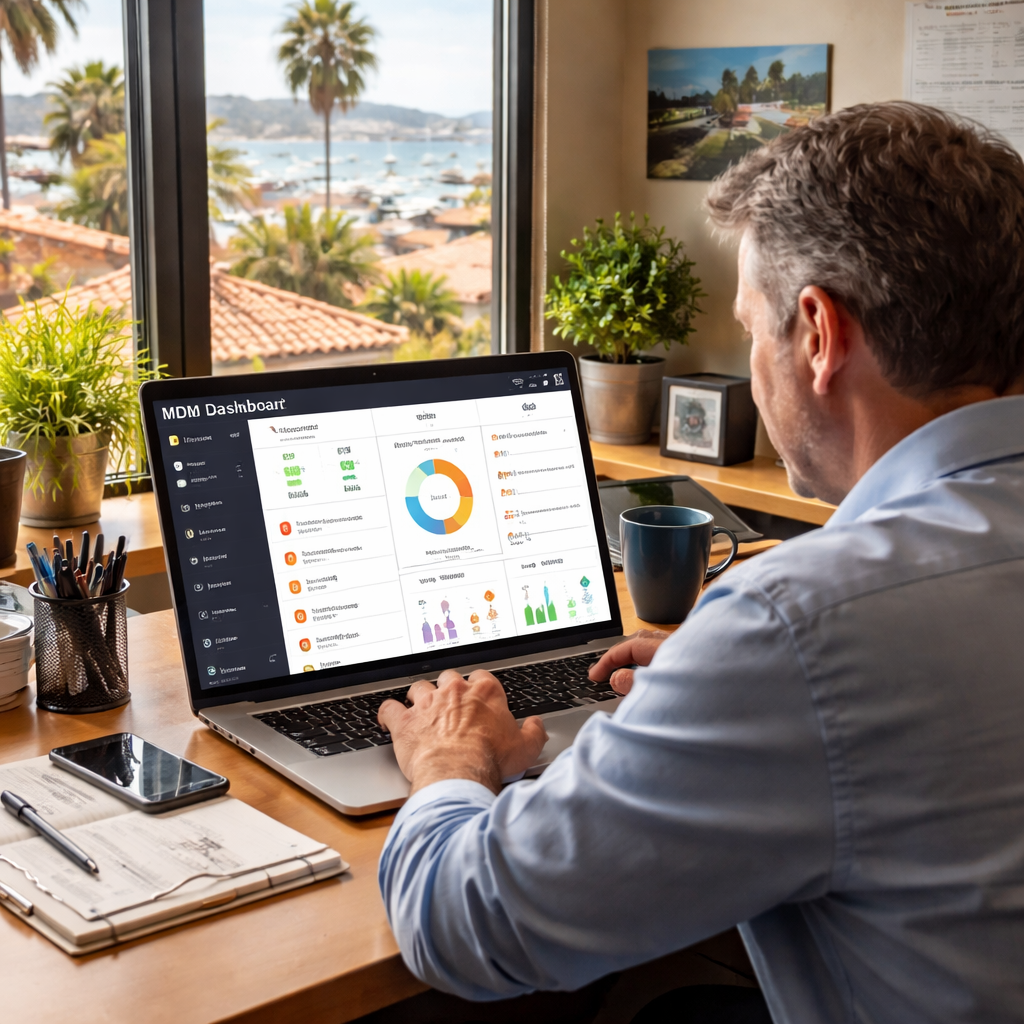
Stick to this rhythm and your devices stay locked down, your audits stay clean, and you keep focus on growth.
Frequently Asked Questions
What is mobile device management for small business and why do I need it?
Mobile device management (MDM) is a set of tools that let you see, control, and protect every phone, tablet, or laptop your team uses. It helps you lock devices, push updates, and wipe data if something goes wrong. Without it, a lost phone can leak client info, cause downtime, or cost you money.
How often should I review my MDM policies?
Treat your MDM policy like a health check. Look at it once a month with the people who own the devices. Ask if any new apps need rules, if any regulations changed, or if a device type was added. A quick monthly review keeps the settings fresh and stops small gaps from growing.
Can I force password rules on employee phones with MDM?
Yes. Most MDM platforms let you set a minimum password length, require a PIN or biometric, and lock the device after a few failed tries. Once you push the rule, the device won’t let the user skip it. This simple step blocks many easy hacks and keeps data safe.
What happens if a device is lost or stolen?
When a device goes missing, the MDM console can send a lock command right away. If you need to, you can also trigger a remote wipe that erases company data while leaving personal apps alone. The whole process takes minutes, not hours, and stops a breach before it spreads.
Do I need to buy expensive software to run MDM?
No. There are free or low‑cost tiers that cover the basics – password enforcement, remote wipe, and update push. For a small team, a free tier that supports up to 50 devices can be enough. As you grow, you can upgrade to a paid plan that adds reporting or more granular controls.
How does MDM help with compliance regulations?
Many rules, like HIPAA or PCI, require you to protect data on mobile devices. MDM lets you enforce encryption, keep logs of who accessed what, and generate reports that prove you’re following the law. Those reports make audits smoother and reduce the risk of fines.
Conclusion & Next Steps
You’ve seen how mobile device management for small business keeps data safe and lets you work from anywhere.
Next step? Grab a quick inventory of every device that touches your client info. Write down the owner, OS, and whether it’s corporate or BYOD.
Then set a strong passcode rule, turn on encryption, and enable remote wipe. Most MDM tools let you push these settings with a single click.
If you need help fine‑tuning policies or adding extra layers like threat monitoring, our Security Services can plug the gaps.
Finally, schedule a weekly check‑in: run the compliance report, fix any out‑of‑date devices, and note any policy tweaks. In a few minutes each week you keep your fleet secure and audit‑ready.
Ready to lock down your mobile fleet? Contact us for a quick assessment and get peace of mind today.






