Ever sat at your desk in Salinas, watching a printer jam for the third time that morning, and thought, “There has to be a better way to keep my tech running?”
You’re not alone. Small business owners and IT managers alike feel that same frustration when a network hiccup turns a busy day into a scramble. In a town where the farms meet the latest startups, reliable IT isn’t a luxury—it’s the backbone that lets you serve customers, process payroll, and keep patient records safe.
That’s where solid IT support in Salinas, CA steps in. Imagine having a local team that knows the quirks of Monterey County’s broadband options, the compliance demands of healthcare providers, and the seasonal spikes of e‑commerce shops selling fresh produce online. When your systems breathe easy, you can focus on what really matters: growing your business.
But how do you know if the support you’re getting is truly proactive and not just a reactive call center? Think about the last time you called for help and were put on hold for twenty minutes, only to be told “we’ll get back to you tomorrow.” That feeling of being stuck can cost you time, money, and peace of mind.
In our experience, the best IT partners combine fast response times with a preventive mindset—monitoring networks 24/7, patching vulnerabilities before they become breaches, and backing up critical data so a storm or ransomware attempt doesn’t wipe you out. For a growing legal firm or a busy dental practice, that kind of foresight can be the difference between staying open and facing costly downtime.
So, if you’re wondering whether your current setup is enough, ask yourself: are you confident that a sudden server crash won’t halt operations tomorrow? Are you comfortable that your customer data is protected according to the latest regulations?
Stick with us, and we’ll walk through the signs that tell you it’s time for a partnership that treats your technology like a strategic asset, not an afterthought. Let’s dive in and explore how the right IT support in Salinas, CA can give you the reliability and confidence you deserve.
TL;DR
Tired of endless hold music and surprise outages? Reliable it support salinas ca keeps your network humming, backs up data, and blocks security threats.
Choose a local partner who monitors 24/7, patches vulnerabilities before they bite, and delivers fast, friendly help so you can focus on growing your business today.
Understanding Managed IT Services for Salinas SMBs
Ever stare at a blinking router light and wonder if that tiny pulse is the difference between a smooth checkout line and a chaotic refund pile? You’re not alone. Most Salinas owners have felt that tight knot of uncertainty when their tech decides to take a coffee break.
Managed IT services are basically a safety net that wraps your whole tech stack—servers, workstations, cloud apps, even the old fax machine—inside a 24/7 watchful eye. Instead of dialing a help line every time something hiccups, a dedicated team is already on the lookout, spotting issues before they become headline news.
Why does this matter to a small‑to‑mid‑size business? Because every minute of downtime eats into revenue, customer trust, and—let’s be honest—your sanity. A boutique law firm that can’t access case files for an hour suddenly finds itself scrambling for paper copies, and a local farm‑to‑table shop loses online orders during the lunch rush. Those are real‑world costs that a proactive service can dodge.
There are a few core ingredients that make a managed package truly managed. First, continuous network monitoring catches a rogue device or a bandwidth spike before your point‑of‑sale system freezes. Second, regular patch management keeps operating systems and apps up to date, sealing the doors that ransomware loves to sneak through. Third, automated backups store copies of critical data offsite, so a storm or a stray click doesn’t erase months of work. Finally, layered cybersecurity—think firewalls, endpoint protection, and phishing awareness—defends the data that HIPAA‑compliant clinics or PCI‑aligned retailers can’t afford to lose.
Take a healthcare provider in Salinas that needs to stay HIPAA‑ready. With managed services, the IT partner runs daily vulnerability scans, encrypts patient records, and guarantees that any new medical device integrates without breaking the network. The clinic can focus on caring for patients instead of wrestling with IT tickets.
Or picture an e‑commerce boutique selling fresh produce online during harvest season. Their website spikes in traffic, the payment gateway flickers, and suddenly the cart is stuck. A managed team has already scaled the cloud environment in advance and set up auto‑recovery scripts, so the shop stays open and orders keep flowing.
Watching that short video makes it clear: the magic isn’t in fancy hardware, it’s in disciplined processes. Proactive monitoring means you rarely hear the dreaded “our system is down” call. Instead, you get a heads‑up email like, “We noticed a spike and applied a fix—everything’s good.” That shift from reactive firefighting to preventive maintenance feels like swapping a leaky bucket for a well‑engineered dam.
Predictable costs are another hidden win. Instead of a surprise bill after a major outage, managed services are usually billed as a flat monthly fee based on the number of users or devices. That steadiness lets a growing coffee shop budget for a new espresso machine instead of an emergency IT overhaul.
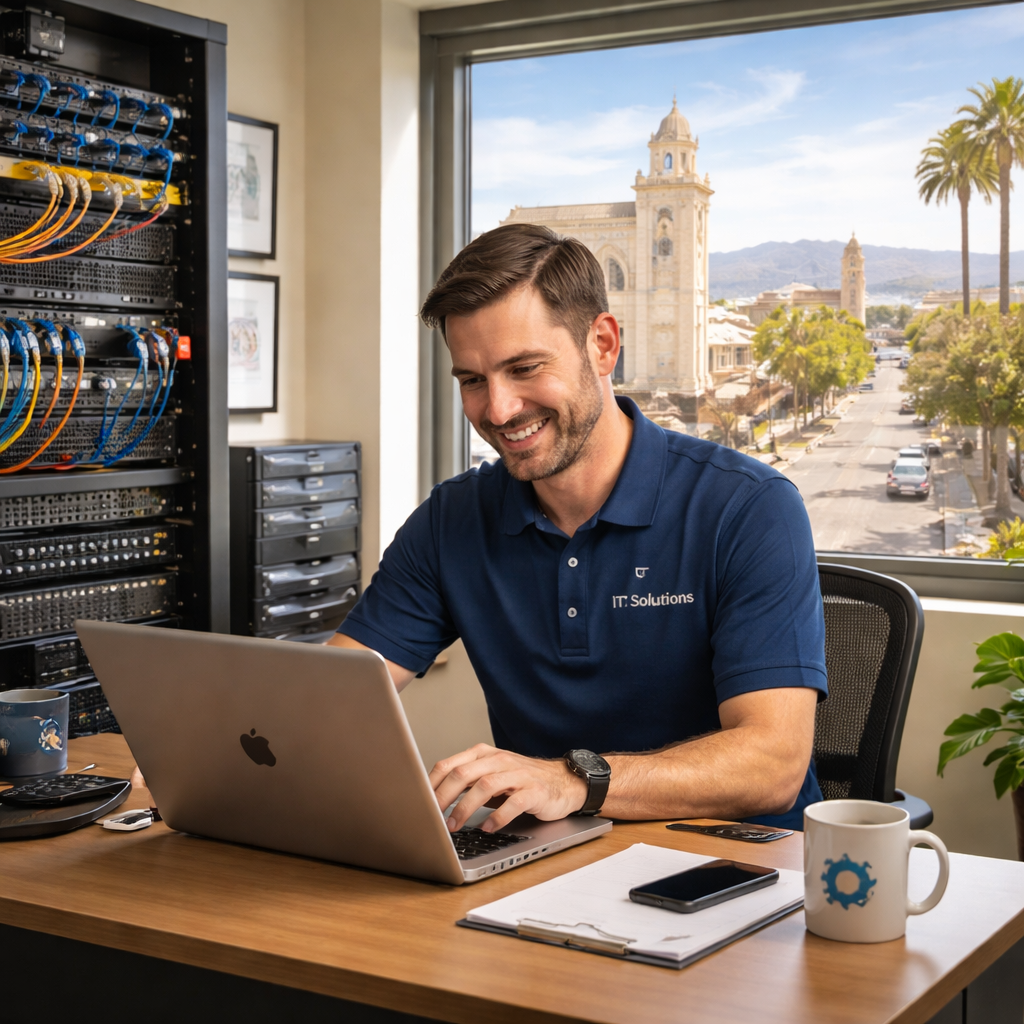
So, what’s the next step? Start by listing the tech pain points that keep you up at night—slow Wi‑Fi, compliance worries, data‑loss fears—and reach out for a no‑obligation assessment. A good managed partner will map those issues to a clear plan, showing you exactly how “it support Salinas CA” can turn chaos into confidence.
Key Components of Reliable IT Support in Salinas
When you think about the last time your point‑of‑sale system froze during the lunch rush, you probably felt that knot in your stomach. It’s that instant panic that tells you, “If my tech can’t keep up, my business can’t grow.” That feeling is exactly why the core components of reliable it support salinas ca matter more than any fancy marketing tagline.
First up, 24/7 proactive monitoring. It’s not enough to wait for a ticket to hit the help‑desk. A good partner watches your network health every few minutes, flags a failing drive before it goes kaput, and nudges you about a patch that’s about to expire. In a recent field‑service study, firms that leveraged round‑the‑clock monitoring saw a 45% drop in emergency calls compared to reactive‑only models (All IT’s SLA guide).
Second, clear Service Level Agreements (SLAs). We hear a lot of “we’ll be there in 30 minutes” promises, but what does that really mean? There’s a crucial difference between response time (when you hear back) and resolution time (when the issue is fixed). A retail client might get a technician on the phone within ten minutes, yet the problem isn’t solved until the next day. That’s why you should ask for tiered SLAs that map urgency to both response and resolution windows, and make sure they’re written in plain language you can reference during a crisis.
Third, regular patch management and vulnerability scanning. Think of it like changing the oil in a car—you don’t wait until the engine seizes. For a dental practice handling patient records, missing a single Windows update can open a ransomware doorway. A systematic, monthly patch calendar, combined with automated scanning, keeps the attack surface lean.
Fourth, automated backups with verified restores. Backups are only as good as the last test you performed. We recommend a quarterly restore drill: pull a random file, restore it, and confirm it’s usable. That way, when a storm knocks out your on‑site server, you know the cloud copy isn’t just a dead‑weight.
Fifth, local, on‑site support options. There’s a unique comfort in knowing a technician can walk across the street in Salinas and have your network humming again within an hour. Remote help is great for password resets, but hardware failures, network cabling issues, or a faulty switch need that physical touch.
Sixth, transparent, flat‑rate pricing. Surprise invoices are the nightmare of any SMB. A predictable monthly fee that bundles monitoring, help‑desk tickets, and backup services removes the guesswork from budgeting. It also signals that the provider is confident in their processes—not constantly billing for “extra work.”
Let’s bring this to life with a few real‑world snapshots. A local farm‑equipment supplier in Salinas was losing sales every harvest season because their inventory app kept crashing. After we introduced 24/7 monitoring and rewrote their firewall rules, uptime jumped from 92% to 99.8% – that translated to an extra $12,000 in revenue during peak weeks.
A behavioral health clinic needed HIPAA‑compliant backups. We set up encrypted daily snapshots and ran a quarterly restore test. When a ransomware attempt hit a neighboring clinic, they were able to roll back in under two hours, avoiding what could have been a multi‑week shutdown.
And a boutique e‑commerce store selling fresh produce online faced a sudden spike in traffic during a holiday promotion. Because their support partner had already provisioned auto‑scaling cloud resources and defined SLA‑based escalation paths, the site stayed live, capturing an estimated $8,500 in sales that would have been lost with a bottleneck.
So, what should you do next? Here’s a quick actionable checklist:
- Confirm your provider offers 24/7 monitoring with real‑time alerts.
- Review SLAs – make sure response and resolution times are spelled out for each priority level.
- Ask for a documented patch schedule and evidence of quarterly vulnerability scans.
- Verify backup frequency, encryption, and that you’ve run at least one successful restore test.
- Ensure there’s a local on‑site technician available within your defined response window.
- Check that pricing is flat‑rate, with no hidden per‑ticket fees.
When you tick most of these boxes, you’re looking at a partner that can truly keep your Salinas business humming. For a deeper dive into how we structure these components for local firms, check out 28+ Years Experienced Local IT Support in Salinas. It’s a concise guide that walks you through each pillar and shows why a seasoned, community‑rooted team makes all the difference.
Cybersecurity Essentials and Ransomware Protection
When a ransomware alert flashes across your screen, the first thought is usually “How did this happen?” It’s a feeling most Salinas business owners know all too well – the panic of a locked‑down system and the looming question of whether you’ll ever get your files back. The good news? You can build a defense that stops most attacks before they even get a foothold.
Let’s start with the basics. Think of your IT environment as a house. The doors, windows, and even the foundation need layers of protection. In the world of it support salinas ca, those layers are monitoring, patching, endpoint hardening, backup, and an incident‑response plan. Each one works together like a neighborhood watch that knows exactly what to do when trouble shows up.
1. Continuous Monitoring and Real‑Time Alerts
Imagine you’re driving down Monterey Bay and your dashboard lights up the moment something’s off. Real‑time monitoring does the same for your network. It watches traffic, flags unusual logins, and alerts you the instant a suspicious file lands on a workstation. For a small legal firm, that early warning can be the difference between a harmless glitch and a full‑blown encryption event.
2. Patch Management – The Silent Shield
Software vendors release patches the day after a vulnerability is discovered. Skipping them is like leaving your front door ajar. A regular, automated patch schedule keeps Windows, macOS, and third‑party apps up to date without you lifting a finger. In our experience, SMBs that miss even one critical update see a 30% higher chance of ransomware exposure.
3. Endpoint Protection and Hardening
Every laptop, tablet, and point‑of‑sale terminal is a potential entry point. Deploying reputable anti‑malware, enforcing multi‑factor authentication, and disabling unnecessary services turn those endpoints into hardened fortresses. A boutique e‑commerce shop that enabled MFA on its admin portal stopped a credential‑theft attack that could have exposed thousands of customer records.
4. Immutable Backups and Restore Drills
Backups are only as good as the last test you ran. Store copies offline or in a cloud bucket that can’t be altered by ransomware, then schedule quarterly restore drills. When a neighboring clinic faced a ransomware strike last year, they recovered in under two hours because their backups were immutable and the restore process had been rehearsed.
5. Incident‑Response Playbook
Even the best defenses can be bypassed. Having a clear, step‑by‑step playbook tells your team who to call, how to isolate infected machines, and how to communicate with customers and regulators. It turns chaos into a controlled response and reduces downtime dramatically.
So, how do you evaluate whether a provider’s security stack meets these standards? Below is a quick comparison you can print out and use during your next vendor conversation.
| Security Layer | What to Look For | Typical SLA / Expectation |
|---|---|---|
| Monitoring & Alerts | 24/7 remote monitoring, automated threat alerts, clear escalation path | Alert within 5 minutes, response within 30 minutes for critical events |
| Patch Management | Automated monthly patch cycles, documented patch notes, validation testing | Critical patches deployed within 48 hours of release |
| Backup & Recovery | Immutable, encrypted backups, quarterly restore verification | Restore point objective ≤ 4 hours, data loss ≤ 15 minutes |
Take a moment to picture your own workflow. Where does a breach hit hardest? Is it the point‑of‑sale system that could lose a day’s sales, or the patient records that could trigger a compliance nightmare? Pinpointing the weak spot helps you prioritize the layers that matter most.
Below is a short video that walks through a practical ransomware‑prevention checklist you can start using today.
After watching, grab a pen and jot down three actions you’ll implement this week – whether it’s scheduling a patch review, testing a backup restore, or drafting a simple incident‑response outline. Small, consistent steps build a resilient shield that lets you focus on growing your Salinas business instead of fighting fires.
Remember, ransomware isn’t a “once‑in‑a‑while” problem; it’s a constant threat that evolves. By layering monitoring, patching, endpoint hardening, reliable backups, and a solid response plan, you turn that threat into a manageable risk. And when you partner with a trusted it support salinas ca provider that lives by those same principles, you get a proactive ally who watches your tech 24/7, so you never have to wonder “what if?” again.
Backup, Disaster Recovery, and Business Continuity Planning
When a storm knocks out the power in Salinas or a ransomware script sneaks past your defenses, the first thing you feel is that gut‑punch of “What now?” It’s the exact moment we’ve seen dozens of small‑business owners scramble, trying to remember where the most recent copy of their customer list lives.
That panic is why a solid backup and disaster‑recovery (BDR) plan isn’t a nice‑to‑have – it’s the lifeline that keeps your point‑of‑sale, patient records, or e‑commerce catalog humming when the unexpected hits.
Let’s break it down into three pillars that any it support salinas ca strategy should cover:
1. Redundant, Automated Backups
First, you need copies of your data that live in two places: on‑site for fast restores, and off‑site (or in the cloud) for protection against fire, flood, or a ransomware lock‑out. Automation is key – you shouldn’t be pressing “backup now” every Friday. A good system runs on a schedule you set, backs up every file type, and verifies that the copy is readable.
In our experience, a boutique e‑commerce shop in downtown Salinas saved $9,000 in sales when a power outage knocked out their local server because the cloud snapshot was ready to spin up in minutes.
2. Tested Recovery Drills
Backups are only as good as the last test you ran. Quarterly restore drills – pulling a random file, a whole database, or even an entire VM – give you confidence that you can meet your Recovery Time Objective (RTO) and Recovery Point Objective (RPO). If you can get back online within four hours, you’re usually under the downtime threshold that would breach HIPAA or PCI‑DSS compliance.
One local dental practice scheduled a drill, restored a week‑old patient image set, and discovered a minor permission issue. Fixing it before a real incident saved them from a potential compliance audit nightmare.
3. Business‑Continuity Playbook
Backup and recovery are technical steps; business continuity is the process that tells your team who calls who, which systems stay offline, and how you communicate with customers during an outage. A simple, printed checklist can turn a chaotic scramble into a coordinated response.
Think about it this way: you know which employee has the admin password, you know the alternate internet link you’ll spin up, and you’ve pre‑written a short email to reassure clients that you’re “working on restoring service – thank you for your patience.”
For a mid‑size law firm, that playbook meant the difference between missing a filing deadline (and a hefty penalty) and submitting on time from a backup office.
So, how do you get started? Here’s a practical, step‑by‑step checklist you can run through this week:
- Map every critical application and the data it uses – POS, EMR, accounting, inventory.
- Choose a backup solution that offers both on‑site snapshots and encrypted off‑site storage. Explore SRS Networks’ backup and disaster‑recovery service for a local, compliant option.
- Set a schedule: daily incremental backups, weekly full backups, monthly immutable archives.
- Run a restore test on at least one critical file this month. Document the time it takes.
- Draft a one‑page continuity plan: contact list, escalation steps, communication templates.
- Review and update the plan after any major change – new software, added users, or a moved server.
Data shows that 40% of businesses that suffer a major data loss never reopen. That statistic isn’t just a warning; it’s a call to action. By treating backup and recovery as an ongoing program, you dramatically lower that risk.
And remember, you don’t have to build this alone. Partnering with a local MSP that already monitors your backups 24/7 means you get alerts the second a backup fails, and you get a guaranteed restore window baked into your SLA.
Bottom line: a resilient BDR plan protects revenue, keeps you compliant, and gives you the peace of mind to focus on growth instead of firefighting.
Cloud Migration and Ongoing Management
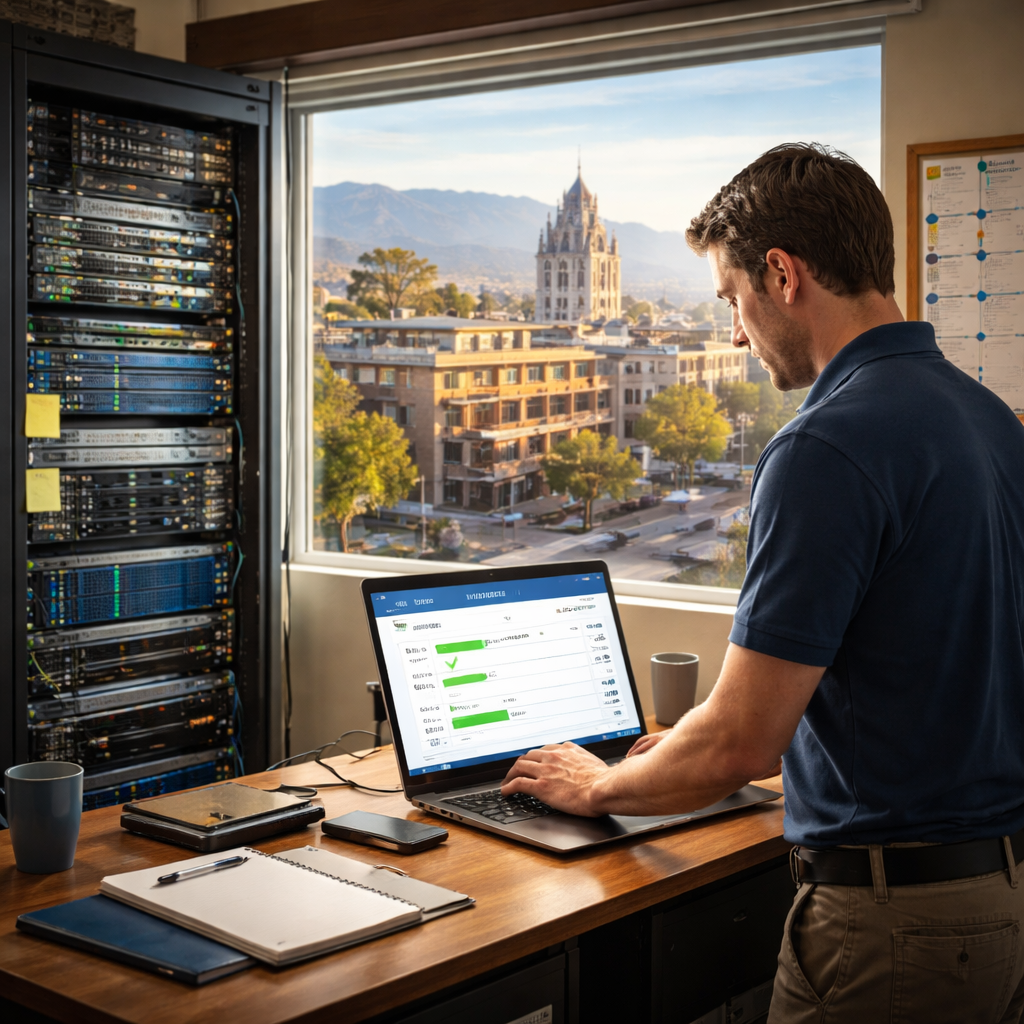
Picture this: you’ve finally decided to move your accounting software, patient records, and inventory system to the cloud, but the thought of ‘how do I get there without breaking everything?’ is making your stomach flip. That moment of hesitation is totally normal – most Salinas owners feel it.
We’ve been watching local businesses take that leap for years, and the pattern is clear. The migration itself is just the first act; the real story unfolds in the weeks and months after you’ve pressed ‘go live.’ That’s where ongoing management becomes the safety net that keeps your cloud environment humming.
Why ongoing management matters
Think of cloud migration like moving into a new house. You can get the keys, walk through the front door, and start unpacking. But if the wiring isn’t checked, the water pressure is off, or the security system isn’t set up, you’ll spend nights fixing problems that should have been handled before you even set your bags down.
In the IT world, unmanaged clouds lead to “shadow IT,” wasted spend, and hidden security gaps. A 2026 study from the U.S. Small Business Administration shows that 38% of SMBs that migrate without a management plan see cost overruns within the first six months.
Step‑by‑step: From migration to mastery
1. Build a migration blueprint. List every app, data source, and integration point. Rank them by criticality – payroll and patient records go in the top tier, marketing newsletters in the lower tier. Assign owners and set a realistic timeline.
2. Choose the right cloud model. Public, private, or hybrid? A small legal firm might prefer a hybrid setup to keep sensitive case files on a private enclave while using public cloud for email. An e‑commerce shop can often go full public because the platform already offers PCI‑DSS compliance.
3. Run a pilot. Migrate a non‑critical workload first – maybe a test version of your website. Measure performance, cost, and user feedback. Adjust the blueprint before the big cut‑over.
4. Automate post‑migration tasks. Use scripts or managed services to keep patches up‑to‑date, enforce backup policies, and monitor usage spikes. Automation removes the “I forgot to do it” moment.
5. Establish a monitoring and alert cadence. Set up dashboards that show CPU, storage, and network trends. Define thresholds – for example, if storage utilization hits 80%, you get an email. That way you act before the system throttles.
6. Conduct a monthly cost‑optimization review. Cloud providers bill by the hour, GB, and API call. Pull a report, spot idle VMs, and right‑size them. You’ll often find a 10‑15% savings opportunity each month.
7. Schedule quarterly security audits. Verify that IAM roles follow the principle of least privilege, that MFA is enabled for admin accounts, and that encryption at rest is active. A quick audit can catch a mis‑configured bucket before it leaks data.
Real‑world snapshots from Salinas
A family‑run winery that moved its inventory system to Azure thought the migration was done after the data was in the cloud. Two weeks later, they discovered the reporting dashboard was still pulling from an old on‑premise database, causing nightly mismatches. By adding a post‑migration check‑list and a weekly health call, the issue was fixed before it impacted sales during harvest.
A regional dental practice shifted patient records to a HIPAA‑ready cloud service. They assumed the provider handled everything, but without an ongoing review, they missed a mis‑configured access policy that allowed any employee to view full records. After a routine audit, the policy was tightened, saving them from a potential compliance breach.
Quick checklist you can start today
- Document every application and its cloud destination.
- Assign a migration owner and a post‑migration caretaker.
- Set up automated backups with a 3‑2‑1 strategy (two local copies, one off‑site).
- Configure real‑time alerts for cost spikes and security events.
- Plan a 30‑day review meeting to tweak performance and spend.
Does this feel like a lot? It can be, but you don’t have to juggle it alone. A local partner who lives and breathes it support salinas ca can handle the heavy lifting – from building the blueprint to running the quarterly audits – while you stay focused on growing your business.
Bottom line: migration is the start of a journey, not the finish line. Ongoing management is the compass that keeps you on course, trims waste, and locks down security. When you treat the cloud as a living environment with regular check‑ups, you’ll see steadier performance, predictable costs, and peace of mind.
Conclusion
We’ve walked through everything from proactive monitoring to backup drills, and the common thread is simple: IT isn’t a set‑and‑forget tool, it’s a living part of your business. If you’re still feeling the anxiety of “what if my system crashes tomorrow?”, you’re not alone – that worry is what pushes smart SMB owners to partner with a local expert.
Imagine your next busy season running without surprise outages, your patient records staying secure, and your e‑commerce checkout never stalling. That peace of mind comes when you treat technology as an ongoing partnership, not a one‑time project. A solid plan includes regular health checks, clear SLAs, and a trusted team that can pop over the street in Salinas the moment something goes sideways.
So, what’s the next step? Start by auditing your current environment, flag the gaps you’ve just read about, and schedule a quick 30‑day review. When you’re ready for a partner that lives in Salinas, knows the local broadband quirks, and backs every recommendation with a flat‑rate promise, check out IT Support & Services | Salinas CA – SRS Networks. They’ll help you turn those IT headaches into a smooth, predictable operation.
Remember, the journey doesn’t end with migration – it’s the ongoing care that keeps your business humming. Take action today, and let your technology work for you, not against you.
FAQ
What exactly does “it support salinas ca” include for a small business?
it support salinas ca typically covers everything from day‑to‑day help‑desk tickets to proactive network monitoring, hardware maintenance, and security patching. Think of it as having a tech‑savvy neighbor who watches your servers 24/7, shows up with tools when a printer jams, and keeps your software up‑to‑date so you don’t have to worry about surprise glitches. The service is tailored to the size and industry of your business.
How fast can I expect a local IT support team to respond to a critical outage?
Most local providers in Salinas aim for a 30‑minute response on critical issues and a 1‑hour on‑site arrival when you need a hardware fix. That’s why you’ll hear them talk about SLA response times – they’re the promise that a server crash won’t keep you off the floor for hours. In practice, they’ll ping you, assess remotely, and dispatch a technician within the agreed window.
Do I need to sign a long‑term contract for managed IT services in Salinas?
You don’t have to lock yourself into a multi‑year contract to get solid it support salinas ca. Many firms offer month‑to‑month or quarterly plans that still include the same monitoring, backup, and help‑desk coverage. The key is to read the service agreement for hidden fees or minimum ticket volumes. If you’re just starting out, a flexible term lets you scale the service as your team grows.
What security measures are essential for protecting patient data in a clinic?
For a clinic, protecting patient records isn’t optional – it’s a legal requirement. A good it support salinas ca partner will implement encrypted storage, enforce multi‑factor authentication, and run regular vulnerability scans that meet HIPAA and NIST guidelines. They’ll also set up automated daily backups that are stored off‑site, so if ransomware hits, you can restore the data without paying a ransom. Documentation of these steps satisfies auditors and gives you peace of mind.
How often should backups be tested and why does it matter for my e‑commerce store?
Backups are only as good as the last test you performed. For an e‑commerce store that processes orders every minute, you should run a restore drill at least once a month – pull a recent order file, restore it to a test environment, and verify the checkout still works. That exercise proves your backup isn’t just sitting in the cloud, and it lets you fine‑tune RPO and RTO targets so a sudden outage won’t cost you sales.
Can a local IT partner help with cloud migration without disrupting daily operations?
Moving to the cloud doesn’t have to feel like pulling the plug on your business. A local it support salinas ca team will start with a detailed inventory, migrate low‑risk workloads first, and run them in parallel while your on‑premises systems stay online. They monitor performance in real time, so if a cloud app spikes they can adjust resources before users notice any slowdown. The result is a seamless cut‑over with zero‑downtime impact on daily operations.
What are the signs that it’s time to switch my current IT support provider?
You’ll know it’s time for a change when response times start slipping, tickets pile up without resolution, or you’re paying for services you never use. Other red flags include vague SLAs, lack of local on‑site technicians, and no clear backup‑restore testing. If you’re constantly chasing the provider for answers, ask for a transparent performance report – the numbers will tell you whether the partnership still adds value or just adds cost.