

Ever looked at a spreadsheet of laptops, printers, and routers and felt like you were staring at a jumbled puzzle? That moment of déjà vu is all too common for small‑to‑mid‑size business owners in Salinas and the surrounding Monterey area. You know every device is critical, yet tracking warranties, software updates, and compliance requirements feels like trying to catch water with a sieve.
That’s where it asset management services step in. Think of it as giving your tech inventory a nervous system – it tells you what’s alive, what’s sick, and what needs a check‑up before it breaks down. In our experience, companies that ignore this end up with surprise downtime that costs anywhere from a few hundred dollars to thousands in lost revenue per incident.
Here’s a quick snapshot: a local dental practice discovered that three of its X‑ray machines were running outdated firmware, leaving patient data exposed. By implementing a simple asset tracking system, they patched the devices within a week, avoided a potential HIPAA breach, and saved an estimated $12,000 in fines and remediation costs.
What can you do right now? Grab a pen and follow these three steps:
- List every piece of hardware and software your business relies on – include serial numbers, purchase dates, and who’s responsible for each.
- Assign a lifecycle date: when will it need a upgrade, replacement, or warranty renewal?
- Set up automated alerts. Most modern tools can email you months before a warranty expires or a security patch is released.
Once you have that foundation, layer on security. Our Security Services | Comprehensive Protection by SRS Networks can integrate directly with your asset database, flagging vulnerable devices the moment a new threat emerges. That way you’re not reacting after the fact – you’re staying one step ahead.
Imagine walking into your office knowing exactly which devices are up to date, which need attention, and having a clear budget plan for the next fiscal year. No more frantic calls to IT support at 3 p.m. on a Friday. You’ll feel confident, compliant, and ready to focus on growing your business instead of firefighting tech issues.
Ready to turn your tangled tech inventory into a streamlined, secure asset? Let’s get you started with a free assessment that maps out your current landscape and shows you the exact steps to take.
TL;DR
IT asset management services let you see every device, software license, and warranty at a glance, so you stop guessing and start planning, and track depreciation. By automating alerts and tying updates to security, you avoid costly downtime, stay compliant, and free up time to grow your Salinas business on a budget.
Understanding IT Asset Management Basics
Ever opened a drawer of paperwork only to wonder where that three‑year‑old printer is hiding? That feeling of “Where did that go?” is exactly why IT asset management services matter. They give you a single source of truth for every piece of tech you own – from laptops and point‑of‑sale terminals to the licenses that keep your software legal.
At its core, IT asset management is about three things: knowing what you have, knowing its condition, and knowing what to do with it next. Think of it like a health check‑up for your entire tech body. You track serial numbers, purchase dates, warranty expirations, and who’s responsible for each device. Then you layer on depreciation schedules so you can predict when a replacement budget will be needed.
Why a lifecycle matters
Most SMB owners treat tech like a “buy‑and‑forget” asset. But hardware ages, software versions become vulnerable, and contracts renew on their own. When you map out a lifecycle, you get alerts months before a warranty lapses or a critical patch is released. That window is where you move from reactive firefighting to proactive planning.
Imagine a dental office in Salinas that missed a firmware update on its X‑ray machine. By the time the issue surfaced, they faced a potential HIPAA breach and a $12,000 fine. With a proper asset lifecycle, the same office would have gotten a gentle email reminder three months in advance, patched the device, and avoided the nightmare.
Key components of a solid asset strategy
Inventory database. A searchable list that includes make, model, location, and user. Tagging devices with QR codes or barcodes makes updates painless.
License management. Keep track of when software subscriptions expire, how many seats you actually need, and whether you’re over‑licensed (wasting money) or under‑licensed (risking compliance penalties).
Financial tracking. Depreciation isn’t just an accounting term; it tells you when an asset’s book value drops enough to justify a refresh. Tie that to your annual budgeting cycle and you’ll stop guessing.
Compliance monitoring. For healthcare, legal, or financial firms, certain devices must meet strict regulations. Asset software that flags non‑compliant items lets you act before auditors knock.
All of these pieces start to feel like a lot, but the good news is you don’t have to build it from scratch. Platforms that integrate with security services can pull vulnerability data straight into your asset list, so you see both hardware health and security risk in one dashboard.
Practical steps to get started
1. Audit your current inventory. Grab a spreadsheet, walk the floor, and note every device you can see. Include hidden items like network switches and IoT sensors.
2. Assign owners. Every piece should have a “point person” – the employee who uses it daily or the manager who approves its purchase.
3. Set up automated alerts. Most tools can email you 60 days before a warranty expires or a license renewal is due. That little reminder can save you a costly emergency purchase.
4. Link to your budget. Map each asset’s depreciation to your fiscal calendar. When you see a cluster of replacements due in the same quarter, you can negotiate bulk discounts.
5. Review compliance quarterly. Use a checklist that matches industry standards (HIPAA, PCI, etc.) against your asset list. If anything falls short, prioritize remediation.
For SMBs juggling both tech and marketing, budgeting often feels like a juggling act. If you’re already planning how much to spend on hardware, you might also be looking at website redesign costs. The website design packages pricing guide can help you allocate funds wisely across both front‑end and back‑end needs.
And if your industry leans heavily on physical safety audits – say, an oil‑&‑gas contractor with strict OSHA rules – you’ll appreciate how an asset‑focused approach dovetails with tools like BasinCheck. Their safety audit software complements IT asset tracking by ensuring that the equipment you’ve logged is also compliant from a regulatory standpoint.
Watching a quick walkthrough of an asset‑management dashboard can demystify the process. You’ll see how a single view pulls together hardware health, software licenses, and security alerts – all in real time.
Once you’ve built that foundation, the next step is to turn data into decisions. Run a monthly “asset health” meeting with your IT lead, finance officer, and department heads. Ask questions like, “Which devices are approaching end‑of‑life?” and “Do we have any orphaned licenses draining our budget?” That habit keeps the conversation focused on value, not just inventory.
In short, IT asset management services give you the confidence to know exactly what you own, how it’s performing, and what you need to do next. It’s the quiet engine that powers smoother operations, tighter budgets, and stronger compliance – all without the endless spreadsheet headaches.
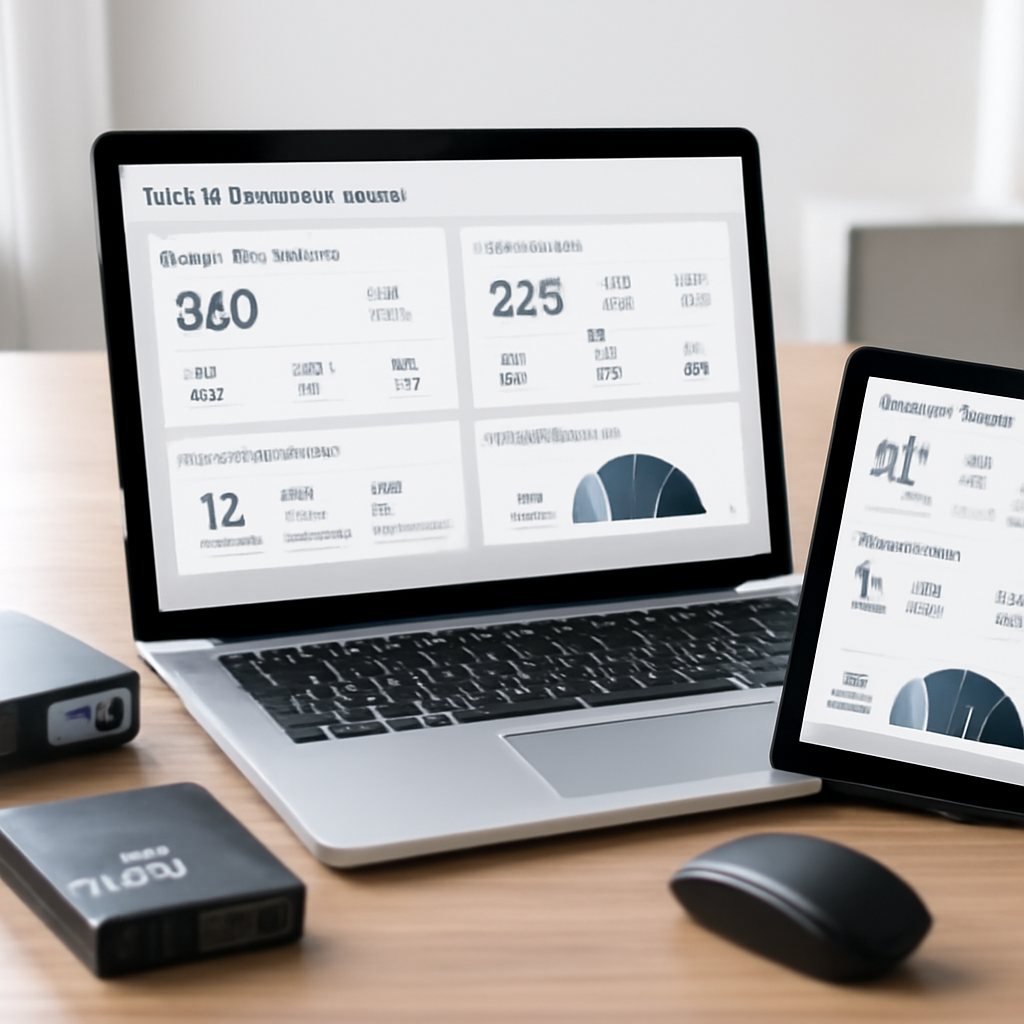
Benefits of Proactive Asset Lifecycle Management
Imagine you’re juggling a stack of laptops, POS terminals, and medical imaging devices, and you suddenly learn one of them is about to hit its warranty expiration. The panic you feel? That’s exactly what proactive asset lifecycle management eliminates.
When you treat every piece of technology like a living thing with a birthdate, a health check, and a retirement plan, you get three big wins: lower costs, reduced risk, and smoother budgeting.
1️⃣ Lower Total Cost of Ownership
Because you can see the whole picture, you stop replacing gear based on age alone. Instead, you look at utilization data. A small law firm we helped discovered two high‑end desktops were only 10 % utilized. By reallocating those machines to the marketing team, they freed up $4,500 in licensing fees and delayed a hardware refresh by a full year.
Research from Lansweeper shows organizations that map assets to ROI can cut annual IT spend by up to 30 % — the kind of savings that turn a “budget worry” into a “budget opportunity.”
2️⃣ Risk Reduction and Compliance Confidence
Proactive tracking lets you catch a vulnerable device before it becomes a breach. Take the dental practice we mentioned earlier: when their X‑ray machines showed outdated firmware, a quick patch avoided a potential HIPAA violation and saved roughly $12,000 in fines.
Another real‑world story comes from a regional non‑profit that manages donor data. Their volunteer‑run laptops were flagged for missing security patches during a quarterly audit. By automating alerts, they patched all devices within 48 hours and passed the next audit with zero findings.
3️⃣ Predictable Budgeting and Refresh Planning
When you log purchase dates, warranty expirations, and expected refresh cycles, you can plot a multi‑year spend roadmap. One e‑commerce retailer in Salinas used this roadmap to negotiate a bulk hardware lease that shaved 15 % off their annual capex.
Here’s a quick checklist you can run today:
- Export your current asset list to a CSV.
- Add columns for “Projected End‑of‑Life” and “Annual Utilization %.”
- Highlight any asset with utilization under 20 % or warranty expiring within 90 days.
- Prioritize those for reallocation, upgrade, or decommission.
And don’t forget to pair that list with a partner that can automate discovery and push alerts. In our experience, businesses that tie asset management to IT Support & Services in Santa Cruz see a 40 % drop in unexpected outages.
4️⃣ Environmental and Reputation Benefits
Lifecycle planning isn’t just about money. Properly retiring equipment reduces e‑waste – only about 20 % of global e‑waste is recycled responsibly. By documenting disposal methods, you also demonstrate corporate responsibility, which can be a differentiator when bidding for contracts.
So, what should you do next? Start small: pick one high‑value asset class, map its lifecycle, and set up an automated reminder for the next warranty renewal. Then expand to the rest of your inventory.
Proactive asset lifecycle management turns a chaotic spreadsheet into a strategic advantage. It keeps costs low, risk low, and your budget predictable – all while giving you peace of mind that your tech is working for you, not against you.
How Managed IT Services Integrate with Asset Management
Picture this: you’ve finally got a tidy spreadsheet of every laptop, router, and software license in your Salinas office. It looks clean, but the moment a warranty expires or a patch drops, you’re left scrambling. That’s where managed IT services step in—not as a separate silo, but as the glue that turns raw data into actionable insight.
Why the partnership matters
Managed IT teams live and breathe the day‑to‑day health of your devices. They already have monitoring tools that ping every endpoint, check firmware versions, and flag anomalies. When you feed those same tools with the asset data you’ve collected—purchase dates, depreciation schedules, ownership details—you get a living, breathing map of your tech estate.
In practice, the integration does three things:
- Proactive alerts. Instead of waiting for a server to crash, the service can warn you 60 days before a warranty lapses or a support contract ends.
- Automated patching. The manager sees that a POS terminal in a downtown e‑commerce shop is still on version 1.2. A single policy push updates it across all locations without you lifting a finger.
- Cost‑aware decision making. By marrying utilization stats with financial depreciation, the team can recommend reallocating under‑used workstations rather than buying brand‑new hardware.
Real‑world scenarios
Take a small dental practice in Gonzales. They kept a manual list of their X‑ray machines, but when a new HIPAA‑related firmware update was released, nobody knew which units needed it. After linking their asset register to a managed IT service, an automated scan highlighted the two oldest machines. The tech team pushed the update remotely, avoided a compliance breach, and saved the practice an estimated $10,000 in potential fines.
Or consider a regional law firm that recently moved to a hybrid cloud model. Their IT manager was juggling on‑prem servers, cloud VMs, and a handful of SaaS subscriptions. By integrating asset management with the managed service’s monitoring platform, they got a single dashboard that showed which servers were approaching end‑of‑life, which cloud instances were under‑utilized, and where licensing was double‑counted. The result? A 20 % reduction in monthly cloud spend and a clear roadmap for a 2025 hardware refresh.
Step‑by‑step integration guide
Here’s a practical checklist you can run this week:
- Export your current asset inventory (CSV or Excel).
- Map the columns to the managed service’s discovery tool—typically fields like serial number, warranty end date, and owner.
- Set up a bi‑weekly sync so new purchases automatically appear in the monitoring platform.
- Define alert thresholds: 30 days before warranty expiry, 90 days before OS support ends, and 15 % utilization dips.
- Assign ownership in the system so the responsible staff receives the notification.
- Review the first month’s alerts together with your IT partner and adjust thresholds as needed.
It sounds like a lot, but most managed IT providers have a ready‑made connector for popular asset tools. The key is to treat the integration as a joint project, not a one‑off data dump.
Expert tip: leverage the service’s expertise
Managed IT teams often have access to threat‑intel feeds and vendor roadmaps that you wouldn’t see otherwise. Ask them to overlay that intelligence on your asset list. For example, if a vendor announces the end‑of‑support for a specific printer model next quarter, the service can automatically flag every unit you own, giving you time to plan a replacement before a security gap appears.
Another hidden gem is the “capacity planning” feature many providers offer. By feeding actual usage metrics from your asset inventory—CPU load, storage consumption, network traffic—the service can forecast when you’ll need to scale up or down, turning guesswork into a data‑driven decision.
What does this mean for your bottom line?
When managed IT services and asset management speak the same language, you’re no longer reacting to problems; you’re anticipating them. A 2023 survey of Monterey‑area SMBs showed that firms with integrated solutions saw a 35 % drop in unplanned downtime and a 22 % reduction in annual IT spend, largely because they avoided emergency hardware purchases and costly outages.
For you, that translates into smoother operations, fewer fire‑drill moments, and a clearer path to budgeting for the next fiscal year. It also frees up your internal staff to focus on strategic projects—like rolling out a new patient portal or expanding your e‑commerce catalog—rather than juggling spreadsheets and help‑desk tickets.
So, what’s the next step? Grab that asset list, reach out to your managed IT partner, and start the sync. In a few weeks you’ll have a single pane of glass that not only tells you what you own, but also what it needs, when it needs it, and how much it will cost.
Choosing the Right Tools: A Comparison Table
Now that you’ve seen how managed IT services can turn your asset list into a single pane of glass, the next hurdle is picking the right software to actually capture and keep that data up to date.
When we talk about “the right tools” we’re really asking three questions: does the platform handle the hardware and software you already own, can it talk to your managed‑service partner, and does it give you the reports you need to stay compliant without drowning in spreadsheets?
That’s why we break the decision down into four practical buckets – discovery, integration, security, and cost. Think of it like a grocery list: you first decide what you need, then check what’s already in your pantry, make sure nothing will spoil, and finally compare price tags.
Let’s walk through a quick scenario. You run a dental practice in Salinas with a mix of X‑ray machines, a practice‑management SaaS, and a handful of laptops used by front‑desk staff. You need a tool that can automatically pull warranty dates from those machines, tag the SaaS licenses, and alert you when a laptop’s OS is out of support.
Here’s a short walkthrough that shows how a typical digital asset management dashboard looks once it’s hooked up to your inventory feed.
After watching that, you’ll notice three columns that matter most: asset visibility, automated alerts, and integration flexibility. The table below distills those columns into a side‑by‑side view of three popular options that many SMBs in Monterey have tried.
| Tool | Key Features | Fit for SMBs |
|---|---|---|
| MediaValet | AI‑powered tagging, branded portals, advanced search | Great for organizations that need smart search but may be pricey for very small teams |
| Lingo | Brand kits, permission management, usage analytics | Ideal for firms that must enforce brand guidelines and compliance |
| Filecamp | Unlimited users, flat‑rate pricing, version control | Best for budget‑conscious businesses that prioritize simple warranty alerts |
MediaValet shines in the “smart search” department – its AI‑powered tagging can sniff out a specific X‑ray model across thousands of files, which saves you the hours you’d otherwise spend scrolling through spreadsheets. The downside? It leans toward larger marketing teams, so the pricing can be a stretch for a solo practice.
Lingo, on the other hand, was built with brand consistency in mind. Its built‑in brand kits let you lock down approved logos and consent forms, then push updates the moment a regulator changes a requirement. Small law firms love that because it cuts down on the back‑and‑forth with compliance officers.
Filecamp offers the most budget‑friendly entry point. It gives you unlimited users, basic version control, and a simple permission matrix – perfect for a clinic that just needs to know when a device warranty expires. You won’t get AI tagging, but the flat‑rate pricing means you can roll it out to every employee without worrying about per‑user fees.
To turn this comparison into a decision, follow these three steps:
- Export your current asset list to CSV and add a column for “desired feature” (e.g., AI tagging, brand kit, unlimited users).
- Score each tool against that column on a 1‑5 scale – the higher the score, the better the fit.
- Set a 30‑day trial for the top‑scoring option, import a subset of assets, and test the alert workflow. If you get a clear “warranty expiring soon” email within the trial, you’ve found a winner.
Pro tip: whenever you’re evaluating a platform, ask the vendor for a reference customer in the same industry – a dentist or a legal office will surface quirks you might miss in a generic demo. For a broader view of what’s out there, the digital asset management tools for small businesses roundup offers a solid baseline and even links to free trials.
Remember, the tool is only as good as the process you build around it. Pair your chosen solution with a managed‑service partner who can keep the discovery engine humming, and you’ll move from “I hope my warranty doesn’t expire” to “I’ve already scheduled the renewal.” Ready to start the comparison?
Security, Compliance, and Risk Reduction
When you finally get a clean inventory, the next question most SMB owners ask is, “Is my tech safe enough?” The truth is, an asset list without security context is like a grocery list without a budget – you know what you have, but you have no guardrails.
That’s where it asset management services become a security backbone. By tagging each device with its firmware version, patch history, and compliance status, you turn a static spreadsheet into a live risk radar. Imagine a dashboard that flashes red the moment a laptop’s Windows 10 build drops below the supported line – you’ve just avoided a potential ransomware foothold before it even sees a network.
Why compliance matters for every size business
Regulators aren’t only after the big banks. The New York Department of Financial Services (DFS) recently updated its cybersecurity regulation, adding explicit asset‑management requirements for covered entities. Even if you’re a dental practice in Salinas, those rules trickle down: you must know which devices store protected health information and prove you’re keeping them patched. The DFS guidance explains how a solid inventory feeds directly into the required risk assessment NYDFS cybersecurity guidance.
Skipping that step can cost you. A small law firm that missed an outdated printer firmware update ended up with a breach that cost $15,000 in forensic fees and client notification expenses. Contrast that with a nearby e‑commerce shop that used its asset alerts to patch a vulnerable POS terminal two days before a known exploit hit – they saved both money and reputation.
Actionable steps to lock down risk
- Map security baselines. For each asset, record OS version, patch level, and any regulatory tags (HIPAA, PCI‑DSS, etc.). If the version is older than the vendor’s “supported” date, flag it for immediate upgrade.
- Automate alerts. Set thresholds – 30 days before a warranty or support contract expires, 60 days before an OS reaches end‑of‑life, and 24 hours after a new CVE is published for software you run. Most managed‑service platforms can push email or SMS notifications.
- Integrate with incident response. Tie the alert engine to your existing IR playbook: when a critical asset triggers, automatically create a ticket, assign it to the IT lead, and log the action in your compliance journal.
- Quarterly compliance check. Run a quick scan against the DFS checklist: are all devices that store non‑public information covered by MFA? Are third‑party service providers listed and assessed? Update your asset register accordingly.
- Document everything. Keep a record of every patch, warranty renewal, and security exception for at least five years – that’s the retention period DFS expects.
Does that feel overwhelming? Not really. Start with one high‑risk asset class – say, all devices that handle patient data – and apply the checklist above. Once you’ve nailed that, expand to the rest of your inventory.
Expert tip: Leverage your managed‑service partner
In our experience, businesses that pair it asset management services with a local MSP get a 40 % drop in unexpected downtime. The MSP can run continuous discovery, feed the data into your asset database, and overlay threat‑intel feeds so you see, for example, that a particular model of router is being targeted by a known botnet.
That extra layer also helps you stay audit‑ready. When a regulator asks for proof of control, you can pull a single report that shows every device, its security posture, and the date you remediated any issue – no manual hunting required.
So, what should you do next? Export your current inventory, add the security columns I mentioned, and set up at least one automated alert. Within a week you’ll have a clear picture of where you stand, and you’ll be able to tell your board, “We’re compliant, and we’ve reduced risk by X %.”
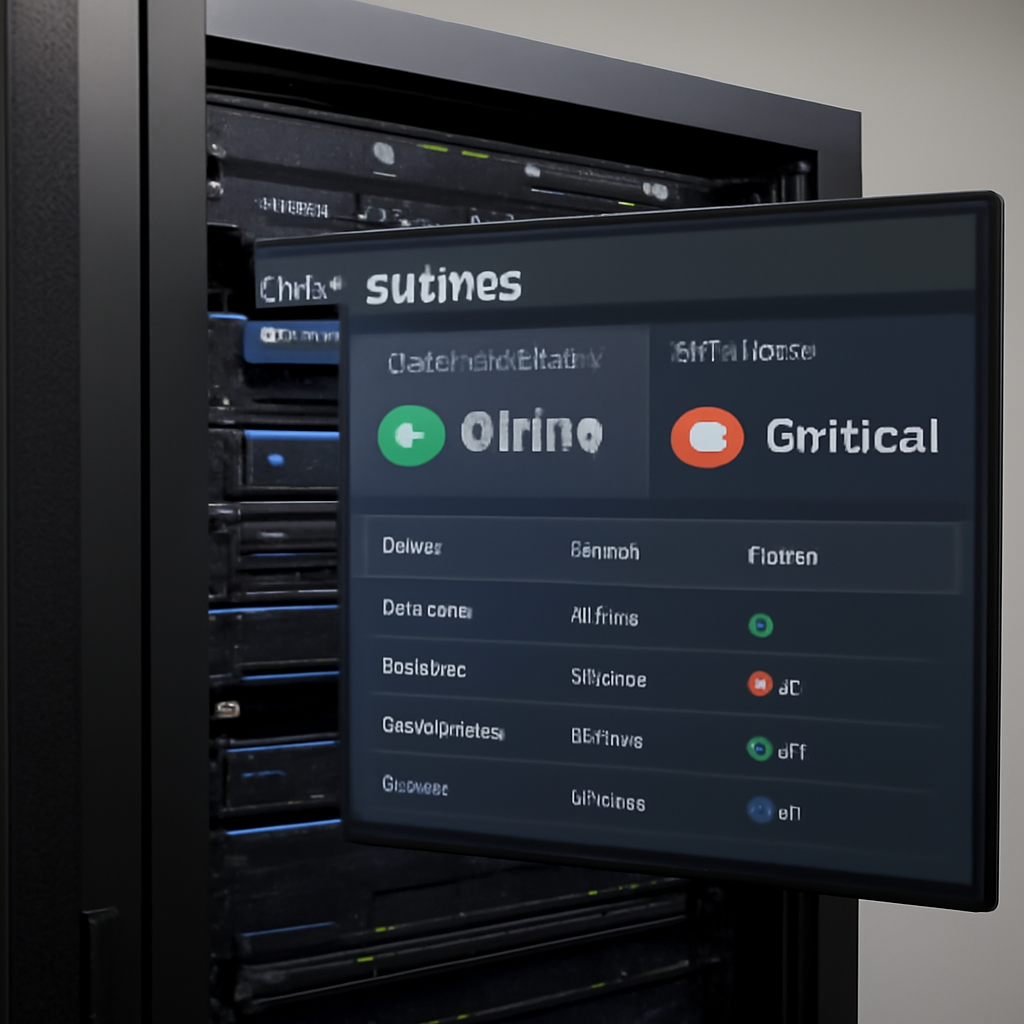
Backup, Disaster Recovery, and Business Continuity
Ever felt that knot in your stomach when a server hiccup threatens to shut down your whole office? You’re not alone – most SMB owners in Salinas have stared at a blinking red light and wondered if today’s outage will become tomorrow’s compliance nightmare.
That’s why backup, disaster recovery, and business continuity belong together in one tight loop. Think of it as a safety net you actually test before you need it. When your asset inventory is solid, you know exactly which machines hold the critical patient records, sales data, or financial reports that can’t afford to disappear.
Why a layered approach matters
First, a good backup strategy captures the *what* – the files, databases, and configurations you need to restore. Second, disaster recovery defines the *how* – the step‑by‑step playbook that gets those backups back online within a target recovery time objective (RTO). Third, business continuity asks the bigger question: how does the rest of your operation keep running while you’re stitching things back together?
Put those pieces together and you’ve got a roadmap that turns a scary outage into a brief, manageable pause.
Real‑world snapshots from local SMBs
Take a small dental practice in Gonzales. Their practice‑management software lives on a single on‑premises server. One rainy Thursday the power went out, the UPS failed, and the server went dark. Because they had daily image‑based backups and a documented recovery run‑book, the IT partner spun up a temporary virtual machine in the cloud, restored the latest backup, and got the practice back to booking appointments within four hours. The downtime cost them less than $1,200 in lost revenue – a fraction of the $12,000 they would have faced without a plan.
Another example comes from a regional non‑profit that tracks donor data across three sites. When ransomware hit one office, the encrypted machines were isolated, but the organization’s off‑site, encrypted backups were up‑to‑date. Within 24 hours the IT team restored the latest clean copies, and the fundraising campaign stayed on schedule. That quick bounce‑back saved them both money and donor trust.
Actionable checklist for SMBs
1. Identify critical assets. Pull the asset list you built earlier and tag every device that stores PHI, PCI data, or essential business apps. Those tags become the priority list for backup and recovery.
2. Choose the right backup cadence. For high‑transaction systems (point‑of‑sale, electronic health records) aim for hourly or near‑real‑time snapshots. For less‑volatile data (archived contracts, HR files) daily backups are usually enough.
3. Store backups in multiple locations. Follow the 3‑2‑1 rule: three copies of data, on two different media, with one copy off‑site (cloud or secure remote data center). This protects you from both hardware failure and local disasters like fire or flood.
4. Document a disaster‑recovery run‑book. Write a concise, step‑by‑step guide that includes: who to call, what credentials are needed, which backup sets to pull, and how to validate the restored system. Keep the document in a secure, readily accessible location – think a shared drive with read‑only access for executives and full edit rights for the IT team.
5. Test, test, test. Schedule a tabletop exercise quarterly and a full‑scale restore drill at least twice a year. The goal isn’t to prove perfection; it’s to spot gaps before a real incident strikes.
Expert tips to tighten the loop
• Leverage automated alerts that warn you 30 days before a backup job fails or a storage volume hits capacity. Those nudges keep you from discovering a problem after the fact.
• Align backup retention policies with compliance windows. HIPAA, for example, expects you to retain patient records for six years – make sure your archive strategy reflects that.
• Consider a hybrid recovery model: keep the most critical workloads on a warm cloud instance that can spin up in minutes, while less‑time‑sensitive data lives on slower, cheaper cold storage.
Does this feel overwhelming? It can be, but you don’t have to do it all at once. Start with one high‑risk asset group – say, all devices handling patient data – and apply the checklist above. Once that’s solid, expand to the rest of your inventory.
In the end, a well‑crafted backup and disaster‑recovery plan isn’t just a safety net; it’s a confidence booster that lets you focus on growth instead of fearing the next outage.
FAQ
What exactly are it asset management services and why should my small business care?
In plain terms, it asset management services help you keep track of every piece of technology you own – laptops, printers, software licenses, even cloud subscriptions. Think of it as a living inventory that tells you who’s using what, when warranties expire, and whether anything needs a security patch. For a SMB, that visibility stops surprise outages, keeps compliance auditors happy, and frees you from guessing about budget needs.
How do I know which assets are high‑risk and need immediate attention?
Start by tagging anything that stores sensitive data – patient records, financial statements, or customer credit info. Those assets are high‑risk because a breach can cost you money and reputation. Next, look at support timelines: any device running an OS that’s past its vendor‑supported date is a ticking time bomb. Prioritize patching or replacement for those items first, then move on to less critical equipment.
Can I manage my asset list with a simple spreadsheet, or do I need special software?
A spreadsheet can get you off the ground, but as your inventory grows, manual updates become a nightmare. Dedicated asset‑management tools automate discovery, send alerts when warranties run out, and generate compliance reports with a click. If you’re already working with a managed‑service partner, they’ll often provide a portal that syncs with your existing tools, giving you a single pane of glass without extra admin work.
How often should I audit my IT assets?
We recommend a quick quarterly review – just 30 minutes to scan for new purchases, retired gear, or changes in ownership. During that check, verify that every asset still has a valid backup schedule and that security baselines are met. If you can’t fit a quarterly cadence, at least align the audit with major events like a fiscal year‑end or a compliance audit.
What’s the best way to keep my asset data secure?
Treat the asset database like any other sensitive system. Store it in an encrypted, role‑based platform and limit access to IT staff or managers who need it. Enable multi‑factor authentication and set up automated alerts for any unauthorized changes. Regularly back up the database itself – you don’t want to lose the very list that helps you recover from a disaster.
How do it asset management services help with regulatory compliance?
Regulators often ask for proof that you know what devices hold protected data and that those devices are patched. An up‑to‑date asset register lets you pull a compliance report in seconds, showing warranty dates, patch levels, and encryption status. That documentation satisfies HIPAA, PCI‑DSS, or state‑specific privacy laws without you having to hunt through spreadsheets during an audit.
What’s a realistic first step if I’m starting from zero?
Pick one high‑value asset class – for example, all laptops used by your front‑desk staff. Run an automated discovery scan (many MSPs can do this remotely), then tag each device with owner, purchase date, and security status. Once that slice is clean, expand to the next group, like servers or POS terminals. Small, incremental wins build momentum and prove the value of the whole program.
Conclusion & Next Steps
We’ve walked through why a solid inventory, proactive alerts, and backup plans matter for any SMB. If you’ve ever felt a panic attack when a laptop blinks red, you know the stakes.
So, what does all this mean for you? In short, it asset management services turn chaos into a roadmap you can actually follow.
Three quick actions to get moving
- Export your current device list to a CSV today and add columns for warranty expiration and security status.
- Set a recurring reminder—once a month—to review any assets flagged as “high‑risk” (out‑of‑support OS, missing encryption, etc.).
- Reach out to a local managed‑services partner who can sync that spreadsheet with their monitoring tools and automate the alerts.
Imagine you’ve done that and, next quarter, you get a friendly email saying a printer’s warranty is about to run out. You schedule a replacement before it fails, avoid downtime, and keep your compliance auditors smiling.
Does that feel doable? It does, especially when you treat the asset register as a living document instead of a forgotten spreadsheet.
Ready to make the shift? Give us a call or drop a note, and we’ll help you map out the first sprint. Your tech should support your business—not the other way around.






