

Choosing the right partner to manage your technology can feel tricky with so many options out there. Some services focus on supporting local businesses with quick response and personal touch while others put an emphasis on security and keeping your data safe around the clock. You might find platforms that offer smooth developer tools or companies that handle phones and daily tech headaches all in one place. Each option brings its own approach to solving real problems for teams big and small. If you are curious about which features matter most or how support and reliability really stack up, exploring these choices may reveal some surprises.
Table of Contents
Top 5 Healthcare Data Backup Solutions for 2025
At a Glance
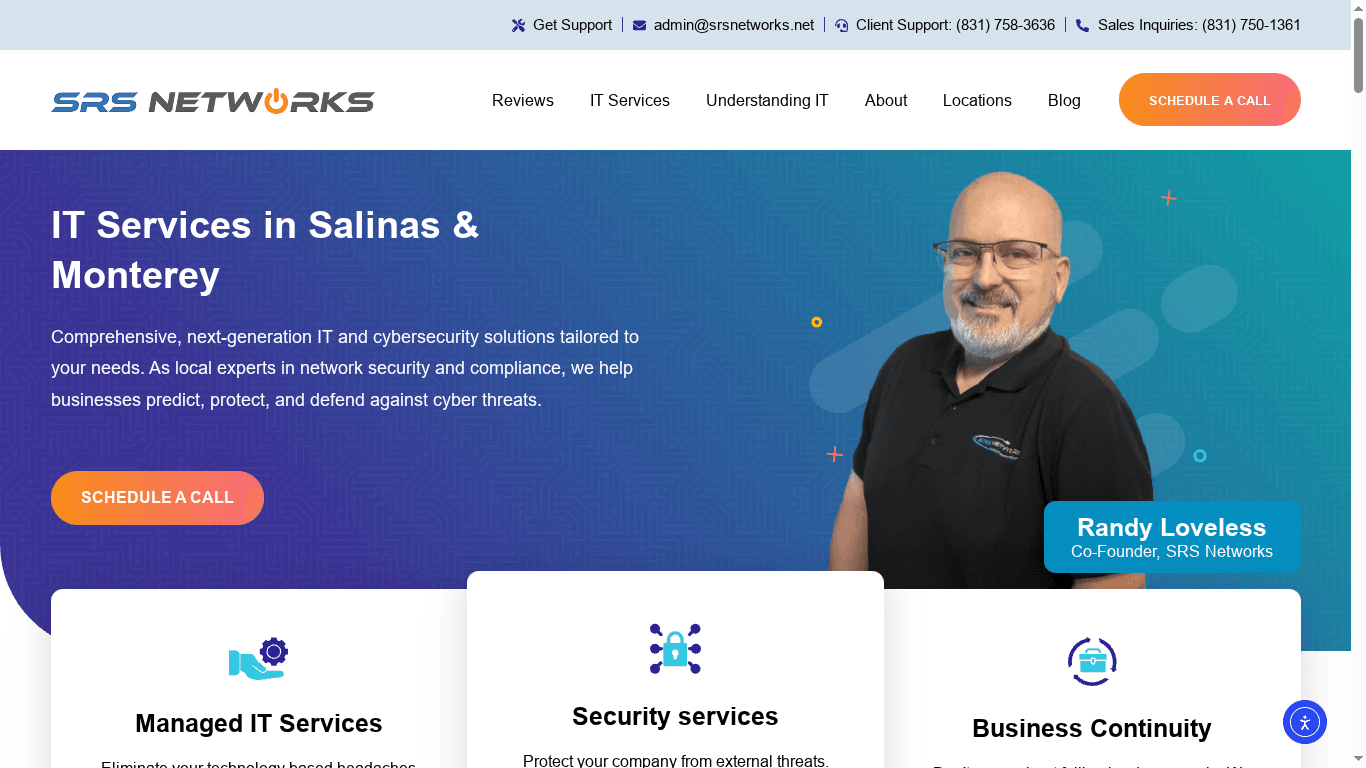
SRS Networks is a locally owned IT services firm headquartered in Salinas with more than 28 years of experience supporting small and mid-sized organizations across the Monterey Bay Area. They combine managed IT, cybersecurity, cloud backup, and business continuity into a single, locally delivered package that emphasizes fast response, predictable pricing, and hands-on support. If you need a trusted technology partner who knows regional compliance and operations, SRS Networks is built to deliver practical resilience and uptime.
Core Features
SRS Networks delivers a comprehensive suite of capabilities: managed IT services and flat-rate support, cybersecurity and network defenses, cloud IT including cloud backup and secure file sharing, hardware and software provisioning, business continuity planning and data backup restoration, plus on-site and remote support. Their offering also covers spam protection, email security, and IT consulting to design customized roadmaps. These services are integrated to minimize downtime and streamline compliance for healthcare, legal, education, retail, and manufacturing clients.
Pros
- Local expertise and personalized service: SRS Networks provides regionally informed guidance that reflects the operational realities of Salinas and Monterey businesses.
- Comprehensive solution suite covering various IT needs: The company bundles managed services, cloud backup, cybersecurity, and hardware support so you can consolidate vendors.
- Strong focus on cybersecurity and business continuity: Their proactive defenses and disaster recovery planning are designed to keep clinic records and financial data available and protected.
- Experience and long-standing community relationships: With over 28 years in the region, they understand local regulatory and business nuances.
- Fast response times and proactive support: Being local means faster on-site response and a helpdesk that can resolve issues before they escalate.
Who It’s For
SRS Networks is ideal for small to medium-sized businesses in Salinas and Monterey that lack a full in-house IT department but require enterprise-grade practices—especially healthcare providers, dental and medical clinics, law offices, private schools, manufacturers, and retail operations. If you need tailored, compliance-aware IT support with predictable budgeting and rapid local intervention, this provider is a natural fit.
Unique Value Proposition
SRS Networks differentiates itself through a combination of deep local presence, a flat-rate managed model, and an integrated service stack focused on resiliency. Instead of separate vendors for backups, endpoint security, and network architecture, you get a single partner that designs backup and recovery plans aligned to your compliance needs and business hours. Their local footprint enables sub-hour escalations for critical outages, while their long-term community ties translate to practical, sector-specific playbooks—healthcare HIPAA workflows, secure POS setups for retail, and continuity plans for schools. This is not a generic cloud reseller; it’s a hands-on partner that engineers scalable, compliance-focused solutions without enterprise sticker shock. The tradeoff is intentional: detailed, locally tailored service over commoditized, one-size-fits-all packages.
Real World Use Case
A Salinas law office engaged SRS Networks for managed IT and cybersecurity. Within weeks they had faster ticket resolution, tailored email security, and a business continuity plan that reduced downtime risk. The office benefited from quicker incident response, clearer compliance documentation, and routine backups that simplified disaster recovery testing.
Pricing
Flat-rate service model, specific pricing not provided on the website.
Website: https://srsnetworks.net
IT Total Care
At a Glance
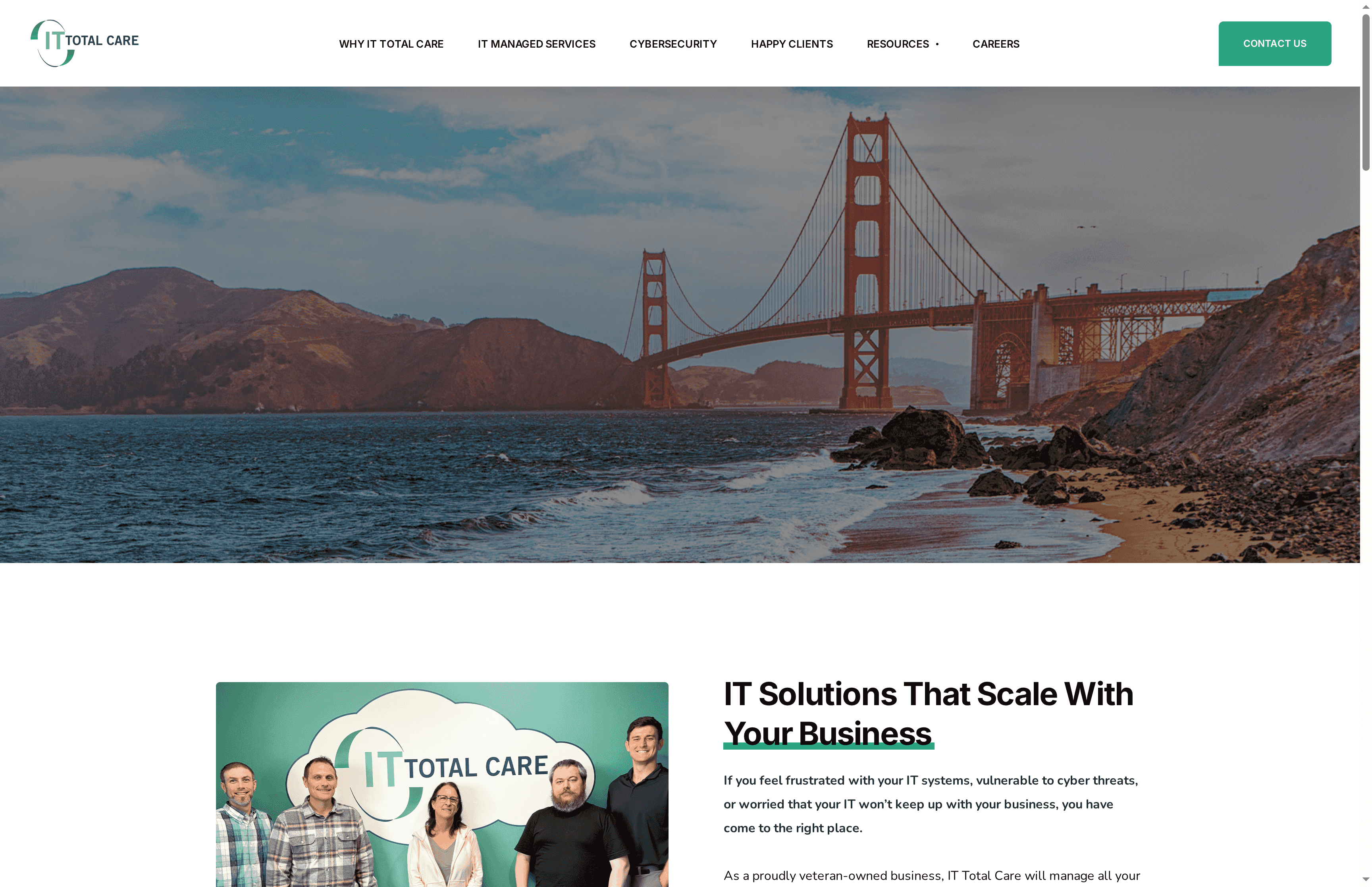
IT Total Care is a veteran-owned managed IT provider that emphasizes predictable costs, strong client communication, and cybersecurity-focused managed services for small and mid-sized organizations. Their offering centers on 24/7 support, quarterly business reviews, and a free IT health check to quickly surface risk and performance gaps. Bottom line: IT Total Care is a solid, relationship-driven partner for organizations that want dependable day-to-day IT operations and clearer budgeting, though public-facing detail on plans and technical certifications is limited.
Core Features
IT Total Care delivers core managed services including IT support and operations, a cybersecurity framework design and maintenance capability, and tools aimed at cost control and predictable spend. They also provide collaboration enablement and innovate around improving client communication, with round-the-clock support to reduce downtime. The free IT health check stands out as a practical first step to baseline your environment and prioritize remediation tasks.
Pros
- Very high client satisfaction: They report a 99% contact rating, which suggests consistent responsiveness and strong client relationships.
- Fast, efficient issue resolution: 24/7 support and emphasis on fast response reduce business disruption and speed problem recovery.
- Structured service cadence: Quarterly reviews and improved client communication mean IT decisions get regular oversight and alignment with business goals.
- Cost control focus: Predictable spending and budgeting support helps organizations forecast IT expenses and reduce unexpected costs.
- Scalable support plans: They offer scalable plans tailored to growth, making it easier to expand services as your business needs change.
Cons
- Pricing not published: Specific pricing details are not available on the website, which makes initial vendor comparisons harder for budget-conscious buyers.
- No public plan details: There is no detailed list of service packages online, so you must request a consultation to understand exact deliverables and scope.
- Limited technical transparency: The website provides limited information on specific technologies, certifications, or vendor partnerships, which may matter for compliance-sensitive organizations.
Who It’s For
IT Total Care fits small to medium-sized businesses that prefer a steady, consultative IT partner—especially those that value veteran-owned firms and want predictable monthly costs rather than surprise bills. It’s a good match for organizations that need continuous support, regular strategic check-ins, and practical cybersecurity guidance without building a large internal IT team.
Unique Value Proposition
Their strongest differentiator is the combination of veteran-owned brand trust, a practice-driven client communication model (quarterly reviews), and a clear emphasis on cost predictability. The free IT health check accelerates discovery so you can rapidly prioritize high-risk items.
Real World Use Case
A mid-sized company partners with IT Total Care to consolidate fragmented IT vendors, run a free health check, harden security controls, and introduce collaboration tools. Over six months the company reports fewer outages, clearer IT budgets, and measurable productivity improvements from standardized tooling.
Pricing
Quote-based. Specific prices are not published online; IT Total Care uses a flexible support plan selection process and will provide pricing based on your environment and needs.
Website: https://ittotalcare.com
alcalait

At a Glance
Alcalait is a lightweight platform aimed at teams that want to build, deploy, and manage a custom coding environment called “vibe.” It centers on customization—forking environments, toggling themes, and adding sign-in functionality—while emphasizing smoother user experiences through error boundary customization. The offering is clearly developer-focused, but the public-facing details are sparse, so expect to do some discovery before committing.
Core Features
Alcalait’s visible capabilities focus on creating and deploying a bespoke vibe-coding platform: you can build an environment, fork it for experimentation, toggle UI themes, and add sign-in flows for user management. A notable feature is error boundary customization, which targets improved UX during runtime failures. Those are the explicit features surfaced in the provided content; beyond them, specific integrations, backup workflows, or enterprise controls are not documented in the source material.
Pros
- Custom coding platforms: Alcalait enables teams to design and deploy their own vibe-based coding environments, giving you control over developer workflows and tooling.
- Theme toggling for consistency: Built-in theme toggles let teams standardize visual experiences across developer workspaces, which reduces friction and cognitive load.
- Sign-in/user management: The presence of sign-in functionality suggests basic access control, letting you gate environments to authenticated users.
- Improved UX with error boundaries: Error boundary customization indicates a focus on graceful failure modes and clearer error handling, which can reduce developer downtime.
- Tailored developer experiences: The product appears built for tailoring IDE-like environments to specific teams’ needs, which helps productivity and onboarding.
Cons
- Limited publicly documented features: The provided content lacks comprehensive details about integrations, security controls, or backup and recovery capabilities, making it hard to fully evaluate fit for production.
- Niche orientation: The emphasis on UX and error handling suggests a specialized solution; if you need a broad platform with built-in backup or enterprise-grade management, Alcalait may not meet those needs out of the box.
- Incomplete website content: The site appears to contain placeholders or error messages, which raises questions about documentation quality and product maturity.
Who It’s For
Alcalait is best suited for developer teams, small platform engineering groups, or startups that want to prototype or operate a custom coding environment with focused UX controls. If you prioritize crafting branded, consistent developer workspaces and can tolerate some self-driven investigation, this product fits. If you need turnkey enterprise backup, compliance, or extensive third-party integrations, plan on additional assessment.
Unique Value Proposition
Alcalait’s core appeal is its focused ability to let teams build and deploy a personalized “vibe” coding platform—complete with theme controls, forking, and sign-in—while improving runtime experience through error boundary customization. In short: it offers a developer-centric canvas for tailored environments rather than a general-purpose platform solution.
Real World Use Case
A small tech company could use Alcalait to create a branded internal IDE for new hires: preconfigured themes, authenticated access, and custom error handling to streamline onboarding and reduce support tickets. Developers get a consistent workspace; IT retains lightweight control.
Pricing
Pricing: Not specified in the provided content
Website: https://alcalait.com
Coastline Technologies
At a Glance
Coastline Technologies delivers fully managed IT and VoIP services aimed at small and medium businesses, with a focus on proactive support, cybersecurity, and backup & recovery. Their model emphasizes personalized, local service backed by national support capability, which helps reduce downtime and control operating costs. If you want a single vendor to handle day-to-day IT, phones, and incident recovery, Coastline is built for that. Pricing details aren’t public, so expect a conversation for specifics.
Core Features
Coastline bundles fully managed IT support with 24/7/365 monitoring, laptop and desktop support, email management, and a suite of cybersecurity solutions that explicitly includes backup and recovery and rapid hardware restoration. They also offer managed VoIP phone service designed for clear calls and cost savings, plus strategic IT consulting to align technology with budget and growth goals. The platform is presented as an end-to-end service: monitoring, remediation, phone systems, and advisory work under one roof.
Pros
- Personalized local service: Coastline emphasizes a dedicated team familiar with each client’s network, which reduces onboarding friction and speeds issue resolution.
- Comprehensive managed IT support: The offering spans everyday helpdesk tasks through cybersecurity and backup, allowing businesses to consolidate vendors.
- Cost-effective VoIP with reliability: Managed VoIP is part of the stack, promising clear calls and potential cost savings compared with legacy telephony.
- Proactive monitoring to reduce downtime: 24/7/365 monitoring and proactive remediation aim to stop issues before they impact operations.
- Strategic consulting included: They pair tactical services with budgeting and strategy guidance to help you optimize technology spend over time.
Cons
- No explicit drawbacks published: The available materials do not list specific limitations or negative experiences, which makes independent assessment harder.
- Geographic roots may imply historical limits: Coastline’s initial regional focus (New England) suggests potential past restrictions in local coverage, even though they now state nationwide support.
- Pricing transparency is lacking: No pricing or clear tiers are provided in the available content, so you’ll need a quote to compare total cost of ownership.
Who It’s For
Coastline is best for small to medium-sized business owners who want a single, managed partner for IT, security, and phones and value personalized local account attention with the reassurance of broader national support. If you run a retail chain, clinic, professional services firm, or multi-site operation and prefer outsourcing IT to reduce internal overhead, Coastline fits that profile.
Unique Value Proposition
Their value proposition is combining proactive, around-the-clock managed IT and cybersecurity with managed VoIP and strategic consulting—delivered through a locally attentive team that can escalate to national resources when needed. That mix reduces vendor complexity and centralizes accountability.
Real World Use Case
A retail chain needing 24/7 IT support, consistent cybersecurity and backup, and a reliable VoIP system across multiple locations would use Coastline to maintain continuous operations, shorten hardware restoration times, and simplify vendor management.
Pricing
Not specified in the provided content.
Website: https://coastlinetechnologies.com
Secure Networks ITC
At a Glance
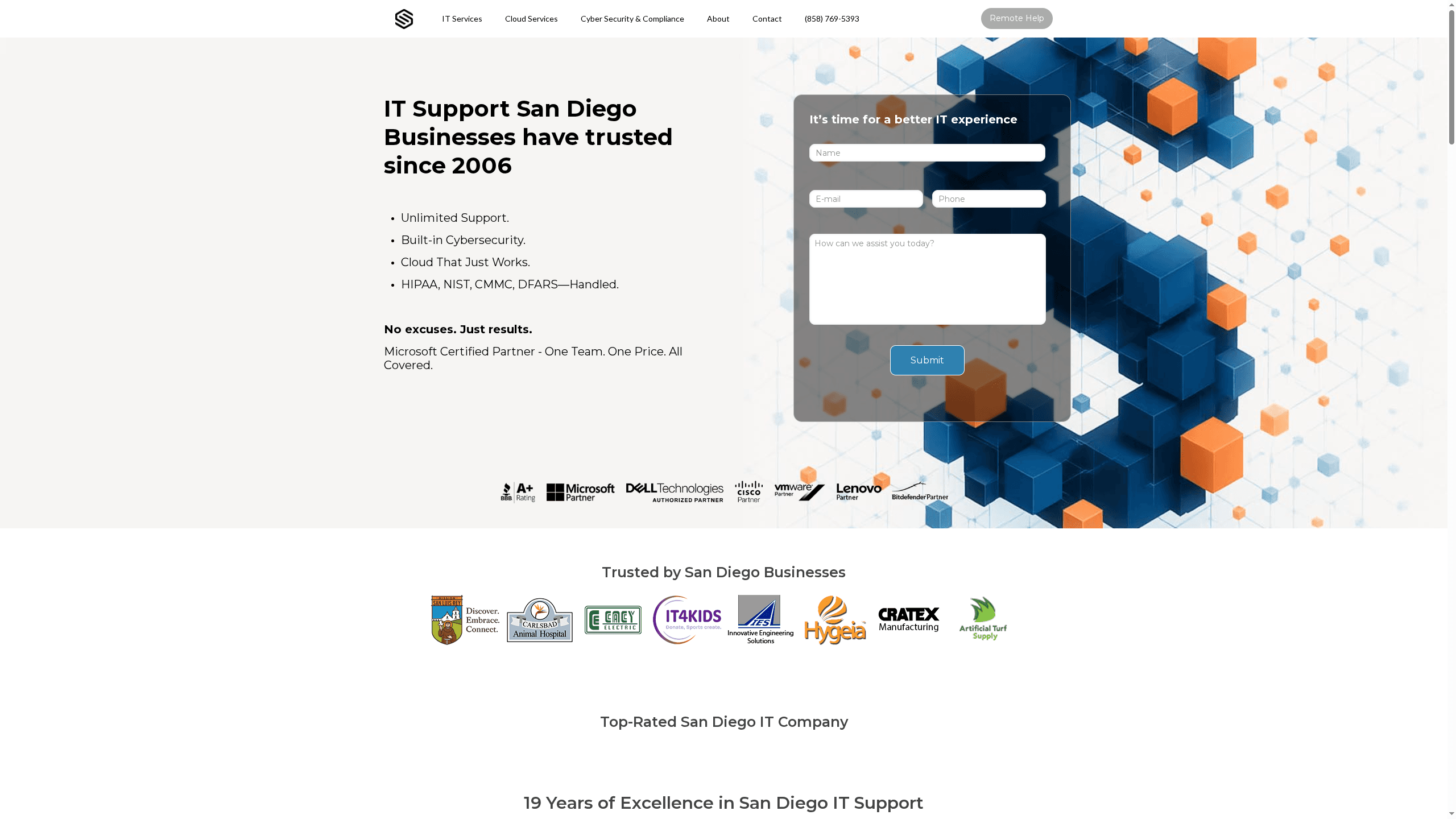
Secure Networks ITC is a San Diego–based managed IT services provider with a long track record, operating since 2006 and positioning itself around unlimited support, built-in cybersecurity, and compliance handling. In short: it’s a practical, local partner for regulated small and medium businesses that need reliable hands-on IT and compliance expertise. Response times and on-site availability are emphasized, but the vendor leaves some technical specifics and detailed pricing plans off its public site.
Core Features
Secure Networks ITC offers managed IT services with unlimited support, integrated cybersecurity, and cloud solutions designed to scale with growing operations. They provide both on-site and remote support and target industry-specific needs—law firms, nonprofits, dental practices, and other SMBs. Compliance handling (HIPAA, NIST, CMMC, DFARS) and Microsoft partnership credentials are central to their capability statement, and they cover cloud migration, network infrastructure management, and ongoing cybersecurity oversight.
Pros
- Established local presence since 2006: Long-term operation in San Diego gives them institutional knowledge of local business needs and a track record many clients find reassuring.
- Proactive support with quick responses: The company emphasizes rapid on-site and remote response, which reduces downtime and operational disruption in time-sensitive environments.
- Tailored compliance and industry solutions: They offer targeted support for HIPAA, NIST, CMMC, and DFARS compliance, which simplifies regulatory obligations for healthcare and other regulated clients.
- Partnerships with major tech providers: Being a Microsoft-certified partner and working with vendors like Cisco and VMware signals enterprise-level integrations are available.
- Transparent, flat-fee billing model: A flat monthly fee per seat with no hidden costs simplifies budgeting for SMBs that prefer predictable IT expenses.
Cons
- Public pricing lacks granularity: The website does not provide detailed plan breakdowns, making it hard for buyers to compare features versus cost without contacting sales.
- Limited technical transparency on security tools: Specific security products, monitoring tools, or vendor stacks are not spelled out, which could concern technically savvy buyers who require tool-level validation.
- Regional focus may limit national support options: Their concentration on San Diego means organizations with multi-state footprints should confirm national escalation and coverage before committing.
Who It’s For
Secure Networks ITC is ideal for small to medium businesses based in San Diego that need a single partner for day-to-day IT, cloud migrations, and regulatory compliance. If you run a dental practice, community clinic, law office, or a local manufacturing firm and want predictable billing plus local, responsive support—this vendor is worth evaluating.
Unique Value Proposition
The firm combines unlimited managed support, explicit compliance handling, and local on-site responsiveness with a flat-fee pricing model—offering peace of mind for regulated SMBs that prefer a single accountable IT partner rather than multiple vendors.
Real World Use Case
A local manufacturing company uses Secure Networks ITC for complete IT management: network setup, cloud migration, continuous cybersecurity monitoring, and compliance checks. The result: fewer outages, clearer regulatory posture, and staff who can focus on production instead of troubleshooting IT.
Pricing
From flat monthly fee per seat with no hidden costs.
Website: https://securenetworksitc.com
IT Services Comparison
This table provides a summary of various IT service providers, highlighting their core features, pros, cons, and pricing structures. Use this to evaluate which provider best suits your organization’s needs.
| Provider | Core Features | Pros | Cons | Pricing |
|---|---|---|---|---|
| SRS Networks | Managed IT, Cybersecurity, Cloud Backup, Business Continuity | Local expertise, Comprehensive solutions, Strong cybersecurity focus | Specific pricing not provided | Flat-rate model |
| IT Total Care | 24/7 Support, Cybersecurity Framework, Free IT Health Check | High client satisfaction, Fast issue resolution, Cost control focus | No public plan details, Limited technical transparency | Quote-based |
| Alcalait | Custom Coding Environment, Theme Toggling, Error Boundary Customization | Custom platforms, Improved UX | Limited publicly documented features, Niche orientation | Not specified |
| Coastline Technologies | Managed IT & VoIP, Cybersecurity, Backup & Recovery | Personalized local service, Comprehensive support | No explicit drawbacks or pricing transparency | Not specified |
| Secure Networks ITC | Unlimited Support, Compliance Handling, Cloud Solutions | Local presence, Proactive support, Tailored compliance solutions | Limited public pricing details, Regional focus | Flat monthly fee per seat |
Secure Your Healthcare Data with Trusted Local IT Expertise
Healthcare organizations face the critical challenge of protecting sensitive patient data while ensuring continuous access through reliable backup and disaster recovery solutions. The article highlights the importance of tailored healthcare data backup solutions that meet regulatory compliance like HIPAA and minimize downtime risk. If you are responsible for safeguarding medical records or clinic systems, unpredictable outages and compliance uncertainty can cause real stress.
At SRS Networks, we understand these concerns deeply because we support healthcare providers and other regulated industries right here in the Monterey Bay Area. Our flat-rate managed IT and data backup & business continuity services deliver comprehensive protection against data loss, fast disaster recovery, and peace of mind. With local, hands-on support and personalized IT roadmaps aligned to your operational needs, we excel at reducing downtime and meeting compliance requirements.
Looking for a healthcare IT partner who listens to your unique challenges and offers fast, predictable, and scalable solutions?
Explore how SRS Networks can fortify your healthcare data backups and keep your practice running smoothly. Visit our about us page to learn more and connect with a team that knows the local healthcare landscape inside and out. Don’t wait for data loss to disrupt your mission—act now to protect and future-proof your healthcare IT systems.
Frequently Asked Questions
What are the key factors to consider in healthcare data backup solutions?
A key factor is compliance with healthcare regulations such as HIPAA, which ensures that patient data is protected. Evaluate whether the solution offers automated backups, encryption, and easy restoration processes to maintain continuity and security of data.
How can I assess the effectiveness of a healthcare data backup solution?
Assess effectiveness by checking the solution’s recovery time objectives (RTO) and recovery point objectives (RPO). Consider conducting regular recovery drills to ensure that backups can be restored quickly and accurately, ideally reducing downtime to less than 30 minutes.
What are some common types of healthcare data backup solutions?
Common types include cloud-based backups, on-premises hardware solutions, and hybrid models that combine both. Choose a type based on your organization’s size, data volume, and need for immediate access versus long-term storage.
How frequently should I back up healthcare data?
Healthcare data should ideally be backed up daily or in real-time, especially for critical records. Implement automatic scheduling to streamline this process, ensuring that data is consistently updated without manual intervention.
What steps can I take to ensure data recovery from backups?
To ensure successful data recovery, regularly test your backup restoration process. Schedule these tests at least quarterly to confirm that your data is intact and that you can recover it within your targeted timeframe.
Are there any specific features I should look for in healthcare data backup solutions?
Look for features like end-to-end encryption, data deduplication, and a user-friendly interface for managing backups. Ensure that the solution also provides detailed logging and reporting capabilities to track and maintain data integrity.






