

Picture this: you’re juggling invoices, a growing client list, and that nagging feeling that your tech might let you down at any moment. Maybe the last time your network crashed, you lost a day’s worth of sales and had to scramble for a backup—sound familiar?
That’s the exact spot where IT Consulting | Strategic Advice by SRS Networks can step in. Instead of a one‑size‑fits‑all tech stack, we dig into the unique workflows of a small business in Salinas or Monterey, map out where the bottlenecks are, and design a roadmap that feels like it was built just for you.
Take a local boutique that sells handcrafted furniture online. They were using a generic point‑of‑sale system that kept freezing during rush hour. After a quick consult, we recommended a cloud‑based inventory solution that syncs in real time, cut downtime by 80 % and freed the owner to focus on design, not tech glitches.
Or think about a family‑run dental practice that needed to stay HIPAA‑compliant. We helped them choose secure, encrypted email and a backup routine that meets regulatory standards, so they can spend their day treating patients instead of worrying about data breaches.
So, what does a solid IT consulting engagement actually look like?
- Start with a discovery session: we ask about your pain points—slow Wi‑Fi, outdated hardware, security worries.
- Run a quick health check: identify vulnerable devices, outdated software, and gaps in your backup strategy.
- Build a phased plan: prioritize quick wins (like updating firewalls) while sketching a longer‑term roadmap for cloud migration or managed services.
Every step is documented in plain language, because we know you don’t have time to decode tech jargon. And if you’re not sure which piece to tackle first, we’ll point you to the low‑hanging fruit that delivers the biggest ROI.
Does this feel like the kind of partnership you’ve been looking for? Imagine walking into your office tomorrow with confidence that your IT won’t be the surprise guest that derails your day.
Let’s get you from “it works…sometimes” to “it works reliably, every single day.”
TL;DR
Our IT consulting services for small business pinpoint slow Wi‑Fi, outdated hardware, and security gaps, then craft a clear, phased roadmap that boosts uptime, protects data, and frees you to focus on growth.
Start with a short discovery session and you’ll see how simple, proactive advice turns tech headaches into reliable daily operations, giving you confidence to serve customers without interruption.
Why Small Businesses Need IT Consulting
Imagine waking up to a notification that your point‑of‑sale system just crashed—orders are stuck, cash registers are dead, and your staff is scrambling. That gut‑wrenching moment is exactly why many small businesses turn to IT consulting.
Most of the time the cause isn’t a fancy piece of hardware; it’s a misaligned process, an outdated patch, or a network that’s simply not built for today’s traffic. Without a fresh set of eyes, those hidden bottlenecks keep piling up, turning a one‑hour outage into a lost‑sales nightmare.
And then there’s security. A single breach can wipe out customer data, invite regulatory fines, and shatter the trust you’ve spent years building. For a boutique law firm in Salinas or a dental practice in Monterey, compliance isn’t optional—it’s the law.
But IT consulting isn’t just about fixing what’s broken. It’s about future‑proofing. As you add an e‑commerce storefront, a cloud‑based payroll service, or a new IoT inventory system, the technology landscape expands faster than any internal IT person can keep up with.
Cost predictability and ROI
When you work with a consultant, you get a clear roadmap with milestones, budgets, and measurable outcomes. No more surprise hardware invoices or endless “we need a bigger firewall” emails. You can see exactly how a $5,000 investment in a managed backup solution translates into days of avoided downtime and the peace of mind that comes with it.
Focus on your core business
Every minute you spend wrestling with a slow Wi‑Fi network is a minute you’re not designing furniture, seeing patients, or closing sales. An IT consultant takes the tech‑heavy load off your shoulders, letting you and your team stay in the zone where you add the most value.
So, what does that look like on a typical day?
After watching the quick overview, you’ll notice three key steps that most consultants follow: assess, prioritize, and implement. First, they run a health check on every device and service you rely on. Next, they rank issues by impact—security gaps jump to the top, while a slightly slow printer falls to the bottom. Finally, they roll out solutions in bite‑sized phases so your business never stops.
Picture a local coffee shop that added an online ordering portal. The consultant discovered the existing router couldn’t handle simultaneous in‑store and online traffic, causing checkout freezes. By upgrading to a dual‑band enterprise router and tweaking QoS settings, checkout times dropped from 15 seconds to under three, and online orders surged by 20 %.
- Identify critical applications (POS, patient records, accounting software)
- Map dependencies and data flows
- Spot single points of failure
- Plan upgrades that align with budget cycles
- Establish monitoring and alerting before anything goes live
And don’t forget the legal side of things. Small firms often overlook data‑retention policies until a regulator knocks. A quick consult can align your backup schedule with requirements from bodies like the California Consumer Privacy Act, saving you from costly fines later. For a deeper dive on legal tech compliance, check out Neos Legal—they break down the essentials in plain language.
Localization matters, too. Monterey’s coastal humidity can affect hardware longevity, and Salinas’ agricultural businesses need rugged devices that tolerate dust and temperature swings. A consultant who knows the region can recommend gear that stands up to those conditions, extending your asset life.
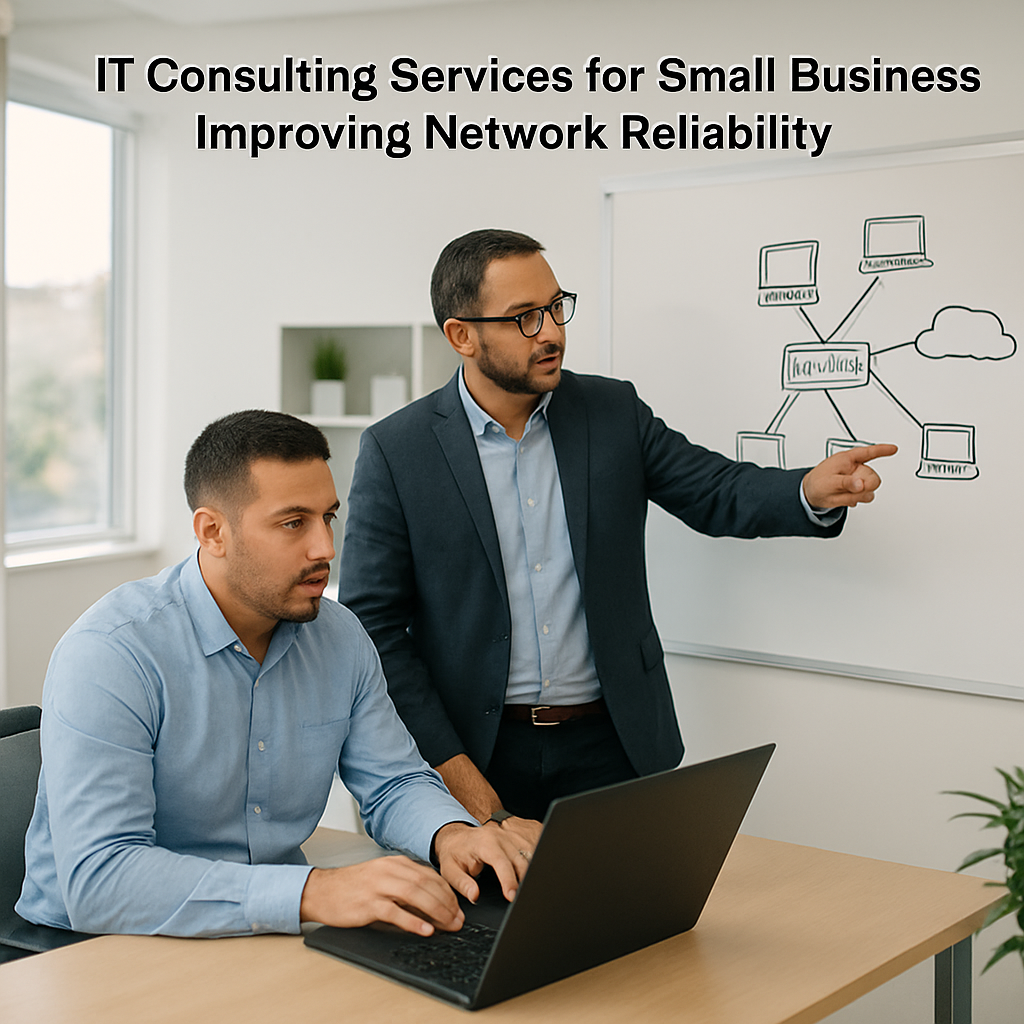
Take the next step by scheduling a short discovery call. In just 30 minutes you’ll get a snapshot of your biggest tech risk and a prioritized action list you can start implementing tomorrow.
Core Services to Expect from an IT Consultant
When you finally sit down with a consultant, you’re not just hiring a tech‑savvy person – you’re getting a roadmap for peace of mind. The first thing you’ll notice is how the conversation shifts from “what hardware do we have?” to “what does your business actually need to run smoothly tomorrow, next month, and next year.”
That shift feels a lot like finally getting a clear GPS after driving around a confusing back‑street for weeks. You start to see the big picture, and the little annoyances – like the Wi‑Fi that drops when a client opens a video call – suddenly have a place in the plan.
1. Technology Assessment & Gap Analysis
A solid consultant begins with a no‑fluff audit. They scan your network, inventory devices, and catalog the software you rely on. The goal is to spot hidden risks – outdated firmware, unsupported operating systems, or a single point of failure in your backup routine.
Real‑world example: a Monterey dental clinic discovered that their imaging software was running on a server that hadn’t received a security patch in three years. The consultant flagged the risk, recommended a quick migration to a cloud‑based PACS, and the clinic avoided a potential ransomware nightmare.
2. Strategic Roadmap Development
Once the gaps are clear, the consultant drafts a phased roadmap. Think of it as a to‑do list broken into 30‑day, 90‑day, and 12‑month milestones. Each phase balances quick wins (like updating firewalls) with longer‑term projects (such as moving to Microsoft 365).
Actionable tip: ask the consultant to assign an owner for every milestone and set a budget range. That way you won’t be blindsided by a surprise expense six months down the line.
3. Security & Compliance Services
For a small business, security often feels like a luxury. In reality, it’s the foundation for trust – especially for HIPAA‑bound dental offices or PCI‑compliant e‑commerce stores. A consultant will design firewalls, implement multi‑factor authentication, and set up regular vulnerability scans.
Imagine a local boutique that sells handcrafted furniture online. After a consultant introduced automated backups and encrypted payment processing, the owner stopped worrying about data breaches and could focus on design.
4. Cloud Strategy & Migration
Moving to the cloud isn’t just about “putting everything online.” It’s about picking the right services (IaaS, SaaS, PaaS) that match your workflow. The consultant evaluates cost, performance, and compliance, then crafts a migration plan that minimizes downtime.
One case we’ve seen: a family‑run accounting firm in Salinas migrated their file server to a hybrid Azure setup. Within three months, they cut hardware costs by 40 % and gained instant disaster‑recovery capability.
5. Ongoing Managed Services & Support
Even after the roadmap is set, day‑to‑day issues creep in. That’s where a managed‑services agreement shines – proactive monitoring, patch management, and a help‑desk that speaks your language.
We’ve helped a small law practice set up a 24/7 monitoring service that catches ransomware attempts before they spread, saving them from potential fines and client‑trust loss.
For a quick overview of how managed services fit into the bigger picture, check out our Managed IT Services | SRS Networks page.
Quick Comparison of Core Services
| Service | What It Covers | Typical Business Benefit |
|---|---|---|
| Technology Assessment | Network scan, device inventory, software audit | Identifies hidden risks, creates baseline for improvement |
| Security & Compliance | Firewalls, MFA, vulnerability scanning, policy creation | Reduces breach risk, ensures regulatory adherence |
| Cloud Migration | Strategy selection, data transfer plan, post‑migration support | Scales resources, cuts hardware spend, improves continuity |
So, what should you do next? Start by jotting down the three tech frustrations that keep you up at night. Bring that list to a discovery call – you’ll be surprised how quickly patterns emerge and how many quick wins pop up.
Remember, the right consultant turns vague tech headaches into a clear, actionable plan. That plan becomes your competitive edge, letting you focus on serving customers instead of firefighting IT issues.
How to Choose the Right IT Consulting Partner
Picture this: you’ve just spent a week juggling invoices, a client call, and a sudden network hiccup that left your point‑of‑sale frozen. You know you need help, but the market is full of buzzwords and glossy brochures. So, how do you actually pick the right partner for your it consulting services for small business?
First, let’s admit something honest: not every consultant is created equal, and the cheapest option isn’t always the smartest one. What matters is a blend of local know‑how, a proven process, and a genuine willingness to roll up their sleeves with you.
1. Check for a collaborative mindset
Ask yourself, “Will this firm keep me in the loop, or will they disappear after the contract is signed?” In our experience, the best partners treat the engagement like a joint project. They’ll set up regular check‑ins, give you a clear status report, and actually listen to your feedback.
If you need a quick cheat sheet, the Keap guide on 10 questions to ask potential consultants is a solid place to start.
2. Look for industry‑specific experience
Running a dental practice in Monterey is different from managing a boutique e‑commerce store in Salinas. A partner who’s already helped a local HIPAA‑bound clinic, for example, will know the exact encryption and backup routines you need.
When they talk about “our process,” ask for a short case study that mirrors your industry. If they can point to a real‑world example—say, a small law firm that cut ransomware risk by 70 % after a firewall overhaul—you’ll have a clearer picture of what they can actually deliver.
3. Demand a transparent roadmap
Good consultants break the journey into bite‑size phases: 30‑day quick wins, 90‑day medium‑term upgrades, and a 12‑month strategic vision. Each phase should have an owner, a budget range, and measurable outcomes.
Ask for a simple table that shows what gets done when, and how you’ll know it worked. If the consultant can hand you a one‑page “quick wins” list—like updating firmware on your router or enabling multi‑factor authentication—that’s a sign they understand the value of early ROI.
4. Verify security and compliance chops
Security isn’t optional for any small business that handles customer data, whether it’s credit‑card info or patient records. A capable partner will walk you through their security framework, show you sample policies, and explain how they’ll run regular vulnerability scans.
Look for certifications (e.g., CISA, ISO 27001) or at least documented experience with the compliance standards that matter to you—HIPAA, PCI, GDPR, whatever applies.
5. Assess their support model
Do they offer 24/7 monitoring, or only business‑hour help desk tickets? Do they have a clear escalation path when something critical goes down? A partner that can catch ransomware attempts before they spread is worth its weight in gold.
Ask about response times: “If my server goes dark at 2 am, how quickly will someone be on the line?” The answer will tell you if they’re truly proactive or just reactive.
6. Test their cultural fit
You’ll be talking to the same people for months, maybe years. Do they speak your language—both literally and figuratively? Do they understand the pace of a small business in Monterey, where a sudden tourist surge can double your sales in a day?
Sometimes the best clue comes from a casual chat. If they’re willing to share a story about helping a local coffee shop survive a Wi‑Fi outage, you know they get the stakes.
7. Run a mini‑pilot before you commit
Before signing a multi‑year agreement, propose a small, low‑risk project—like a quick security audit or a backup test. Watch how they communicate, how fast they deliver, and whether the results match the promise.
If the pilot goes well, you’ve got a living proof point. If not, you’ve saved yourself from a costly long‑term mistake.
So, what’s the next step? Grab a notebook, list the three biggest tech headaches keeping you up at night, and use the questions above to vet each potential partner. When you find someone who checks the boxes, you’ll feel a lot less like you’re gambling and a lot more like you’ve added a strategic teammate.
Cost Considerations and ROI
When you start looking at it consulting services for small business, the first thing that jumps out is the price tag. It’s easy to feel a little queasy seeing a proposal that lists hourly rates, subscription fees, and project milestones all on one page.
But what you’re really paying for isn’t just time—it’s the peace of mind that comes from knowing your network won’t crash during the lunch rush at your café, or that patient records stay locked down at the dental office down the street.
So, how do you untangle the numbers and figure out whether the spend makes sense? Let’s break it down together.
Understanding the True Cost
A lot of SMB owners look at the headline cost and compare it to the price of a new router or a one‑off software license. That’s like measuring a marathon by the length of a single stride.
The real cost includes ongoing monitoring, proactive patching, and the hidden labor of hunting down a ransomware attempt before it spreads. Those tasks are invisible on a balance sheet until something goes wrong.
In our experience, the average small business in Monterey spends about 3‑5 % of its annual revenue on technology. If that slice is mostly reactive fire‑fighting, the ROI stays flat or even dips.
Breaking Down the Investment
Most consultants structure their fees in three buckets: a baseline assessment fee, a recurring managed‑services retainer, and any project‑based add‑ons.
The assessment fee—often a few thousand dollars—covers the technology audit, risk analysis, and a roadmap that pinpoints quick wins. Think of it as the GPS that tells you where the potholes are before you hit them.
The retainer is where the ongoing ROI lives. It’s usually billed monthly and includes things like 24/7 help‑desk support, regular backups, and security updates. Because the cost is spread out, you avoid sudden spikes when a crisis hits.
Project add‑ons, such as a cloud migration or a compliance overhaul, are priced per milestone. When you line them up with the roadmap, you can see exactly which dollar amount unlocks which business benefit.
Measuring ROI Over Time
ROI isn’t just about a single dollar‑for‑dollar comparison; it’s about the ripple effect of avoided downtime. A one‑hour outage at a boutique that sells $2,000 worth of goods per hour translates to $2,000 lost—not to mention the angry customers walking out the door.
If a consultant can shave that outage time down to ten minutes, you’ve just saved roughly $1,900 in that one incident. Multiply that by a few incidents a year, and the savings quickly outpace the monthly retainer.
Another metric to watch is the reduction in support tickets. When patches are applied proactively, the number of “my printer isn’t working” calls drops, freeing up your staff to focus on revenue‑generating tasks.
You can also track compliance risk. For a healthcare provider, passing a HIPAA audit without penalties can mean avoiding fines that range from $5,000 to $50,000. Those numbers alone make the investment look a lot smarter.
Tips to Maximize Value
Start with a clear list of pain points—slow Wi‑Fi, frequent backups, or regulatory worries—and share it during the discovery call. The more specific you are, the easier it is for the consultant to map solutions to measurable outcomes.
Ask for a quarterly ROI report that ties each service line to a business metric. Seeing “firewall updates = 0 ransomware alerts” or “cloud backup = 99.9 % data recovery rate” makes the value tangible.
Don’t be shy about negotiating the scope of the retainer. If you have a strong in‑house team for day‑to‑day help‑desk work, you might shift some hours to a “pay‑as‑you‑go” model and still keep the strategic oversight.
Finally, treat the consultant as a partner, not a vendor. The more you involve them in strategic planning sessions, the better they can align technology spend with your growth goals, whether you’re opening a second location in Salinas or launching an e‑commerce site.
Bottom line: when you look beyond the sticker price and focus on the tangible savings—less downtime, fewer compliance headaches, and a smoother path to growth—your it consulting services for small business become an investment that pays for itself, often many times over.
Implementing IT Consulting Recommendations
Alright, you’ve got a roadmap on the table – now comes the part that actually moves the needle. Turning recommendations into results feels a lot like moving furniture: you need a plan, the right tools, and a little elbow grease.
First thing’s first: set up a project kickoff meeting that includes the decision‑makers, the consultant, and the folks who’ll be doing the day‑to‑day work. In that call, walk through each recommendation, assign an owner, and agree on a realistic deadline. Keep the agenda tight – three to four items per meeting – so you don’t drown in details.
Step 1 – Prioritize Quick Wins
Quick wins are the low‑effort, high‑impact changes that prove the value of the engagement early on. Think of things like updating firmware on routers, enabling multi‑factor authentication on email, or scheduling a nightly backup test.
For example, a small dental practice in Monterey saw a 30 % reduction in support tickets after we rolled out MFA on their staff accounts. The time saved was instantly measurable, and it built confidence for the bigger projects.
Make a simple checklist: What can be done in under a week? Who can do it? What’s the expected benefit? Tick those off before you dive into the longer‑term work.
Step 2 – Build a phased implementation timeline
Break the roadmap into 30‑day, 90‑day, and 12‑month phases. Each phase should have a clear goal, a budget range, and a success metric. A 30‑day phase might focus on security hardening, while the 90‑day phase could tackle a cloud migration pilot.
When we helped a family‑run accounting firm in Salinas, we used this exact structure. Within the first month they patched every server, which cut their vulnerability score from 78 % to 22 %. By the end of the third month, they had migrated 20 % of their file storage to Azure, saving $12,000 in hardware costs.
Document the timeline in a shared spreadsheet or a simple project board – visual tracking keeps everyone accountable.
Step 3 – Secure the right tools and resources
Don’t let the “just buy a product” trap bite you. Evaluate tools based on fit, not brand hype. For backup verification, a lightweight script that logs a daily restore test can be more valuable than a pricey appliance you never use.
In a recent e‑commerce shop, we swapped a generic backup SaaS for a managed solution that integrated directly with their Shopify store. The result? A 99.9 % data‑recovery rate and peace of mind during holiday sales spikes.
Make a procurement checklist: cost, compatibility, support SLA, and whether the vendor offers local support (a big plus in the Monterey‑Salinas area).
Step 4 – Train your people
Technology only works if the people using it understand the why and how. Schedule short, hands‑on training sessions right after a new tool goes live. Keep them under 30 minutes and focus on real tasks – resetting a password, running a backup restore, or spotting a phishing email.
One of our clients, a boutique law firm, ran a 20‑minute “phishing‑simulation debrief” after each mock attack. Within two months, click‑through rates dropped from 23 % to 5 %.
Remember, training isn’t a one‑off event. Build a quarterly refresher habit.
Step 5 – Monitor, measure, and adjust
Set up simple dashboards that show the metrics you agreed on – uptime %, number of security incidents, backup success rate, etc. Review them in a monthly health‑check call with the consultant.
If you notice a metric slipping, treat it like a leaky faucet: isolate the cause, apply a fix, and re‑measure. This iterative loop keeps the project from stalling.
Our own IT Consulting | Strategic Advice by SRS Networks includes a quarterly review template that many clients have found invaluable.
Step 6 – Document everything
Every change, every decision, and every outcome belongs in a living document. Use a cloud‑based wiki or a shared OneDrive folder – just make sure it’s searchable.
When the consultant walks away, that documentation becomes the playbook for any new hires or future upgrades. It also helps during audits – a common concern for healthcare and financial firms.
Here’s a quick tip: create a one‑page “Implementation Summary” after each phase. List what was done, who did it, the cost, and the measured benefit. It’s a great way to show ROI to the board.
So, what does success look like? Imagine your network running smoothly during the lunch rush at the local bakery, your patient records staying encrypted at the dental clinic, and your e‑commerce platform handling a flash‑sale without a hiccup.
And if you’re thinking about expanding online, you’ll want a solid backend before you pick a storefront. Best ecommerce platform for small business: Top Aussie Picks offers a quick comparison that can help you choose a solution that plays nicely with your IT stack.
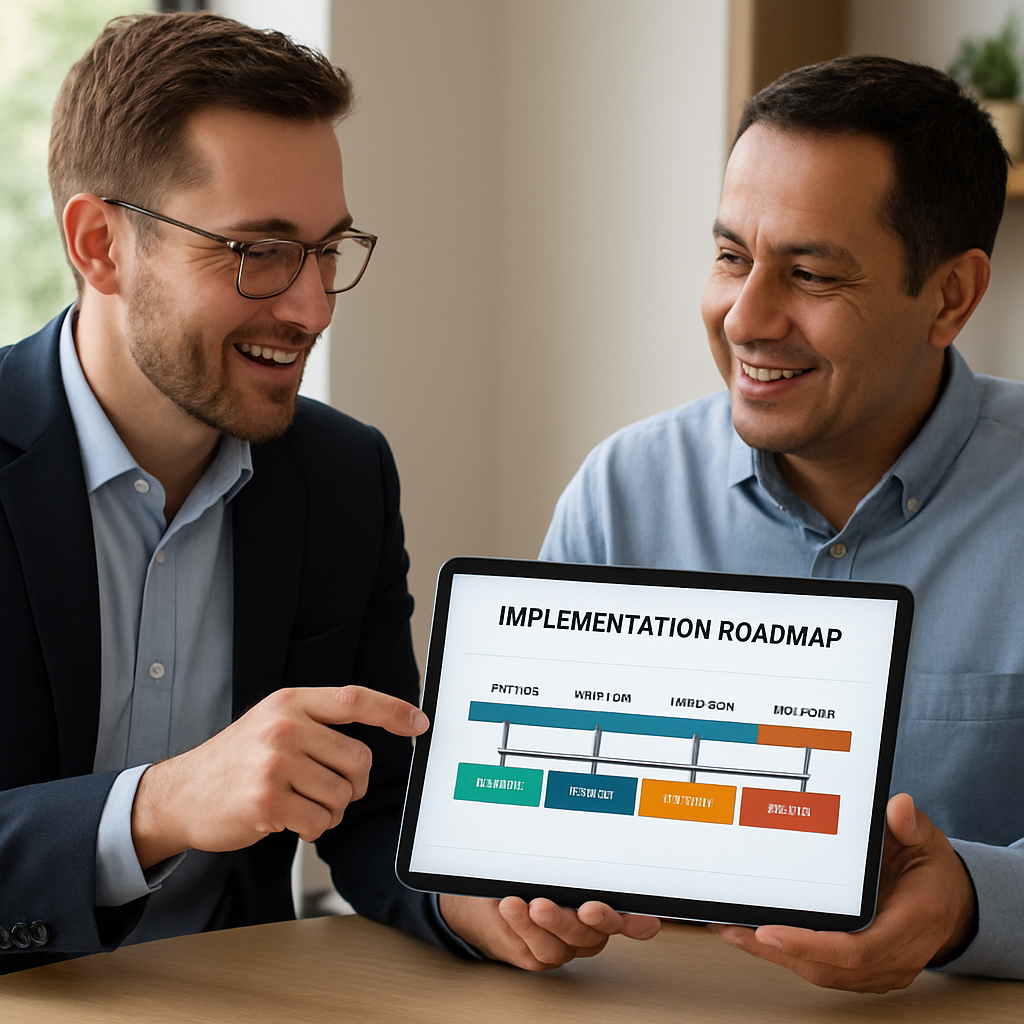
Bottom line: implementation is a marathon, not a sprint. Break it down, assign owners, train the team, and keep an eye on the numbers. When you do, the recommendations you’ve paid for turn into real, measurable gains – less downtime, tighter security, and a smoother path to growth.
Conclusion and Next Steps
We’ve walked through everything from discovery to rollout, and if you’re still wondering whether it’s worth the investment, ask yourself: how much downtime would a single network glitch cost you next month?
In our experience, small businesses that skip the planning phase end up paying for emergency fixes that could have been avoided with a clear, phased roadmap.
So, what’s the next step? Grab a pen, list the three tech headaches that keep you up at night, and schedule a quick 30‑minute discovery call with a local consultant who knows Monterey’s unique compliance quirks.
During that call you’ll get a one‑page snapshot of where you stand, a handful of low‑hanging‑fruit wins—like updating firmware or enabling MFA—and a realistic budget range for the first 30 days.
Then, lock in a simple implementation timeline: quick wins in week one, security hardening in week two, and a cloud‑migration pilot by month two. Keep the timeline visible on a shared board so everyone knows who owns each task.
Finally, schedule a monthly health‑check call. That brief meeting is your safety net—review metrics, celebrate wins, and adjust the plan before a problem snowballs.
Remember, the goal isn’t just to fix today’s glitches; it’s to build a tech foundation that lets your business grow confidently, day after day.
Quick IT Consulting Summary: Boost Uptime, Protect Data & Drive Growth
What exactly are it consulting services for small business and how do they differ from generic tech support?
In plain terms, it consulting services for small business are a strategic partnership. A consultant steps back, maps your whole technology landscape, and builds a roadmap that lines up with your growth goals. Generic tech support, on the other hand, mainly reacts to tickets and fixes isolated issues. Think of a consultant as the architect who designs the house, while support is the handyman who repairs the leaky faucet.
How can a small retail shop in Monterey know if they need an IT consultant right now?
If you’ve ever stared at a frozen point‑of‑sale screen during a lunch rush, that’s a red flag. Other signs include recurring Wi‑Fi drops, frequent password resets, or compliance worries like PCI for credit‑card processing. When these problems start costing you sales or keeping you up at night, it’s time to bring in a consultant. A quick discovery call can reveal whether a few simple tweaks or a bigger roadmap is needed.
What’s the typical cost structure for it consulting services for small business and how can I budget for it?
Most consultants charge three parts: an upfront assessment fee (often a few thousand dollars), a monthly managed‑services retainer, and project‑based add‑ons for things like cloud migrations. The assessment gives you a one‑page roadmap with clear priorities, so you can see exactly where each dollar goes. To budget, start with the assessment cost, then allocate a predictable monthly amount for ongoing monitoring and support.
Can a consultant help me stay compliant with HIPAA or PCI without hiring a full‑time security team?
Absolutely. A consultant can design and implement the policies, encryption, and regular audit processes you need to meet HIPAA or PCI standards. They’ll set up automated backups, multi‑factor authentication, and vulnerability scans, then train your staff on best practices. That way you get the compliance you need without the overhead of a dedicated security department.
How long does a phased implementation roadmap usually take for a company like a dental practice?
We usually break it into three slices: quick wins in the first 30 days (firmware updates, MFA), medium‑term hardening over the next 60‑90 days (firewall tweaks, backup validation), and a longer‑term cloud or server migration by month four or five. The exact timeline depends on how many devices you have and the complexity of your existing software, but the phased approach keeps disruption to a minimum.
What are the most common quick‑win improvements a consultant will suggest first?
Most consultants start with the low‑effort, high‑impact items: updating router firmware, enabling multi‑factor authentication on email accounts, setting up automated nightly backups, and cleaning up unused user accounts. Those steps alone can slash support tickets by 20‑30 % and give you an immediate boost in security confidence. They’re also cheap to implement, so you see ROI almost instantly.
How do I evaluate whether an IT consulting partner is the right fit for my local business?
Look for three things: a clear, written roadmap that matches your budget, local experience with businesses like yours, and a collaborative communication style. Ask for a short pilot—maybe a security audit or a backup test—to see how quickly they respond and how clearly they explain their findings. If they listen to your pain points and give you concrete next steps, you’ve likely found a partner who’ll stick around for the long haul.






