

A single ransomware hit can shut down a small business faster than a power outage. When that happens you lose sales, trust, and sometimes even your ability to open the doors the next day. That’s why ransomware protection for small business is not a luxury—it’s a must‑have.
Most SMBs think they’re too small to be a target, but attackers know that low‑tech defenses are easy to break. A cheap phishing email can plant ransomware that spreads before anyone notices. Without layered defenses, the virus can encrypt files, lock you out, and demand a ransom you may never want to pay.
In this guide you’ll see how to build a simple, three‑step protection plan that fits any budget. We’ll walk through quick risk checks, everyday backup habits, and affordable tools that keep your data safe. By the end you’ll know exactly what to ask for when you talk to a local IT partner.
What would you do if the next ransomware wave hit your office on a Monday morning? You’ll have a clear action list ready to stop that nightmare before it starts.
Because ransomware attacks keep rising, the cost of doing nothing grows every day. A proactive protection plan saves time, money, and peace of mind. Let’s get you set up so you can focus on serving customers, not fighting hackers.
Start by listing every device that holds customer data—laptops, tablets, servers, and even the printer in the break room. Make a habit of backing up that list to the cloud each night, and test a restore once a month. A quick check like this can cut recovery time from days to hours.
Understanding Ransomware Threats for SMBs
Ransomware doesn’t need a big target to make a big mess. In 2021, SMBs lost $2.4 billion to ransomware, and they’re three times more likely to be hit than larger firms. That’s the reality CISA points out for small businesses across the country.
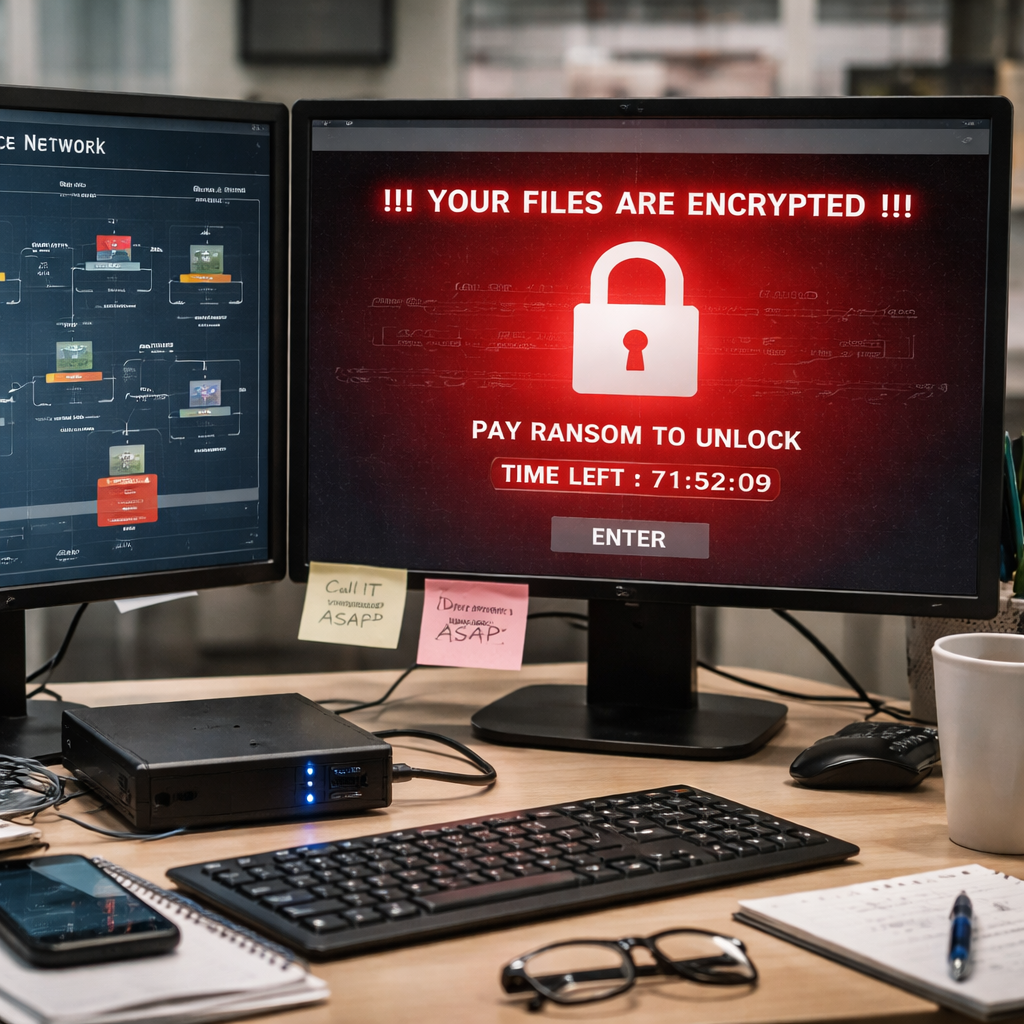
Most attacks start with a single phishing email or an unpatched piece of software. Once the malware lands, it spreads like a wildfire, encrypting files on workstations, servers, and even network‑attached storage. The lock screen you see isn’t just a nuisance – it can shut down payroll, patient records, or online orders in minutes.
So what should you watch for? Look for unusual file‑write activity, sudden CPU spikes, or a new .locked extension appearing on shared folders. Those are early warning signs that the ransomware is already moving.
Here’s a quick three‑step sanity check:
- Inventory every device that holds critical data – laptops, POS terminals, even the printer in the break room.
- Verify that each device runs up‑to‑date patches and has endpoint detection enabled.
- Make sure you have an immutable backup stored off‑site and test a restore at least once a month.
If any of those steps feel shaky, you’re sitting on a ticking time bomb. A simple network segmentation can stop the ransomware from hopping from a compromised laptop to your database server. Think of it as putting a wall between the kitchen and the safe.
For a deeper dive on how to layer those defenses, check out Ransomware protection services. It walks through prevention, detection, and recovery in a way that fits a modest budget.
Beyond tech, remember the human factor. Regular, short phishing drills keep staff on their toes and can cut the attack surface by up to 70 %.
Want to see how APIs fit into a defense‑in‑depth plan? Centauri Launchpad offers a managed developer portal that isolates API traffic, adding another layer of protection.
And don’t forget to keep a hard‑copy of essential forms in a secure, offline location – a simple paper backup can be a lifesaver when digital files are locked.
Building a Layered Ransomware Protection Strategy
First, lock the door on the outside. A good firewall blocks junk traffic before it even reaches your network. Make sure it logs odd IPs and drops them fast.
Next, split your network into zones. Put the point‑of‑sale machines on one VLAN, the accounting server on another, and the guest Wi‑Fi on its own. If a laptop gets infected, the ransomware can’t hop across the wall you just built.
Now add eyes on every device. Deploy an endpoint detection and response tool that watches for mass file writes or strange file extensions. When it sees a red flag, it should quarantine the machine before the lock screen appears.
People are the weakest link, so train them often. Run a short phishing drill each month. Show them how a fake invoice can hide a ransomware payload. Keep the lesson fresh and the click‑rate low.
Backups are your safety net. Keep an immutable copy of critical data offline and another copy in the cloud. Test a restore at least once a quarter so you know it works when you need it.
For a quick visual walk‑through, watch the video below. It shows how each layer fits together and why you need them all.
After the video, think about the paper forms you still rely on – payroll sheets, service orders, repair tickets. Keep a printed backup in a secure drawer. JiffyPrintOnline offers cheap, custom business forms that you can print and store offline for extra peace of mind.
Finally, pull everything together with a simple checklist you can hang on the wall:
- Firewall rules updated?
- VLANs segmented?
- EDR running on every endpoint?
- Phishing drill completed this month?
- Backup verified and tested?
Follow this list and you’ll have a multi‑layer shield that stops ransomware before it can lock your files. Need help setting it up? Our Ransomware Protection Services can walk you through each step and keep your business running smoothly.
Choosing the Right Backup & Disaster Recovery Solution
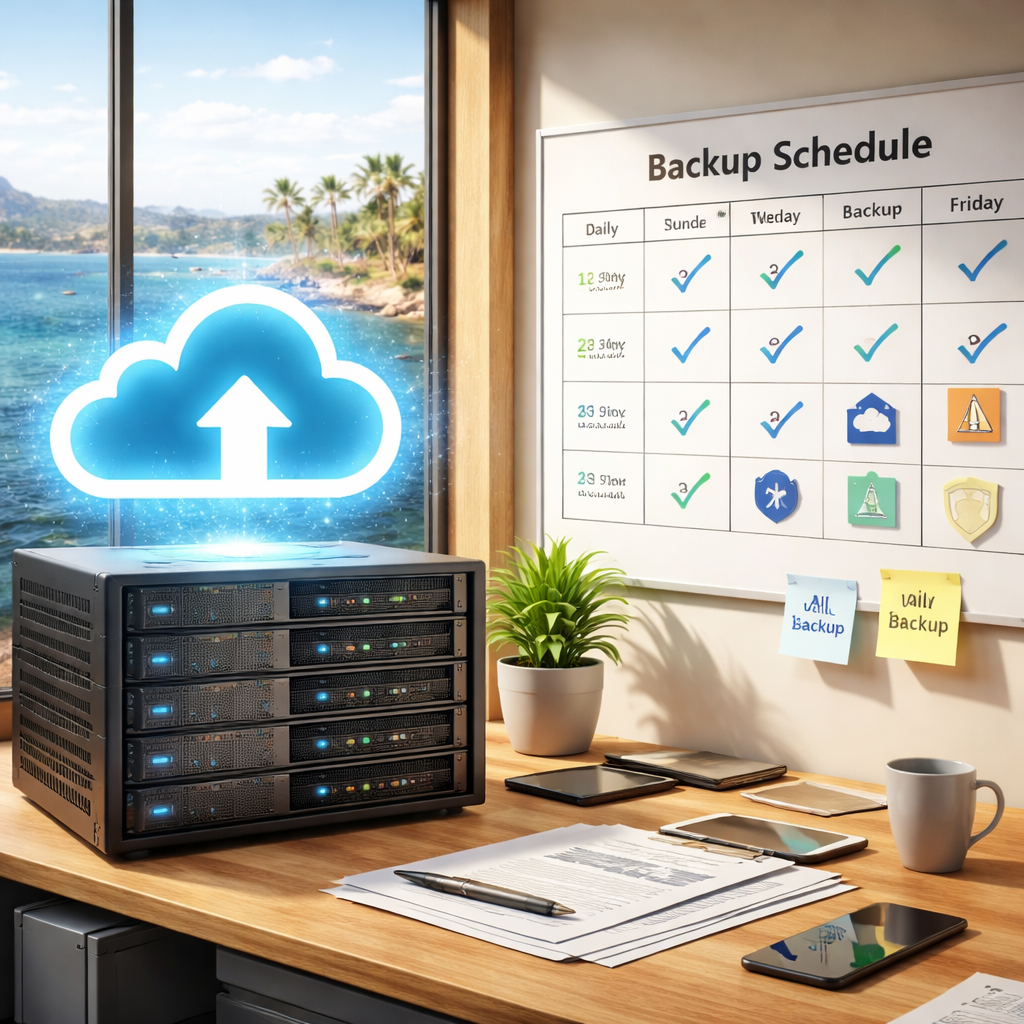
When ransomware hits, the first thing you need is a way to get back to work fast. That means picking a backup and disaster recovery plan that fits your budget, your tech, and your peace of mind.
What to look for
Ask yourself these quick checks. Does the solution keep at least three copies of your data? Are the copies on different media, like a local drive and a cloud bucket? Can you lock one copy so ransomware can’t change it? Finally, does the provider test restores for you?
Steps to compare
Use a short checklist. First, list the cost per month and any setup fees. Second, note the recovery time – can you restore critical files in under an hour? Third, see if the service offers 24/7 help when an attack happens. Fourth, verify that the provider follows the recovery guidance from the NIST framework. That gives you a proven method to get back to normal.
| Option | Key Feature | Why it matters |
|---|---|---|
| Local MSP (e.g., SRS Networks) | Managed backups with on‑site and cloud copies | Fast local restore plus off‑site safety net |
| Pure Cloud Backup | Immutable storage in the cloud | Ransomware can’t delete the copy |
| Hybrid On‑Prem + Cloud | Nightly snapshots on a local NAS plus weekly cloud sync | Quick restore for recent data, long‑term protection in the cloud |
Imagine a small law office that keeps client files on a server in the office. With a hybrid setup, the server’s nightly snapshot lets the lawyer pull back a day’s work in minutes, while the weekly cloud copy protects the firm if the office is hit by fire or ransomware.
Or think of a local bakery that only needs to back up sales data and recipes. A pure cloud service with write‑once files can keep the data safe without any extra hardware.
Finally, a healthcare clinic might choose a local MSP that handles both the on‑site backup hardware and the encrypted cloud vault. That gives them the quick restore they need for patient records and the compliance reporting the clinic requires.
Watch the short video above to see how a simple backup plan can cut recovery time from days to minutes.
Managed Detection, Response, and Employee Training
When ransomware hits, you need eyes that never blink and people who know what to do.
Managed detection and response (MDR) gives you a 24/7 security team that watches every device. The team spots odd file writes, strange login spikes, or new IP traffic. When an alert fires, they can lock the affected machine in minutes. That fast cut‑off can stop encryption before it spreads.
Does your current setup send alerts to a mailbox that no one reads?
Key MDR actions
- Real‑time monitoring of endpoints and network traffic.
- Automated quarantine of a device that shows ransomware signs.
- Daily reports that tell you what was blocked and why.
These steps turn a vague warning into a clear action.
But tech alone isn’t enough. Your staff are the first line of defense.
Human error still causes most attacks. A recent report says 68% of breaches involve a person clicking a bad link. Teaching employees to spot phishing, use strong passwords, and report odd behavior can cut that number dramatically.
Good training isn’t a one‑time video. It’s short, interactive lessons that refresh every few months. Include real‑world phishing examples and a quick quiz so the lesson sticks.
For a solid program, check out cybersecurity awareness training for SMB employees. It explains how to assess gaps, build role‑based modules, and run realistic phishing drills.
What should you do right now?
Simple checklist
- Make sure MDR alerts go to a phone or ticket system, not just email.
- Schedule a 15‑minute training session this month on how to verify email senders.
- Run a fake phishing email and see who reports it.
Do these three things and you’ll have a stronger wall against ransomware. The mix of constant monitoring and aware staff makes ransomware protection for small business a realistic goal.
Conclusion & Next Steps
Ransomware protection for small business isn’t a single project. It’s a habit you build, layer by layer.
First, make sure your backup plan runs every night and stores a copy you can’t edit. Backup and Disaster Recovery explains how to set that up without a hitch.
Second, give your staff a quick 15 minute refresher on spotting fake emails. Run a fake phishing test and note who reports it.
Third, check that any alerts from your security tools go straight to a phone or ticket system – not a forgotten inbox.
Lastly, review your patch schedule. Any device that skips updates is an open door for ransomware. Set automatic updates or ask a managed IT partner to handle them.
When you feel ready, schedule a free risk assessment with a local provider. They’ll walk through your network, point out the biggest gaps, and help you prioritize the next layer.
FAQ
What is ransomware protection for small business?
Ransomware protection for small business means putting several simple defenses in place so a malicious file can’t lock your data. It starts with regular backups that you store offline or in an immutable cloud bucket. Add an endpoint detector that watches for rapid file changes. Layer a basic firewall and keep all software patched. Together these steps stop most attacks before they cause damage.
How often should I back up my data?
You should back up your most critical files at least once a day. For data that changes multiple times a day, set up an hourly incremental snapshot. Keep a weekly full copy that you move to a separate location or cloud service. Test a restore once a month to be sure the backup works. This routine gives you a clean copy to roll back to if ransomware hits.
What are the first signs of a ransomware attack?
The first signs often look like normal system activity, but you’ll see sudden spikes in CPU use or a flood of new files with strange extensions. Files may start opening with a lock screen or a ransom note appears in a folder. If you notice users unable to open common documents, that’s a red flag. Act fast and isolate the affected machine.
Do I need separate tools for detection and backup?
You can use two tools that work together, but you don’t need a separate suite for each. A backup service that writes to an immutable location protects your data even if ransomware tries to delete it. An endpoint detector that alerts on suspicious file activity gives you early warning. When both run, the detector can tell you when to switch to the clean backup.
How can employee training help stop ransomware?
Training teaches staff to spot fake emails and strange links before they click. A quick 15 minute drill each month keeps the lesson fresh. When someone reports a suspicious message, you catch the attack early and stop it from spreading. Over time the habit reduces the chance of a breach and saves you time and money on clean up. It also builds confidence in your team and shows you care about their safety.
What should I do if ransomware hits my network?
First, disconnect the infected computer from the network to stop the spread. Then alert your IT partner or security team right away. Run your latest backup restore on a clean machine and verify the data looks good. Change any passwords that might have been exposed. Finally, review what let the attack in and tighten that gap. Document the incident steps for future reference. Keep the system offline until you’re sure the threat is gone.






