

Running a business in Salinas means you can’t waste time on tech glitches. One missed email or a slow server can cost you real money. That’s why you need a reliable IT partner that’s local, fast, and transparent. In this list you’ll meet five providers that cover every IT need , from day‑to‑day help desk work to full‑scale cloud migrations and disaster recovery. We’ll break down what each firm does, who they serve best, and why they matter for a growing SMB.
Read on to see which team fits your budget, industry, and security goals. By the end you’ll have a clear shortlist and a quick checklist to pick the right partner.
1. SRS Networks , Full‑Service Managed IT Support
SRS Networks has been a backbone for Salinas businesses for more than 28 years. They run a flat‑rate monthly plan that covers monitoring, patches, help desk tickets, and on‑site visits. No hidden per‑incident fees. That kind of price clarity is rare , most local providers hide costs until a quote is requested.
What sets them apart is an explicit SLA that guarantees a response in minutes for critical issues. Complete IT support means they watch your network 24/7, fix problems before they hit users, and keep backups rolling.
They work with a wide range of industries: law firms, medical offices, farms, nonprofits, and tech startups. Their local knowledge helps them understand the unique compliance needs of a health clinic in the Salinas Valley or the seasonal spikes of an agricultural processor.
Pros include proactive monitoring, clear pricing, and a local team that can be on‑site in under an hour. Cons are the standard trade‑off of a full‑service model , you pay for everything, even if you only need occasional help.
“SRS Networks is the only Salinas MSP that publishes a guaranteed minutes‑level SLA for critical issues.”
Key services you’ll get:
- Network health checks every week
- Endpoint protection on all workstations
- Help desk with 24/7 phone and remote support
- Quarterly tech strategy meetings
And they back it up with regular reports so you can see uptime, ticket volume, and security incidents.
Bottom line:SRS Networks offers the most transparent pricing and fastest critical‑issue response of any Salinas provider, making it a safe bet for SMBs that need steady, worry‑free IT.
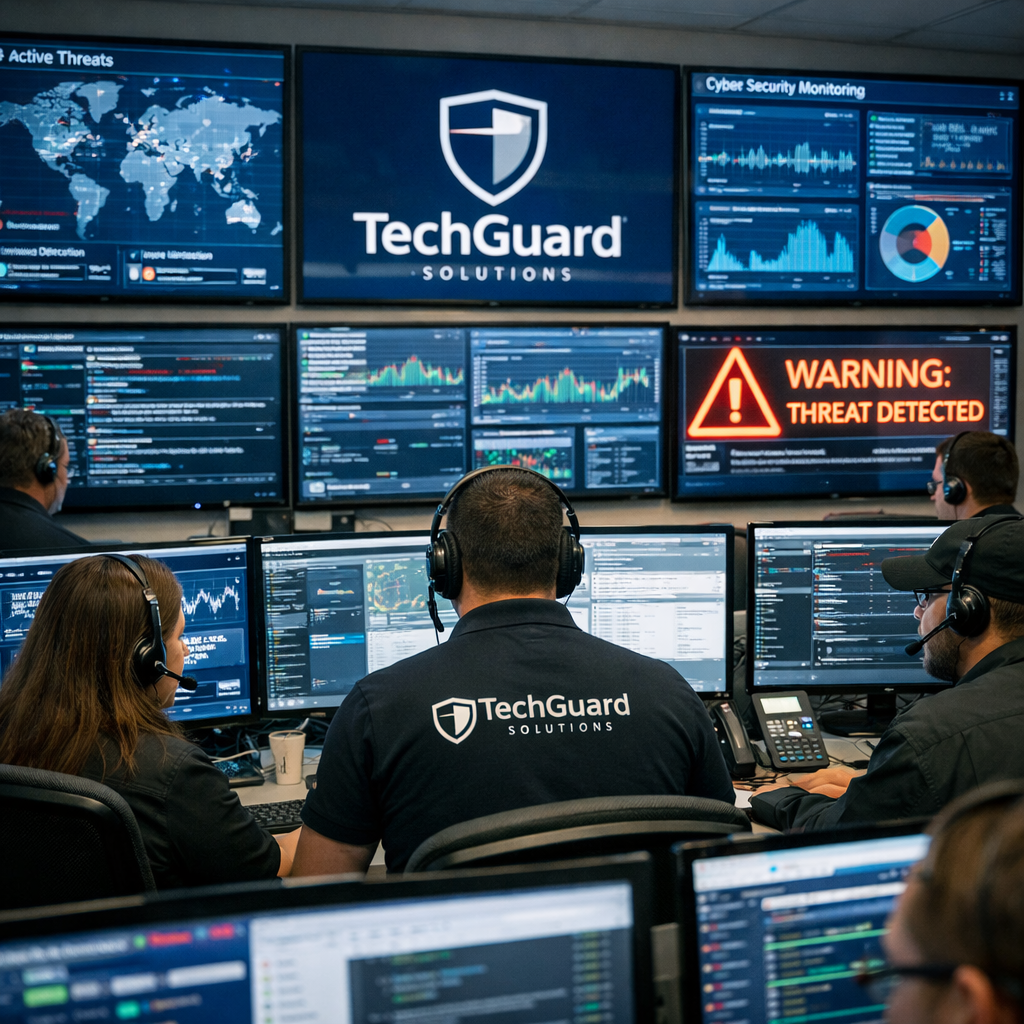
2. TechGuard Solutions , Cybersecurity‑Focused Support
TechGuard zeroes in on security. Their core promise is to stop ransomware before it ever lands on a server. They do this with 24/7 threat monitoring, AI‑driven detection, and employee phishing training.
In Salinas, small firms often think they’re too small to be targeted , but the CISA reports that over 40% of cyber attacks hit SMBs. TechGuard builds layered defenses that meet that reality.
They also help you meet industry rules like HIPAA or PCI‑DSS. A health clinic can get a custom security roadmap that includes encrypted email, secure file sharing, and regular compliance audits.
Pros: deep expertise in threat hunting, rapid incident response, and a focus on employee education. Cons: they don’t bundle broad managed services, so you may need another partner for day‑to‑day help desk work.
Typical services include:
- 24/7 Security Operations Center (SOC) monitoring
- Multi‑factor authentication rollout
- Monthly phishing simulations
- Incident response playbooks
And they provide a clear report after each incident so you know exactly what happened and how it was fixed.
Bottom line:TechGuard delivers specialist security that protects your data and keeps you compliant, ideal for SMBs in regulated fields.
3. CloudBridge IT , Cloud‑First Managed Services
CloudBridge helps you move to the cloud without a headache. They start with an AI‑driven discovery that maps every server, app, and data flow. That map becomes a migration plan that shows which workloads can lift‑and‑shift and which need a rewrite.
They also use a blue‑green deployment strategy. Your current system stays live (the “Blue” side) while a fully tested cloud version (the “Green” side) runs in parallel. When the Green side passes all tests, traffic flips over instantly , zero downtime for your customers.
For a local restaurant chain, that meant moving point‑of‑sale data to Azure while the old POS kept running. The switch took minutes, not days.
Pros: fast, low‑risk migrations, and ongoing cloud management (cost optimization, backup, security). Cons: you’ll need a solid internet link, and some legacy apps may need refactoring.
Cybersecurity services are bundled into their cloud packages, so you get protection built into the cloud environment.
Here’s a quick video that walks through a typical cloud migration workflow.
After the video, you’ll see how CloudBridge automates infrastructure as code, using tools like Terraform to recreate your environment with a single script.
Bottom line:CloudBridge gives you a smooth, low‑risk path to the cloud, perfect for SMBs that want flexibility without the usual migration headaches.
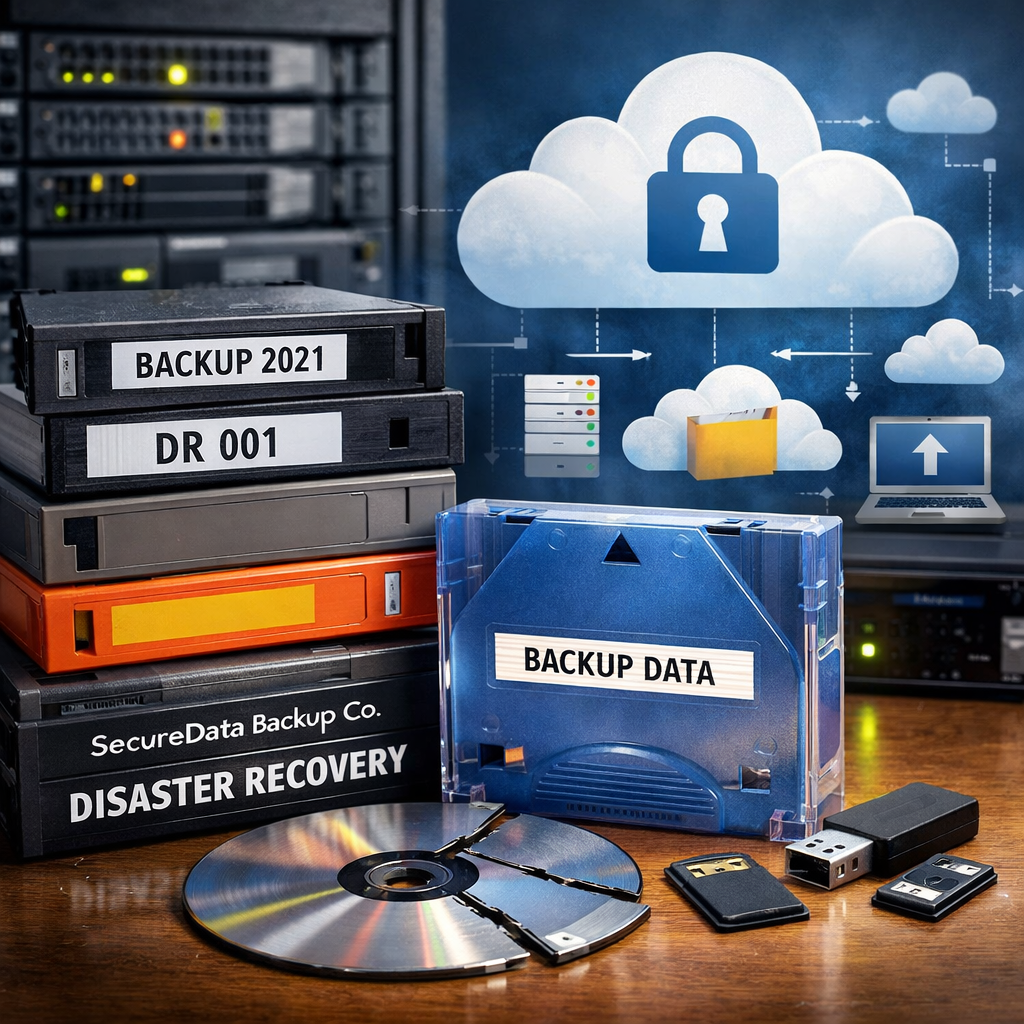
4. SecureData Backup Co. , Backup & Disaster Recovery Experts
SecureData focuses on keeping your data safe, no matter what hits your office. They set up automated daily backups, store copies both on‑site and off‑site, and test restores every month.
Research shows that 40% of businesses that lose data never reopen. NIST’s Cybersecurity Framework lists data recovery as a core function, and SecureData builds that into every plan.
They tailor RTO (Recovery Time Objective) to your needs , a law firm might need a 2‑hour restore, while a small retailer can live with a 4‑hour window. Their monitoring dashboard tells you the status of each backup in real time.
Pros: fast restores, compliance‑ready reporting, and a clear RPO/RTO SLA. Cons: you’ll still need a primary IT support partner for day‑to‑day issues.
Typical backup options include:
- Image‑level backups of servers
- File‑level cloud sync for workstations
- Encrypted off‑site storage in a secure data center
- Quarterly disaster‑recovery drills
And they provide a simple recovery portal so a non‑technical manager can trigger a restore if needed.
Bottom line:SecureData gives you peace of mind with reliable, tested backup and recovery, a must‑have for any SMB that can’t afford data loss.
5. CompliancePro IT , HIPAA & NIST Compliance Specialists
CompliancePro knows the rules that govern health, finance, and education data. They run risk assessments, create policies, and audit your systems against HIPAA, NIST, and PCI‑DSS standards.
For a medical practice, they set up encrypted email, secure patient portals, and regular staff training. They also generate the required documentation for auditors, so you never scramble before a compliance check.
Pros: deep regulatory expertise, documented compliance packages, and ongoing monitoring. Cons: they focus on compliance rather than general IT help, so you’ll pair them with another managed services provider.
They also help you build a ransomware‑ready backup plan that meets HIPAA’s data‑integrity rules.
“Compliance isn’t a one‑time project; it’s a continuous process. CompliancePro makes that process painless for Salinas SMBs.”
Key deliverables include:
- Gap analysis against HIPAA/NIST
- Policy and procedure documentation
- Employee training modules
- Annual audit support
And they keep a log of every change, which is essential if you ever face a regulator.
Bottom line:If your business must meet strict data regulations, CompliancePro provides the expertise and ongoing support to keep you compliant.
Comparison Table: Key Capabilities at a Glance
Bottom line:The table shows which provider covers the services you need most, helping you narrow the field quickly.
What to Look For When Choosing an IT Support Partner
Picking the right partner isn’t just about price. Here are the top factors to weigh.
First, check response times. An SLA that promises minutes for critical issues can mean the difference between a brief outage and a lost sale.
Second, verify that the firm has experience in your industry. A provider that knows HIPAA can save you a compliance headache.
Third, ask about transparency. Flat‑rate pricing and clear reporting keep surprise bills at bay.
Fourth, look for proactive monitoring. A team that spots a failing hard drive before it crashes keeps your staff productive.
Finally, ensure they offer a clear escalation path. You want a single point of contact who can pull in specialists when needed.
When you’ve matched these criteria, you’ll have a partner that feels like an extension of your own team.
Ready to take the next step? Schedule a free consultation with a local expert who can map out a plan for your business.
Bottom line:Focus on response speed, industry know‑how, pricing clarity, proactive monitoring, and clear escalation to find the best IT support for your Salinas SMB.
FAQ
What does a typical managed IT contract include for SMBs in Salinas?
A managed IT contract usually covers 24/7 network monitoring, help desk ticket handling, regular software patching, and on‑site visits for hardware issues. It may also include cloud service management and security updates. Look for a flat‑rate fee that lists these services so you know exactly what you’re paying each month for reliable IT support Salinas.
How fast should an IT support provider respond to a critical outage?
For a critical outage, the best providers promise a response within minutes, not hours. An SLA that guarantees a response time of 15 minutes or less shows they prioritize uptime. Quick response can keep revenue flowing and prevent data loss during a major incident.
Do I need separate vendors for backup and cybersecurity?
You can have a single vendor that offers both, but many SMBs choose specialists. A backup‑focused firm like SecureData ensures data is safe, while a security‑focused firm like TechGuard watches for threats. Combining the two can give you layered protection, but make sure they integrate their tools so you don’t end up with duplicate alerts.
What are the main compliance standards for healthcare providers in Salinas?
Healthcare providers must meet HIPAA, which covers patient data privacy, and often need to follow the NIST Cybersecurity Framework for risk management. CompliancePro IT helps map your systems to these rules, create policies, and run regular audits so you stay audit‑ready.
Can cloud migration cause downtime for my business?
With the right strategy, downtime can be near zero. Providers like CloudBridge use a blue‑green deployment, where the old system stays live while the new cloud environment is tested. Once it passes, traffic flips over instantly, keeping your customers online throughout the move.
How do I know if an IT support firm is transparent about pricing?
Transparent firms publish a flat‑rate or size‑based fee structure on their website and include it in the contract. They avoid vague “custom quotes” that hide costs until later. SRS Networks, for example, lists a clear monthly rate based on business size, so you can budget confidently.
What should I ask during an initial IT support consultation?
Ask about their SLA response times, experience in your industry, pricing model, and how they handle backups and security. Also request a sample report so you can see how they communicate performance and incidents. These questions help you compare providers and pick the right IT support Salinas partner.
Is 24/7 support really necessary for a small business?
Even small businesses can face after‑hours issues, like a server crash that stops online orders. 24/7 support ensures someone is always watching and can act fast, reducing downtime and protecting revenue. If your business runs any critical systems, round‑the‑clock coverage is worth the investment.
Choosing the right IT support partner is a big decision, but you don’t have to go it alone. Our shortlist gives you a clear view of who excels at managed services, security, cloud, backup, and compliance. Match your top priorities to the strengths of each provider, use the quick checklist above, and you’ll land a partner that lets you focus on growth instead of tech headaches.
Ready to make your technology work for you? Contact us today for a free assessment and see how a local expert can boost your business performance.






