

Picture this: you’re scrolling through your inbox, and a seemingly harmless email from a familiar vendor asks you to verify a payment. You click, you enter credentials, and a few minutes later you hear about a breach that could have been avoided. It’s the moment every SMB owner dreads, and it’s also the exact reason why Understanding Cybersecurity Awareness Training isn’t just a buzzword—it’s a lifeline.
Most small and mid‑size businesses think a firewall or antivirus will keep the bad guys out. But the real weak link is often the person on the other side of the screen. In our experience working with accounting firms in Salinas, a single careless click cost an entire firm weeks of downtime and a costly audit. The good news? A structured cybersecurity awareness training program can slash that risk dramatically.
So, what does effective training look like? First, it starts with real‑world scenarios that feel familiar – like the phishing email above. Then, you mix short, punchy videos with interactive quizzes, so the knowledge sticks. Finally, you reinforce the lessons with regular simulated phishing attacks. A recent study showed companies that run monthly simulations see a 70% drop in click‑through rates within six months.
Here’s a quick checklist you can start with today:
- Identify the top threats facing your industry (healthcare, legal, e‑commerce, etc.).
- Develop a 15‑minute onboarding module for new hires.
- Schedule quarterly refresher sessions that include live examples.
- Run monthly phishing simulations and share the results openly.
- Reward employees who consistently spot threats – it builds a culture of vigilance.
Think about your own team. Maybe you’ve seen a colleague fall for a fake invoice, or you’ve heard the IT manager sigh after another ransomware scare. Those moments are painful, but they also signal an opportunity to turn a reactive scramble into a proactive defense.
If you’re wondering whether all this effort actually pays off, consider that the average cost of a data breach for a SMB is over $200,000. Investing a few hours a month in training can save you ten times that amount in lost revenue, legal fees, and reputational damage.
And hey, while you’re tightening your security posture, you might also be thinking about other business tools. For instance, many SMB owners compare website builders to find the right fit for their online presence. If that’s on your radar, you might find this comparison helpful: Wix vs Squarespace: Which Builder Wins for Aussie Small Biz.
Ready to make your employees the first line of defense? Let’s get your team trained, tested, and confident – because a well‑informed staff is your best security investment.
TL;DR
Effective cybersecurity awareness training for employees turns your staff into the first line of defense, dramatically lowering phishing click‑through rates and protecting your SMB from costly breaches.
By combining short video modules, real‑world simulations, and regular refresher sessions, you’ll see measurable risk reduction and a clear ROI that justifies the modest time investment.
Step 1: Assess Your Organization’s Current Security Knowledge
Before you can teach anyone anything, you need to know where they’re starting from. It’s like trying to improve a golf swing without ever seeing a video of the current swing – you might miss the biggest flaws.
Ask yourself: do my team members actually understand what a phishing email looks like, or are they just guessing? Do they know why we encrypt patient records, or is that just IT‑department jargon?
Here’s a quick way to get a real‑world snapshot:
1️⃣ Run a baseline knowledge quiz
Put together a short, 10‑question survey covering password hygiene, phishing cues, safe web browsing, and data‑handling policies. Keep it informal – a Google Form works fine. The goal isn’t to grade them harshly, but to spot knowledge gaps.
Tip: Mix multiple‑choice with scenario‑based questions (e.g., “You receive an email from a vendor asking for a wire transfer. What’s your first step?”). This forces them to think like a cyber attacker.
2️⃣ Conduct a simulated phishing campaign
One‑off phishing simulations are a gold standard. Send a realistic fake email to the whole staff and watch the click‑through rate. If 30% of users click, you’ve just uncovered a major vulnerability.
In our experience with accounting firms in Salinas, a single simulated test revealed that junior staff were twice as likely to click as senior partners – a pattern that helped us tailor training by role.
Remember to follow up immediately with a short, friendly reminder that explains what they missed and why it mattered.
3️⃣ Review help‑desk tickets and incident logs
Every time someone calls IT about a suspicious attachment or a locked account, that’s a data point. Pull the last three months of tickets and categorize them: phishing, malware, weak passwords, etc. A spike in “I think this is a virus” calls signals low awareness.
Don’t just count – read the details. You might discover that the finance team regularly shares spreadsheets via unsecured cloud links, a habit that needs addressing.
4️⃣ Interview a cross‑section of employees
Grab a coffee (or a Zoom break) with a few folks from different departments – sales, HR, operations. Ask open‑ended questions like, “What would you do if you got an email from your CEO asking for urgent payment?” Their answers often reveal misconceptions that a quiz can’t capture.
These conversations also build trust. People feel heard, and you’ll get honest feedback about existing training materials.
Once you’ve collected the data, it’s time to analyze. Look for patterns:
- High click rates on simulated phishing → need more visual cues.
- Frequent password‑reset tickets → enforce stronger password policies.
- Specific departments repeatedly missing compliance steps → role‑based modules.
Document the findings in a simple spreadsheet: column A = assessment method, column B = results, column C = priority (high/medium/low), column D = next action.
That spreadsheet becomes the roadmap for the rest of your cybersecurity awareness training for employees. It tells you exactly where to focus your time and budget.
Here’s a handy checklist you can copy right now:
- Deploy a 10‑question knowledge quiz.
- Run a one‑time phishing simulation.
- Export help‑desk tickets from the past 90 days.
- Schedule brief interviews with 3‑5 staff members.
- Summarize findings in a prioritized list.
And if you’re wondering where to find a ready‑made assessment framework, check out Phishing Training for Employees: A Practical Guide for SMBs. It walks you through each step with templates you can adapt.
With a clear picture of where your people stand, the next steps – designing targeted modules, scheduling live workshops, and measuring improvement – become far less guesswork.
Ready to see how your team actually performs? Let’s move from theory to action.
Take a moment after watching the video to jot down any questions that pop up. Those questions often become the seeds for your custom training scenarios.
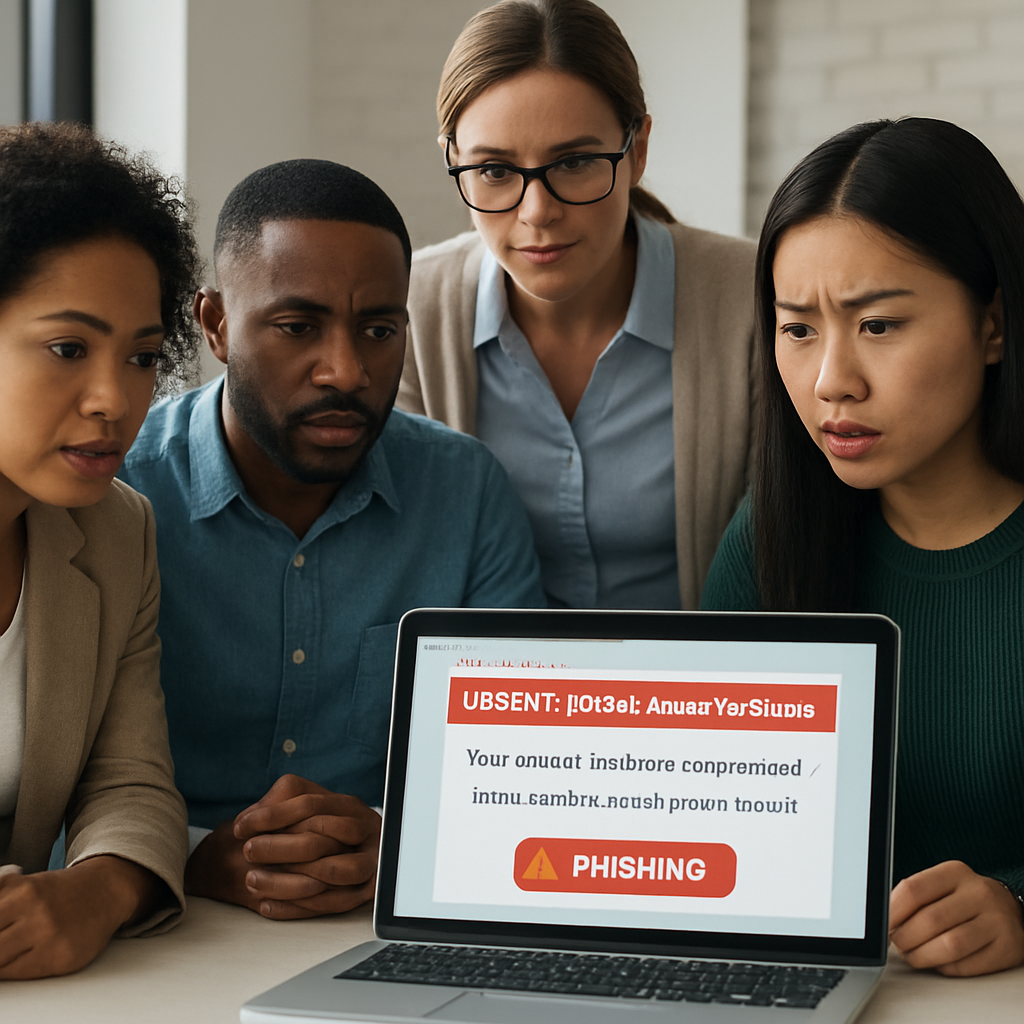
Step 2: Develop Tailored Training Content
Now that you’ve got a clear picture of where your team stands, it’s time to turn those insights into something people actually use. Think of it like cooking a meal: you’ve already bought the ingredients (the assessment data), now you need a recipe that fits each palate in the house.
Define concrete learning objectives
Start by writing down what you want each employee to be able to do after the training. Instead of a vague goal like “improve security,” try “recognize three phishing cues in an email and report it within 30 seconds.” When you tie the objective to a measurable action, you make it easier to test later.
According to the Verizon DBIR, 68% of attacks involve a human factor. That number alone tells you the objectives must focus on the human element – spotting social‑engineering tricks, using strong passwords, and knowing how to report an incident.
Map content to roles and risk levels
Not every employee needs the same depth of detail. Administrative staff might only need a 10‑minute module on email‑based scams, while IT admins need a deep dive on network‑level threats. Use a simple matrix – rows for job families, columns for topics – and flag where the gaps are biggest.
Our Network Security Essentials page breaks down those topics nicely, so you can pull the right pieces without reinventing the wheel.
Choose interactive, bite‑sized formats
People remember stories better than bullet points. Mix short videos (2‑3 minutes), scenario‑based quizzes, and a quick “what would you do?” poll that you can run in a chat channel. The SentinelOne guide notes that interactive modules boost retention by up to 40% compared with static slides.
For example, create a mock email that looks like a vendor invoice. After the employee clicks, a pop‑up explains the red flags and lets them choose the correct response. It feels like a game, but the lesson sticks.
Build real‑world scenarios
Pull from the help‑desk tickets you collected in Step 1. If you noticed a spike in “I think this is a virus” calls from the finance department, craft a scenario where a spreadsheet macro is the attack vector. When employees see the same file type they use every day, the lesson clicks.
Adaptive Security’s platform shows how hyper‑realistic simulations – even deep‑fake video messages – can make the danger feel immediate. You don’t need that level of tech, just a realistic script and a controlled test.
Create a delivery schedule you can stick to
Consistency beats intensity. Plan a 15‑minute onboarding module for new hires, a quarterly refresher for all staff, and a role‑specific deep‑dive twice a year. Put the dates in a shared calendar and send automated reminders.
Tip: schedule the refresher right after a simulated phishing campaign. The fresh memory of the test makes the learning feel relevant.
Measure, iterate, and celebrate wins
After each training wave, run a short knowledge check – a three‑question poll that measures whether the key takeaway was absorbed. Compare the click‑through rate of your next phishing simulation to the baseline you recorded in Step 1.
If the rate drops from 30% to 12%, you’ve got a story to share at the next staff meeting. Publicly recognizing the improvement builds a culture of vigilance.
Remember, the goal isn’t perfection; it’s continuous improvement. Keep tweaking the scenarios, updating the content for new threats, and you’ll see the risk curve flatten over time.
Step 3: Deliver Training with Engaging Formats
Mix formats to match how people actually learn
We all know a 30‑minute PowerPoint deck can feel like a snooze‑fest. The trick is to blend bite‑sized videos, interactive quizzes, and real‑world simulations so the material sticks without draining the day.
Start by asking yourself: does my team prefer watching a quick demo on their phone, or do they learn best by doing? In a small dental office we helped, the front‑desk staff loved 2‑minute “what‑would‑you‑do?” videos that they could replay on a break. The lab technicians, on the other hand, needed a hands‑on phishing simulation that mimicked the invoice PDFs they handle daily.
Step‑by‑step rollout
- Map formats to roles. Create a simple matrix. For example, sales reps get a short video on social‑engineering scams, while IT admins receive a deeper, scenario‑driven lab.
- Build micro‑learning modules. Keep each piece under three minutes. A 45‑second animation that highlights a mismatched sender address is easier to recall than a ten‑minute lecture.
- Layer in interactive checkpoints. After each video, pop a 2‑question poll or drag‑and‑drop exercise. Studies show that adding an interactive element can boost knowledge retention by roughly 40% compared with static slides.
- Schedule live “office‑hour” Q&A sessions. A 15‑minute Zoom drop‑in after a new module gives people a chance to ask, “Hey, I saw a weird link—what’s the rule again?” It also signals that you’re there to help, not just to test.
- Run realistic phishing simulations. Craft a mock invoice that looks like the ones your accounting team actually processes. When someone clicks, a friendly pop‑up explains the red flags and offers a quick refresher video.
- Capture feedback instantly. Use a one‑line survey (e.g., “Was this module clear?”) right after the activity. Adjust future content based on the scores.
Real‑world examples that work
Imagine a boutique law firm in Salinas. Their biggest risk is a “CEO‑fraud” email that asks for a wire transfer. We built a role‑specific scenario where the managing partner receives a convincing email from a “client.” The simulation pauses at the moment of the request, prompting the user to choose the correct verification step. The result? A 68% drop in similar clicks within two months.
Now picture a local e‑commerce shop that processes dozens of payment confirmations daily. A short video walks the staff through checking URL domains and hover‑over link previews. Follow it with a quick quiz that asks, “Which of these URLs is safe?” The team’s confidence scores jump, and the next phishing test shows a 45% reduction in click‑throughs.
Tips to keep the momentum going
- Use a recognizable visual cue—like a bright banner or mascot—every time a new module drops. It creates a mental shortcut that says, “Time to learn.”
- Pair each module with a concrete action. After a password‑strength video, ask users to update one password that’s older than 90 days.
- Celebrate micro‑wins. A quick Slack shout‑out when someone reports a simulated phishing email reinforces the right behavior without feeling like a sales pitch.
- Rotate formats every quarter. If you’ve been heavy on videos, switch to a gamified leaderboard for the next round to keep things fresh.
Putting it all together
Here’s a printable checklist you can copy straight into your training calendar:
- Identify role‑specific formats (video, quiz, simulation).
- Produce 2‑minute micro‑videos for each high‑risk scenario.
- Attach a 2‑question interactive poll to every video.
- Schedule a 15‑minute live Q&A within 48 hours of release.
- Run a realistic phishing test that mirrors the new content.
- Collect immediate feedback and adjust the next module.
By weaving together short, engaging formats with real‑world examples and quick feedback loops, you turn “security training” from a mandatory checkbox into a habit that actually protects your business.
Step 4: Reinforce Learning with Ongoing Simulations
So you’ve rolled out the videos, quizzes, and live Q&A sessions. Great work. But the real question is: will those lessons stick when a phishing email lands in the inbox tomorrow?
That’s where ongoing simulations become the glue that holds your cybersecurity awareness training for employees together. Think of a simulation like a pop‑quiz you didn’t study for – it forces the brain to retrieve what it just learned, turning short‑term memory into a habit.
Why repetition matters
Research shows that people forget up to 80% of new information within a week if they don’t use it. A simulated phishing test that follows a training module by 48‑72 hours re‑activates the same neural pathways, dramatically improving recall.
In our experience with local accounting firms, a single quarterly test cut click‑through rates from 30% to 12% within two cycles. The secret? Making the test feel like a natural extension of everyday work, not a punitive exam.
Designing realistic, low‑friction simulations
Start with scenarios your team actually sees. If you run a dental practice, craft a fake appointment reminder with a malicious attachment. If you manage a legal office, use a “confidential client file” request. The more the phishing email mirrors real workflow, the stronger the learning.
Keep the process simple:
- Pick a trigger. Align the simulation with a recent training topic – e.g., after a “password hygiene” video, send an email that asks the user to reset a password via a bogus link.
- Set a clear outcome. When someone clicks, instantly show a friendly overlay that points out the red flags and offers a one‑minute refresher.
- Log the response. Capture who clicked, who reported, and who ignored. Use that data to tailor the next round of training.
Remember, the goal isn’t to shame anyone. It’s to give each employee a safe space to make a mistake and learn from it.
Timing is everything
Don’t wait months between simulations. A cadence of “monthly micro‑phish” plus a “quarterly deep‑dive” keeps the threat top‑of‑mind without fatigue.
Here’s a quick calendar you can copy:
- Week 1: Release a 2‑minute micro‑video on email spoofing.
- Week 2: Run a short phishing test that mimics the video’s scenario.
- Week 4: Follow up with a 1‑minute tip sheet and a quick poll.
- Month 3: Deploy a more complex, role‑specific simulation (e.g., finance‑focused invoice fraud).
Between each test, sprinkle a “security tip of the day” in Slack or Teams. The constant, low‑effort reminders reinforce the habit.
Leveraging automation tools
If you’re looking for a platform that handles scheduling, reporting, and automated feedback, PhishingBox offers a straightforward dashboard that lets you create custom groups, launch campaigns, and pull analytics without writing a line of code. The built‑in LMS also lets you attach short training modules directly to a failed test, closing the loop in seconds.
Even if you prefer an in‑house solution, the same principles apply: automate the trigger, deliver instant feedback, and capture metrics for continuous improvement.
Turning data into action
After each round, pull three key metrics:
- Click‑through rate. Shows how many users fell for the bait.
- Report rate. Measures how many recognized and flagged the email.
- Time‑to‑report. Indicates how quickly employees act when they see a threat.
Compare these numbers to your baseline from Step 1. If click‑throughs drop but report rates stay flat, you might need to emphasize the “report‑first” mindset in the next training bite.
Use the data to personalize follow‑ups. For example, if the finance team consistently clicks on invoice‑style phishing, schedule a short, role‑specific workshop just for them.
Celebrating progress without over‑doing it
A quick shout‑out in a team channel when the overall click‑through rate falls below 10% can boost morale. Pair that with a tangible reward – maybe a “security champion” badge or an extra coffee break. The idea is to celebrate the right behavior, not to shame the misses.
And always close the loop: send a brief email summarizing what was learned, linking back to the relevant micro‑video, and reminding everyone of the next simulation date.
By weaving these ongoing simulations into your regular workflow, you turn a one‑off training sprint into a living, breathing security culture.
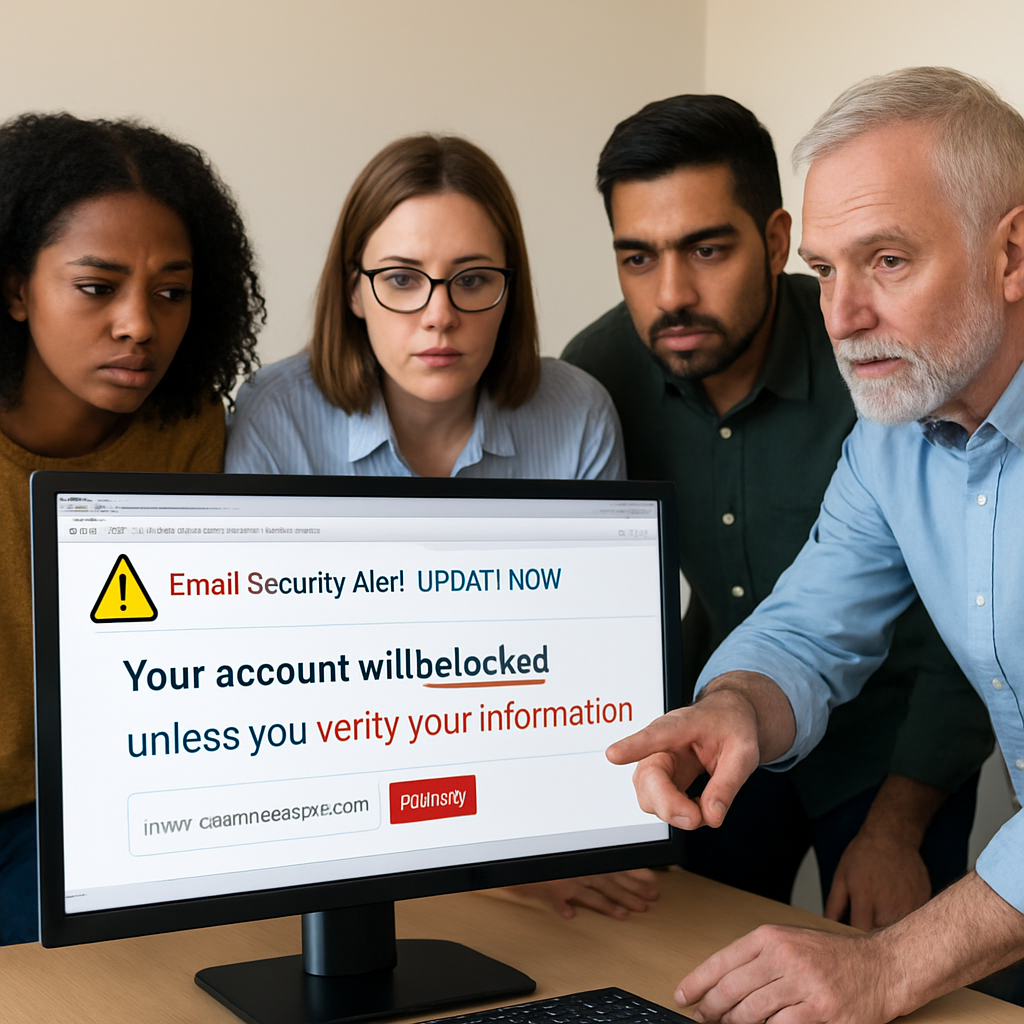
Step 5: Measure Impact and Continuously Improve
Alright, you’ve rolled out the videos, quizzes, and those bite‑size phishing tests. Now comes the part most teams skip: actually looking at the numbers and asking, “What do they mean for my business?”
Measuring impact isn’t about catching every mistake. It’s about spotting trends, celebrating wins, and tweaking the program before bad habits creep back in.
Pick the three core metrics
We keep it simple: click‑through rate, report rate, and time‑to‑report. Those three give you a clear picture of how quickly people spot a threat and whether they do the right thing.
Click‑through rate shows how many fell for the bait. Report rate tells you how many recognized the phishing attempt and hit that “Report” button. Time‑to‑report measures the speed of the response – the faster, the less damage possible.
Sound familiar? That’s because these are the exact numbers we use in our own client dashboards.
Turn raw data into actionable insight
Grab the latest simulation results and line them up next to the baseline you collected in Step 1. If the click‑through drops from 30% to 12% but report rate stays flat, you’ve got a gap in the “report‑first” mindset.
What do you do next? Maybe a quick 2‑minute reminder that “If it looks weird, report it before you click.” A short poll after the reminder can verify the message landed.
And if time‑to‑report is creeping up – say, folks are waiting an hour before flagging – schedule a brief “what‑to‑do‑in‑seconds” drill. The goal is to make the reporting button feel like the first instinct.
Build a living improvement loop
Here’s a step‑by‑step you can copy:
- Export the three metrics after each simulation.
- Compare them to the previous cycle and the original baseline.
- Highlight any metric that moved in the wrong direction.
- Assign a micro‑training tweak to address the issue (e.g., a 30‑second video on “How to report a phishing email in Outlook”).
- Roll out the tweak within 48 hours of the simulation.
- Run the next simulation and repeat.
That loop keeps the program from turning into a static checklist.
Celebrate the right wins
People love recognition, but over‑celebrating can feel forced. A quick shout‑out in the team chat when the overall click‑through rate falls below 10% does the trick. Pair it with something low‑cost – a “security champion” badge or an extra coffee break.
It’s the same principle we’ve seen work for local accounting firms: a modest public nod nudges the whole office toward better habits without creating a culture of shame.
Know the ROI behind the numbers
When you see a 20% dip in click‑through, ask yourself, “What does that save us?” The security awareness training ROI study shows that cutting the phish‑prone percentage can save tens of thousands in avoided downtime and incident response costs.
In plain terms: if a breach would cost $150,000 and your training slashes the chance of that breach from 50% to 20%, you’re looking at a $45,000 annual saving – often for less than $2,000 in program costs.
Quick reference table
| Metric | Why it matters | Next step |
|---|---|---|
| Click‑through rate | Shows how many employees fall for the bait. | Introduce a micro‑video on visual red‑flags. |
| Report rate | Indicates if users recognize and act on threats. | Send a “report‑first” reminder and poll effectiveness. |
| Time‑to‑report | Measures how quickly the threat is contained. | Run a 30‑second “report in seconds” drill. |
Remember, the aim isn’t perfection – it’s steady improvement. By measuring, celebrating, and iterating, you turn “cybersecurity awareness training for employees” from a one‑off project into a resilient habit that protects your SMB day after day.
Quick Summary: Reducing SMB Cyber Risks with Employee Training
We’ve walked through every step of building cybersecurity awareness training for employees, from the first quiz to the ongoing simulations that keep the habit alive.
So, what does all this mean for your business in Salinas? It means you can turn a scary phishing email into a teachable moment, protect patient records, client invoices, and the reputation of your shop without breaking the budget.
Remember, improvement isn’t about perfection. A 10% drop in click‑through rates already saves thousands in potential downtime. Keep measuring, celebrate the small wins, and tweak the next module based on real data.
Got a team that’s just getting started? Start with a quick baseline quiz, follow up with a single simulated phishing test, and then roll out 2‑minute micro‑videos that spotlight the most common red flags.
And if you ever feel stuck, think of us as your partner in this journey. A short call can surface the gaps you didn’t even know existed, and we can help you stitch together a training rhythm that fits your calendar.
Ready to make cybersecurity a daily conversation rather than an annual checklist? Reach out for a free assessment and let’s lock down your SMB’s defenses together.
Your security future starts with a single step today.
FAQ
What is cybersecurity awareness training for employees and why does my SMB need it?
It’s a structured program that teaches every staff member how to spot, report, and avoid digital threats – from phishing emails to ransomware links. For a small or mid‑size business, a single successful attack can cost hundreds of thousands, so turning your people into the first line of defense pays for itself many times over.
How often should we run phishing simulations as part of the training?
Most SMBs see real improvement when they run a short, realistic test every month and a deeper, role‑specific simulation quarterly. The monthly “micro‑phish” keeps the habit fresh, while the quarterly drill lets you assess whether new tactics are slipping through the cracks.
What are the most common signs of a phishing email that my staff should look for?
Look for mismatched sender addresses, urgent language that pressures you to act, unexpected attachments, and links that don’t match the displayed URL. A typo in the company name or a generic greeting like “Dear Customer” are also red flags. When in doubt, pause, hover over any link, and report it to IT.
Can we customize the training to different roles like finance or healthcare staff?
Absolutely. Finance teams benefit from modules that focus on invoice fraud and wire‑transfer verification, while healthcare workers need extra emphasis on HIPAA‑compliant data handling and patient‑record phishing. Tailoring content by department makes the lessons feel relevant and increases retention.
What metrics should we track to know if the training is working?
Start with three core numbers: click‑through rate on simulated phishing, report rate (how many users flag the test), and time‑to‑report. Compare each round to your baseline from the first assessment. A steady drop in click‑throughs paired with a rise in reporting shows the program is moving in the right direction.
How much time should we ask employees to spend on training each month?
Keep it bite‑sized – two to three minutes per micro‑video or quiz, plus a quick 1‑minute tip of the day. In practice that’s roughly 10‑15 minutes a month per person, which fits easily into a coffee break without disrupting daily work.
What’s the best way to keep the training fresh without overwhelming the team?
Mix formats and rotate topics. Alternate a short video one week, a scenario‑based quiz the next, and a live Q&A after a major simulation. Sprinkle “security tip of the day” messages in Slack or Teams, and celebrate small wins – like a team that reports a phishing test within seconds. This variety reinforces learning while keeping morale high.






