If your office already works inside Microsoft 365, your phone system does not need to live somewhere else. SRS Networks helps small and mid-sized businesses turn Microsoft Teams into a practical business calling platform that fits the way their staff already work, collaborate, and support customers.
For organizations with 15 to 150 employees, SRS Networks plans and supports Teams Phone as part of a wider managed IT and cybersecurity strategy. That matters when you need more than dial tone. You also need the right licensing, the right PSTN path, reliable network performance, secure remote access, and clear guidance on what to keep, what to replace, and what it will take to move.
Microsoft Teams Phone for small business offices already using Microsoft 365
Teams Phone makes the most sense when your team already lives in Outlook, Teams, and Microsoft 365 every day. SRS Networks helps you extend that environment into calling, so your users can work from one platform instead of bouncing between separate chat, meeting, and phone systems.
SRS Networks reviews your Microsoft 365 environment, helps map the right Teams Phone licensing path, and aligns calling with your existing identity, access, and support structure. That makes adoption easier for your staff and gives you one clearer place to manage communication across desktop, mobile, and remote work scenarios.
“SRS Networks brings over 28 years of IT and cybersecurity experience to Microsoft 365 and Teams environments for growing businesses.”
Because we already support managed IT, Microsoft 365, cloud services, network infrastructure, and cybersecurity, your Teams Phone rollout is not treated like a one-off phone install. It becomes part of a stable, secure, supportable business environment.
SRS Networks helps SMB offices choose the right Teams Phone calling option
One of the biggest decisions is not whether Teams can handle calling. It is which PSTN connectivity model fits your office. Microsoft documents several paths for small businesses, including Calling Plans, Direct Routing, Operator Connect, and Teams Phone Mobile, and each one changes how numbers, carriers, routing, and support should be handled.
“SRS Networks helps businesses with 15 to 150 employees match Teams Phone to the right calling path, licensing model, and IT support structure.”
SRS Networks helps you sort that out before you commit. We look at your current Microsoft 365 licensing, your calling scope, whether you need domestic or international calling, whether your outbound volume is steady or variable, and whether you need to preserve existing telephony investments.
For small business planning, the usual fit looks like this:
- Teams Phone with Calling Plan: A simpler all-in-the-cloud option when you want Microsoft to provide PSTN connectivity and reduce telephony complexity.
- Pay-As-You-Go Calling Plan: A practical option for users with low or variable outgoing call volume who do not need a larger bundled plan.
- Direct Routing: A stronger fit when you want to keep an existing PSTN carrier relationship, support more complex routing, integrate third-party PBXs, or account for analog devices.
- Operator Connect or Teams Phone Mobile: Worth considering when carrier participation, mobile integration, or specific telephony arrangements are part of the requirement.
Microsoft also notes that Direct Routing can coexist with other calling options in the same tenant. SRS Networks uses that flexibility to help businesses phase migration, support mixed environments, or keep specialized voice requirements in place while still moving everyday users into Teams.
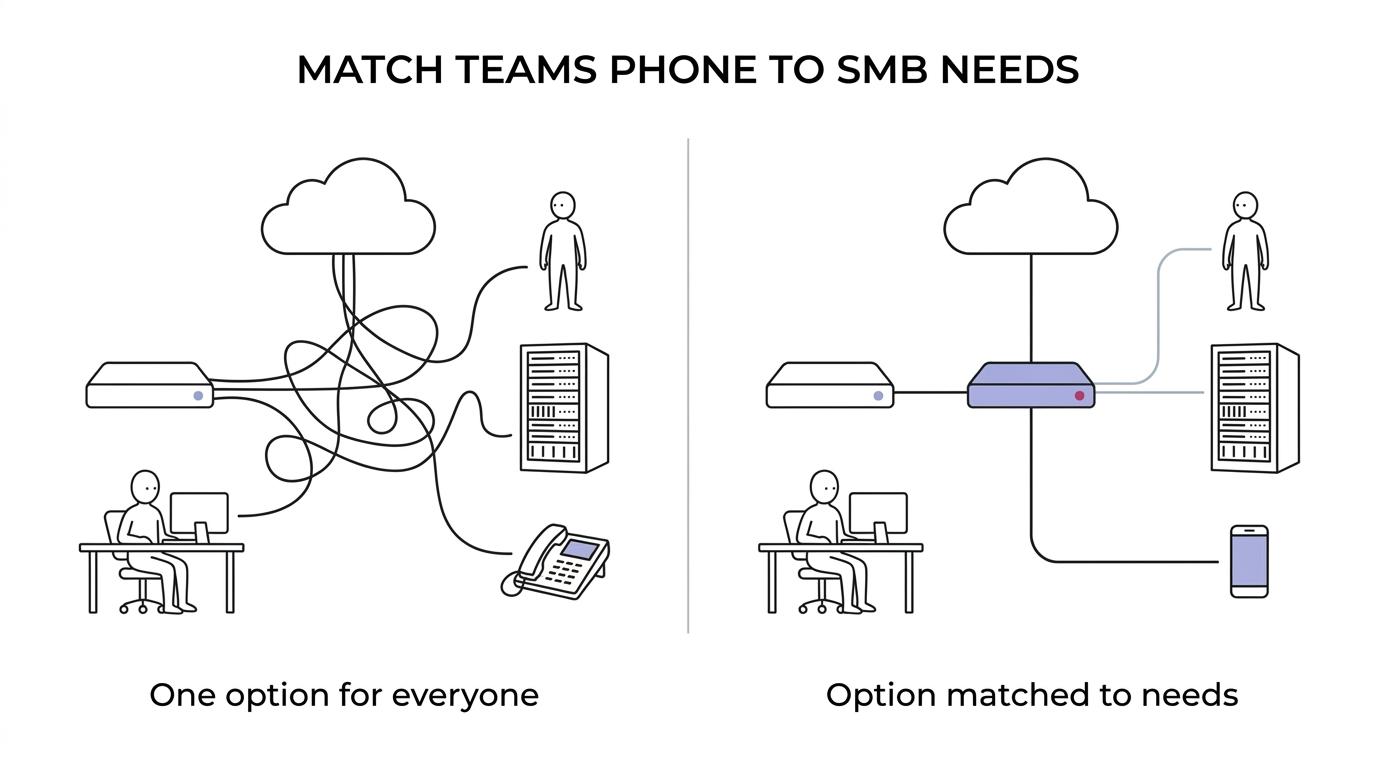
That planning step is where a lot of small businesses either save time or create expensive rework. We make the licensing and routing decision clearer up front, including where number availability, emergency calling responsibilities, and carrier dependencies may affect the rollout.
Teams Phone deployments that include network, security, and compliance planning
Voice quality is not just a phone-system issue. It depends on identity, internet connectivity, firewall policy, Wi-Fi coverage, switching, remote access, and the way your Microsoft 365 environment is managed. SRS Networks handles Teams Phone in the context of the whole environment, which gives you fewer handoffs between vendors and fewer surprises during deployment.
“SRS Networks combines Teams Phone guidance with managed IT, cybersecurity, network infrastructure, and Microsoft 365 support in one business IT relationship.”
That broader scope matters for healthcare providers, legal practices, manufacturers, dealerships, professional service firms, and multi-location organizations that cannot afford avoidable downtime. SRS Networks supports secure remote workforce access, Microsoft 365 administration, Azure integration, firewall management, MFA, vulnerability scanning, backup strategy, and business continuity planning so your calling system is supported by the same controls that protect the rest of your operations.
If compliance is part of your world, we also help align technology decisions with standards and frameworks such as HIPAA, FTC Safeguards, NIST, and CMMC where applicable. Teams Phone does not replace security planning, but SRS Networks makes sure your communication platform fits inside a secure and accountable IT model.
What implementation with SRS Networks looks like for a 15 to 150 employee business
A Teams Phone project should not start with guesswork. SRS Networks uses a structured process that reduces disruption and helps you understand the impact on users, numbers, devices, and monthly cost before rollout begins.
A typical engagement includes these steps:
- Assessment: We review your Microsoft 365 licensing, user count, calling patterns, office locations, compliance needs, and current phone or carrier setup.
- Design: SRS Networks maps the right PSTN option, identifies routing requirements, evaluates network readiness, and highlights dependencies such as existing providers or analog devices.
- Deployment: We support Microsoft 365 and Teams configuration, user setup, secure access, migration planning, and testing so the system is usable on day one.
- Ongoing support: We stay involved through managed services, vendor coordination, lifecycle planning, and strategic guidance as your business grows.
If you already have internal IT, SRS Networks can work in a co-managed role instead of replacing your team. If you do not have in-house IT leadership, our managed services and virtual CIO support can give you a more complete operating model around Microsoft 365, voice, security, and budgeting.
When SRS Networks is the right fit for Microsoft Teams Phone
SRS Networks is a strong fit when your business wants Teams Phone to be part of a stable IT strategy instead of a stand-alone voice purchase.
That usually means you are already invested in Microsoft 365, need secure remote and hybrid work support, want clearer monthly IT planning, or have compliance and security requirements that make piecing together separate vendors a poor fit.
We are also a practical choice when your office is balancing simplicity against legacy constraints. Some businesses want the cleanest possible all-cloud calling plan bundle. Others need to keep an existing carrier relationship, support more advanced routing, or account for branch offices and mixed infrastructure. SRS Networks helps you choose the option that fits the business you have now while keeping room for growth.
Our approach is proactive, not break-fix. That means we do not just respond after something fails. We monitor, maintain, advise, and plan so your communication platform stays aligned with your network, your cybersecurity posture, and your long-term business goals.
Talk with SRS Networks about Teams Phone for your SMB office
If you are comparing Microsoft Teams Phone with a traditional business phone platform, or trying to decide between Calling Plan, Direct Routing, Operator Connect, or another setup, SRS Networks can help you make that decision with real operational context.
We will look at your Microsoft 365 environment, your calling requirements, your infrastructure, and your support model so you can move forward with a Teams Phone setup that is practical, secure, and easier to manage.
Reach out to SRS Networks to plan a Teams Phone solution that fits your office, your users, and the way your business actually runs.