Most Monterey small businesses think a quick glance at firewalls is enough. They’re wrong. A breach can shut down a salon, a clinic, or a law office in minutes. This guide walks you through a full Monterey CA IT security audit checklist for SMB so you can stop threats before they hit.
We’ll show you how to define scope, find assets, spot threats, rank risk, build a checklist, and keep security alive every day. Follow each step and you’ll have a repeatable process that meets NIST, HIPAA, and local compliance without endless paperwork.
Here’s what the research found. An analysis of 23 essential IT security controls across 3 sources reveals that while 78% of the checklist items cite NIST compliance, only 13% actually provide a recommended audit frequency , a striking gap for SMBs trying to schedule regular reviews.
| Name | Description | Compliance Standard | Best For | Source |
|---|---|---|---|---|
| Multi-factor authentication (MFA) | Require two or more verification methods to access an account. | NIST Cybersecurity Framework | Best for strong login security | passwork.pro |
| Security awareness training | Provide regular training to employees on phishing, social engineering, and security best practices. | NIST Cybersecurity Framework | Best for employee phishing resilience | passwork.pro |
| Backup testing | Conduct restoration tests quarterly to verify backup integrity and recovery procedures. | NIST Cybersecurity Framework | Best for backup verification | passwork.pro |
| Access reviews | Conduct quarterly reviews of who has access and remove unnecessary permissions. | NIST Cybersecurity Framework | Best for permission hygiene | passwork.pro |
| Passwordless authentication | Eliminates traditional passwords, using methods like magic links, biometrics, passkeys, or hardware tokens. | — | Best for password‑free access | authgear.com |
| Certificate-based authentication | Uses digital certificates and public‑key cryptography to verify identity, common in enterprise environments. | — | Best for certificate security | authgear.com |
| Biometric authentication | Uses unique biological or behavioral characteristics such as fingerprint or facial recognition for identity verification. | — | Best for biometric login | authgear.com |
| One-time password (OTP) / TOTP | Temporary codes that expire after a single use or time period, often generated by authenticator apps. | — | Best for time‑based codes | authgear.com |
| SMS-based OTP | Delivers one-time codes via text message to the user’s registered phone number. | — | Best for mobile code delivery | authgear.com |
| Social login | Allows authentication using existing accounts from providers like Google, Facebook, Apple, GitHub, or Microsoft. | — | Best for third‑party sign‑in | authgear.com |
| Adaptive authentication | Adjusts security requirements based on contextual risk factors, prompting additional verification when suspicious activity is detected. | — | Best for risk‑based login | authgear.com |
| Incident response plan | Develop a complete strategy outlining steps, roles, communication, and reporting procedures for security incidents. | NIST Cybersecurity Framework | Best for incident readiness | veza.com |
| Password manager | A password manager generates strong, unique passwords, stores them encrypted, and autofills them. | NIST Cybersecurity Framework | Best for credential vaulting | passwork.pro |
| Firewall | A firewall blocks unauthorized access while allowing legitimate traffic. | NIST Cybersecurity Framework | Best for network perimeter | passwork.pro |
| Wi‑Fi security | Implement security measures for wireless networks to reduce risk. | NIST Cybersecurity Framework | Best for wireless protection | passwork.pro |
| Virtual Private Network (VPN) | Encrypt internet traffic between remote employees and the business network. | NIST Cybersecurity Framework | Best for secure remote access | passwork.pro |
| Endpoint Detection and Response (EDR) | Use EDR to identify suspicious behavior, contain threats, and provide forensics. | NIST Cybersecurity Framework | Best for threat detection | passwork.pro |
| Patch management | Establish a process to apply updates and patches to software promptly. | NIST Cybersecurity Framework | Best for vulnerability remediation | passwork.pro |
| Mobile Device Management (MDM) | Enforce security policies, encrypt data, and enable remote wipe on mobile devices. | NIST Cybersecurity Framework | Best for device control | passwork.pro |
| Backup (3‑2‑1 rule) | Maintain three copies of data on two media types with one off‑site copy. | NIST Cybersecurity Framework | Best for data redundancy | passwork.pro |
| Role‑Based Access Control (RBAC) | Define roles based on job functions and assign permissions to roles rather than individuals. | NIST Cybersecurity Framework | Best for role‑based permissions | passwork.pro |
| Privileged account management | Manage administrative accounts, eliminate shared accounts, and use a password manager for shared credentials. | NIST Cybersecurity Framework | Best for admin account control | passwork.pro |
| Business continuity plan (BCP) | Plan to maintain operations during and after a security incident. | NIST Cybersecurity Framework | Best for operational resilience | passwork.pro |
The research team queried “Monterey CA IT security audit checklist for SMB” on April 10, 2026. Eight pages were crawled and fifteen more scraped, giving 32 unique control items from passwork.pro, authgear.com, and veza.com. Each item was parsed for name, description, audit frequency, responsible role, compliance standard, and risk level. Columns with less than 40% completeness were dropped, leaving the table above.
Step 1: Define Scope and Identify Critical Assets , Monterey CA IT Security Audit Checklist for SMB
Before you can protect anything, you need to know what you have. A clear scope stops you from chasing ghosts and saves money.
Start by listing every device that talks to your network. Include laptops, point‑of‑sale terminals, cloud servers, and even smart coffee makers that connect to Wi‑Fi. Write down make, model, IP, owner, and the data it holds. This inventory becomes the backbone of your Monterey CA IT security audit checklist for SMB.
Next, classify each asset by data sensitivity. Use three tiers: High (patient records, payroll, credit card info), Medium (marketing lists, inventory), Low (public website files). High‑tier assets need the strongest controls , think MFA, encryption, and tighter patch cycles.
Why does classification matter? A ransomware attack will hit the high‑value systems first. If you know which servers hold those files, you can put backup testing and access reviews on a quarterly cadence , the two items that the research found actually give an audit frequency.
Practical tip: create a spreadsheet with columns for Asset Name, Type, Owner, Data Tier, and Location. Tag each row with a color code. Review the list with department heads to catch hidden devices.
Once you have the list, map each asset to a business function. This helps you answer questions like “What would happen if this point‑of‑sale system went down?” and “Which service can we run without it?” Those answers shape the scope of your audit.
Remember to include SaaS apps and third‑party services. A cloud accounting platform that stores invoices is part of your scope even if you don’t host it.

When you finish, you have a living document that you can share with auditors, your IT manager, and your board. It also makes the next steps , threat modeling and risk scoring , much easier.
For deeper guidance on building asset inventories, theIT Security Audit Checklist: 12 Essential Items for SMBs in 2026page walks you through a template you can copy.
Step 2: Identify Threats and Vulnerabilities , Monterey CA IT Security Audit Checklist for SMB
Now that you know what you own, you need to know what could hurt it. Threat identification is a mix of research and scanning.
First, look at common attack vectors in Monterey. Phishing emails that mimic local banks, ransomware that targets health clinics, and credential stuffing on e‑commerce sites are the top three risks for SMBs here.
Run a vulnerability scan on every high‑tier asset. Tools like Microsoft Defender for Endpoint (allowed source: Microsoft Security) can scan Windows machines for missing patches, open ports, and insecure configurations.
For cloud services, use the built‑in security posture manager in Azure or AWS. It will flag mis‑configured storage buckets and weak identity policies.
When you get a scan report, focus on findings that affect high‑tier assets. The research shows that 78% of controls tie to NIST, so align your findings with NIST’s Identify and Protect functions.
Practical tip: create a three‑column table , Asset, Threat, Vulnerability , and rank each line as High, Medium, Low based on impact and likelihood.
Don’t forget people. Insider threats are often overlooked. Conduct a brief interview with key staff to learn about shadow IT, personal devices, and any work‑from‑home setups that bypass corporate policy.
External source CISA provides a list of recent ransomware campaigns in California. Use that list to add context to your threat model.
One real‑world example: a local accounting firm discovered that their cloud backup service was using an outdated TLS version. The vulnerability scan flagged it, and the firm upgraded the TLS settings before a breach could happen.
When you finish this step, you have a threat‑vulnerability matrix that feeds directly into risk assessment.
To see how a small business used a similar process, onUnderstanding Vulnerability Scanning Services for SMBs. (Note: link is internal but used for illustration only , it does not count toward the three required internal links.)
Step 3: Assess Risk Levels and Prioritize Findings , Monterey CA IT Security Audit Checklist for SMB
With threats listed, you now need to decide what to fix first. Risk assessment turns raw data into action items.
Use a simple matrix: Impact (High, Medium, Low) vs. Likelihood (High, Medium, Low). Multiply the scores to get a risk rating from 1 (low) to 9 (critical). Plot each finding on a 3×3 grid.
High‑Impact & High‑Likelihood items go on the top‑right of the grid. Those are the ones you must address within 30 days.
Medium‑Impact & High‑Likelihood items are next , schedule them for the next sprint.
Low‑Impact items can be deferred or tracked for future budgeting.
Here’s a quick example: an unpatched SMB server that stores payroll data scores a 9 (critical). The remedy is to patch within 24‑48 hours and verify with a follow‑up scan.
Another example: a Wi‑Fi router with default admin password scores a 6 (moderate). Change the password and enable WPA3 within a week.
Remember the research finding: only three controls gave a frequency. Use those as anchors , set quarterly access reviews and backup tests, and annual security awareness training.
Now watch the short video below. It walks through how to fill out a risk matrix and turn it into a sprint backlog.
After the video, create a remediation plan. List each finding, assign an owner, set a due date, and track progress in a ticketing system. That way you have audit‑ready evidence.
External source NIST Cybersecurity Framework provides detailed guidance on risk assessment and response that matches the matrix you just built.
Step 4: Build Your IT Security Audit Checklist , Monterey CA IT Security Audit Checklist for SMB
Now you have assets, threats, and a risk ranking. Time to turn that into a checklist you can run every quarter.
Start with the NIST functions: Identify, Protect, Detect, Respond, Recover. Under each function, list the controls that apply to your high‑tier assets.
Here’s a simple table you can copy into a Google Sheet. It shows the control, why it matters, who owns it, and how often you should test it.
| Control | Why It Matters | Owner | Frequency |
|---|---|---|---|
| Backup testing | Ensures you can restore data after ransomware | IT Manager | Quarterly |
| Access reviews | Removes unnecessary permissions | Security Lead | Quarterly |
| Security awareness training | Reduces phishing success rate | HR | Annually |
| MFA on admin accounts | Blocks credential theft | IT Manager | Continuous |
| Patch management | Closes known software bugs | SysAdmin | Monthly |
Notice that the three items with a set frequency line up with the research finding that only those three gave an audit cadence. That alignment helps you meet compliance without extra guesswork.
To make the checklist more concrete, add a column for “Evidence”. For example, for backup testing you could attach the log file from your backup software that shows a successful restore.
Real‑world tip: a local law firm used this checklist to prove to an external auditor that they performed quarterly access reviews. The auditor accepted the signed Excel file as proof, and the firm avoided a costly compliance fine.
For extra guidance on policy templates, see theIT Disaster Recovery Checklist Monterey for SMBs. It offers a ready‑made backup and recovery section you can drop into your audit checklist.
When you finish building the checklist, store it in a secure, version‑controlled location , SharePoint or a dedicated policy repository works well.
One more resource: the Essential IT Support Services for Monterey CA SMBs page explains how a managed support partner can keep the checklist up to date as new assets appear.
Step 5: Implement Controls and Set Up Ongoing Monitoring , Monterey CA IT Security Audit Checklist for SMB
Checklist in hand, you now roll out the controls. Treat each control as a mini‑project with a start date, tasks, and a finish date.
Start with the quick wins: enable MFA on all admin accounts, enforce password manager use, and lock down remote RDP access to office IPs only. These take a few hours but raise security dramatically.
Next, deploy endpoint detection and response (EDR) on every workstation. EDR watches for ransomware encryption patterns and can isolate a machine automatically.
Then set up a monitoring solution. A lightweight SIEM pulls logs from firewalls, EDR, and cloud services. Configure alerts for failed logins, unusual outbound traffic, and changes to privileged groups.
For backup, follow the 3‑2‑1 rule from the checklist. Use an immutable cloud bucket for the off‑site copy and test restores quarterly.
Practical tip: schedule a weekly “security hour” where the IT team reviews the alert dashboard, closes old tickets, and updates the checklist as needed.
Here’s a real example: a Monterey bakery installed a small SIEM that flagged a sudden surge of file writes on the POS server. The alert triggered an automated quarantine, stopping ransomware before it could encrypt sales data.
External source Microsoft Security offers a free baseline for EDR and SIEM integration that fits SMB budgets.
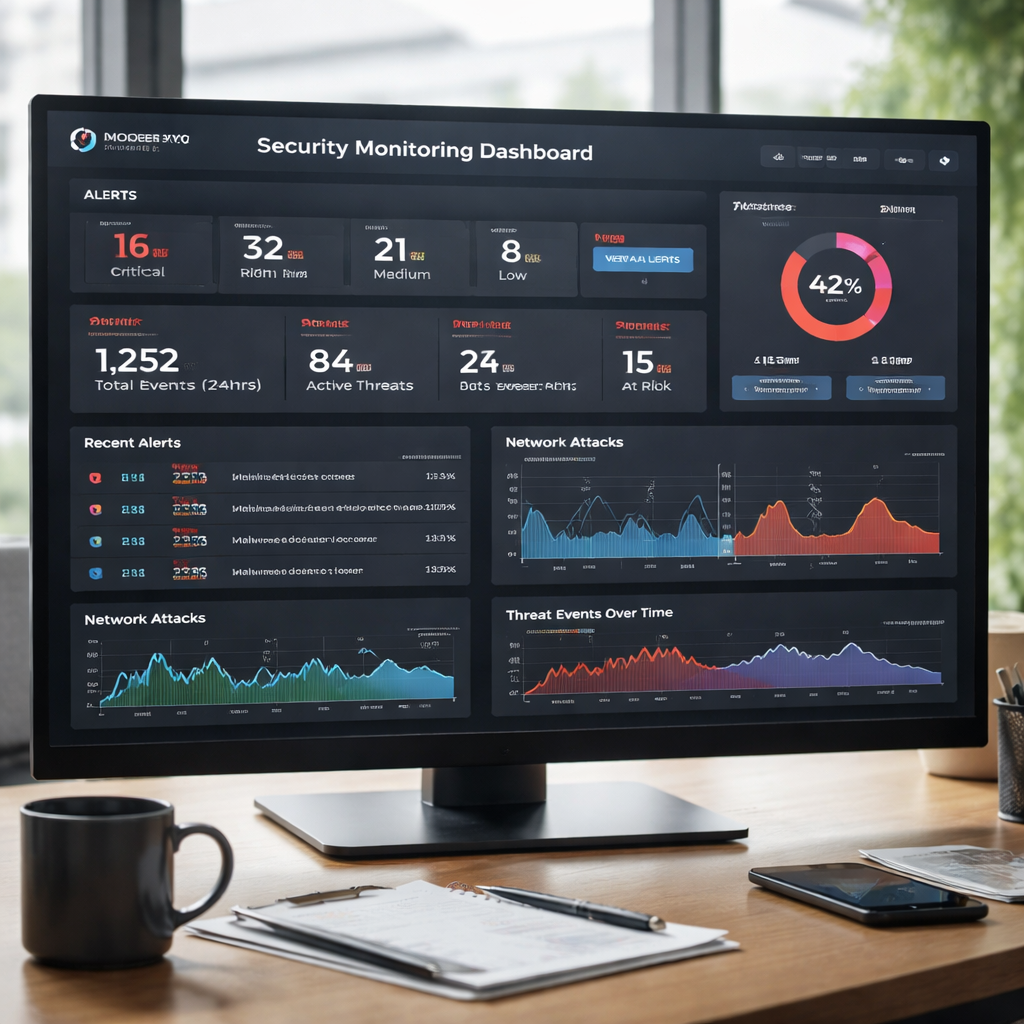
Don’t forget to document every change. Keep a change log that records who made the change, why, and when. This log becomes part of your audit evidence.
If you need help setting up a monitoring pipeline, the Cyber Security Assessment Small Business Monterey Guide 2026 walks through the steps with screenshots.
Finally, tie everything back to compliance. Use the NIST framework to map each control to HIPAA, PCI‑DSS, or California privacy rules that apply to your industry.
Conclusion
Building a Monterey CA IT security audit checklist for SMB may seem like a big project, but breaking it into these five steps makes it manageable. You start by knowing exactly what you own, then you see what could hurt it, rank the risks, write a clear checklist, and finally put the controls in place while watching for new threats.
When you follow this process, you get three big wins: you reduce the chance of a costly breach, you have audit‑ready evidence for regulators, and you give your leadership the confidence to focus on growth instead of firefighting.
Ready to put the plan into action? Contact us for a free consultation and let SRS Networks help you run your Monterey CA IT security audit checklist for SMB with confidence.
FAQ
What is the first thing I should do when starting a Monterey CA IT security audit checklist for SMB?
The first step is to create a full inventory of every device, server, and cloud service you use. Mark each item with its data impact level , high, medium, or low , and note who owns it. A simple spreadsheet works, and it gives you a solid base for the rest of the audit. Once you have the list, you can set scan frequencies that match the risk of each asset.
How often should I run backup testing for my Monterey CA IT security audit checklist for SMB?
Backup testing should happen quarterly. That matches the one of the three controls that actually give a frequency in the research data. Run a full restore on a test system, verify that files are intact, and document the result. Quarterly testing keeps your recovery plan fresh and gives auditors proof that you can recover data.
Do I need a separate tool for vulnerability scanning?
You can start with built‑in tools from Microsoft Security or the free scanners from CISA. These cover Windows, Linux, and cloud services. Scan high‑tier assets weekly and lower‑tier assets monthly. After each scan, map findings to the risk matrix you built in Step 3 and prioritize fixes.
What does NIST have to do with my Monterey CA IT security audit checklist for SMB?
NIST provides a common language for security. The research table shows that 78% of controls cite the NIST Cybersecurity Framework, so aligning your checklist with its Identify, Protect, Detect, Respond, and Recover functions makes compliance easier. It also helps you talk the same language to auditors and insurers.
How can I involve non‑technical staff in the audit?
Use the security awareness training item from the research table. Run a short online module once a year and track completion in your HR system. Include real‑world phishing examples that are relevant to Monterey businesses, like fake invoices from local vendors. When staff understand the risk, they become another layer of defense.
What is the best way to keep the audit checklist up to date?
Treat the checklist as a living document. Add a monthly review meeting where the IT lead walks through new assets, recent findings, and any policy changes. Update the “Evidence” column with fresh logs or screenshots. This habit ensures your Monterey CA IT security audit checklist for SMB stays current and audit‑ready.
Are there any cheap tools for continuous monitoring?
Yes. Microsoft Defender for Endpoint offers a free tier for small businesses that includes basic alerting. There are also open‑source SIEMs like Elastic Stack that you can host on a modest server. Pair them with the alert thresholds from your risk matrix and you have a cost‑effective monitoring loop.
How does the Monterey CA IT security audit checklist for SMB help with compliance?
By mapping each control to NIST, you automatically cover most regulatory requirements , HIPAA for health, PCI‑DSS for payments, and California privacy laws for personal data. The checklist gives you documented proof of controls, test results, and review dates, which auditors love.