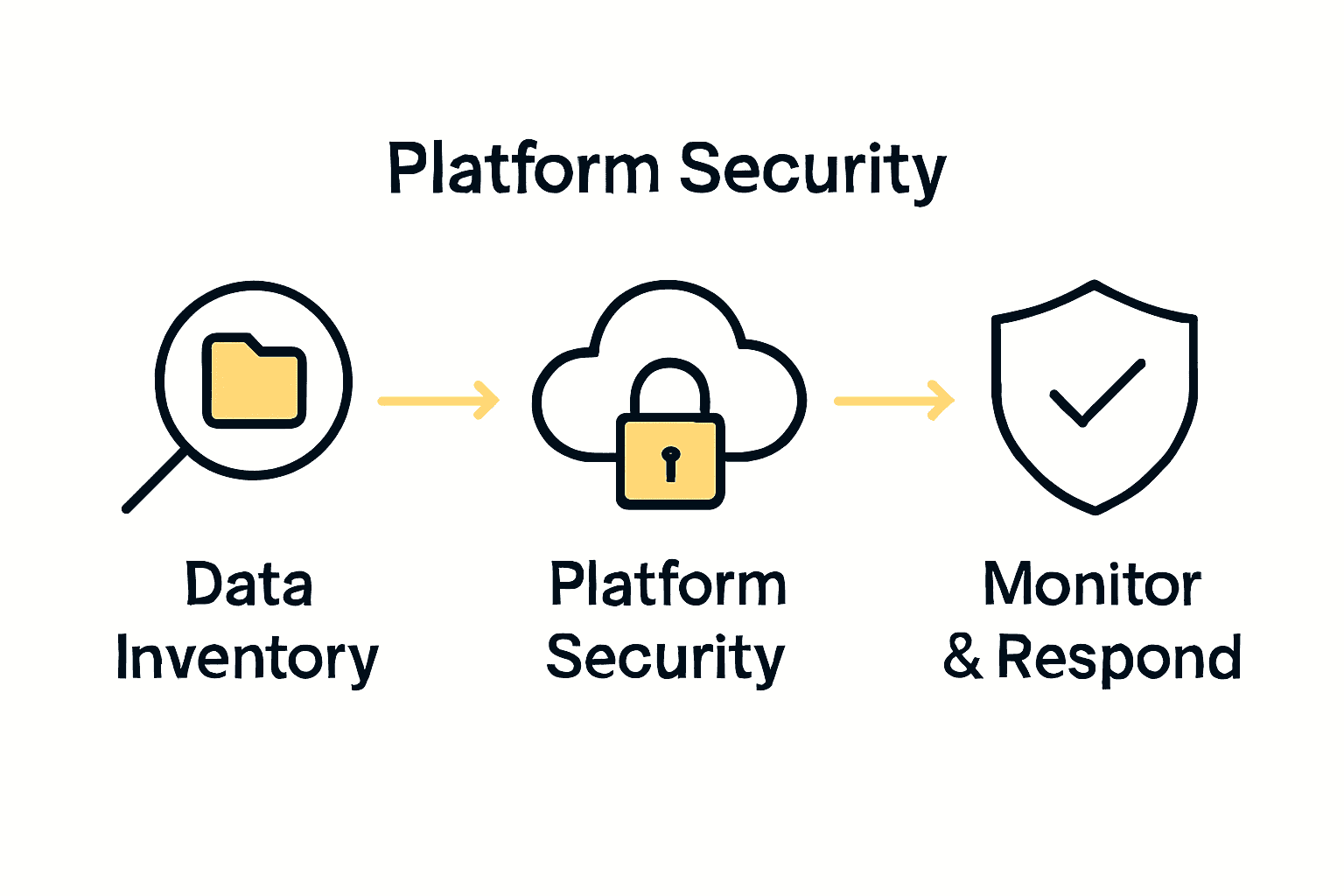
Nearly 60 percent of data breaches can be traced back to poorly protected file sharing. If your business regularly handles sensitive documents, understanding what needs extra protection is critical for preventing leaks and costly compliance failures. Discover practical ways to map, categorize, and safeguard your most valuable information so that every file you share stays secure from prying eyes.
Quick Summary
| Key Point | Explanation |
|---|---|
| 1. Conduct Comprehensive Data Inventory | Identify and categorize sensitive files to determine protection needs and compliance requirements. |
| 2. Select Secure File Sharing Platforms | Choose user-friendly platforms with robust security features that comply with industry regulations. |
| 3. Implement Granular Access Controls | Configure permissions based on job roles to enforce the principle of least privilege and limit access. |
| 4. Ensure Robust Encryption Practices | Use AES 256 encryption for data at rest and in transit to secure sensitive information against breaches. |
| 5. Monitor File Access and Sharing Activities | Establish real-time monitoring and alerts for suspicious access patterns to safeguard sensitive data. |
Table of Contents
- Step 1: Assess Sensitive Data And Sharing Requirements
- Step 2: Select Reliable Secure File Sharing Platforms
- Step 3: Configure User Permissions And Access Controls
- Step 4: Implement Encryption For Files In Transit And At Rest
- Step 5: Test Sharing Processes And Monitor File Access
Step 1: Assess Sensitive Data and Sharing Requirements
When setting up secure file sharing, your first mission is mapping out what sensitive information your business handles and understanding its unique protection requirements. Think of this as creating a digital treasure map that shows exactly where your most valuable data lives and how it needs to be protected.
Start by conducting a comprehensive inventory of your sensitive files. According to research from Tera Cryption, traditional file sharing methods like email attachments can expose organizations to significant risks including accidental data leaks and unauthorized access. You want to categorize documents such as financial reports, legal contracts, client records, and intellectual property.
Break down your sensitive data into clear categories:
Here’s a comparison of common sensitive data categories and their protection requirements:
| Data Category | Typical Examples | Key Protection Needs |
|---|---|---|
| Internal Documents | Business plans Strategy docs |
Access control Confidentiality |
| Customer PII | Names Addresses SSNs |
Compliance (GDPR, HIPAA) Encryption |
| Financial Records | Balance sheets Invoices |
Strict retention policy Audit trails |
| Legal & Compliance Docs | Contracts Policy disclosures |
Regulatory compliance Limited access |
| Proprietary IP | Patents Trade secrets |
Encryption Restricted sharing |
- Confidential internal documents
- Customer personally identifiable information
- Financial records and statements
- Legal and compliance documentation
- Proprietary business strategies
For each category, ask critical questions: What regulatory standards must these files meet? Which team members genuinely need access? How long should these documents be retained?
Pro Tip: Consider consulting your legal and compliance teams during this assessment to ensure you’re covering all regulatory bases.
Research from FileCloud emphasizes that businesses should prioritize privacy focused providers supporting compliance frameworks like HIPAA, ITAR, GDPR, and FIPS. This means your file sharing solution must align with specific industry regulations that govern your sensitive data.
By thoroughly understanding your data landscape, you set the foundation for implementing a secure file sharing strategy that protects your most valuable business information. Your next step will involve selecting appropriate sharing technologies that match these precise requirements.
Step 2: Select Reliable Secure File Sharing Platforms
Now that you understand your sensitive data landscape, it is time to choose a secure file sharing platform that acts like a digital vault for your most critical business information. Your goal is finding a solution that offers robust protection while remaining user friendly and aligned with your specific business needs.
Research from Business News Daily highlights commercial platforms like Citrix ShareFile and Egnyte as strong contenders for business file sharing. These platforms provide comprehensive security features that go far beyond basic file transfer capabilities.
When evaluating potential platforms, focus on these key security requirements:
- 256 bit AES encryption both in transit and at rest
- Robust firewall and antivirus protections
- Remote device wipe capabilities
- Granular folder and user permission controls
- Hybrid cloud support
- Compliance with industry specific regulations
Look for platforms that offer advanced permission management. This means you can control exactly who sees what document and set time limited or role based access. Some platforms allow you to revoke access instantly if an employee leaves or a project concludes.
Pro Tip: Always request a comprehensive security audit document from potential file sharing providers to verify their protection standards.
Consider your teams workflow when selecting a platform. The most secure system is useless if your employees find it too complicated and resort to less secure methods. Seek solutions that balance robust security with intuitive user interfaces.
Your next step involves configuring these platforms with precise access controls and training your team on secure file sharing protocols. The right platform combined with smart usage practices will create a formidable defense for your sensitive business data.
Step 3: Configure User Permissions and Access Controls
With your secure file sharing platform selected, you are now ready to build an ironclad access system that protects your sensitive information while enabling smooth team collaboration. This step is about transforming your platform into a smart security fortress that knows exactly who should see what and when.
According to research from FileCloud, effective permission configuration requires granular role based controls that give administrators precise oversight of file interactions. Imagine creating a digital office where each team member has a custom keycard granting them access only to the specific rooms and documents they need.
Implement the principle of least privilege by mapping out clear access tiers:
- View only access for general information
- Edit permissions for project specific documents
- Full administrative control for leadership team
- Restricted external sharing capabilities
Research from Scalefusion recommends developing role based access control (RBAC) that matches each users organizational responsibilities. This means carefully designing permission sets that align with job functions rather than granting blanket access.
Pro Tip: Regularly audit and update user permissions quarterly to ensure they reflect current team structures and project needs.
Consider implementing time limited access features like auto expiring links for sensitive documents. This approach ensures that temporary collaborators or external contractors can only access files during specific project windows.
Your next step involves training your team on these new access protocols and establishing clear guidelines for secure file handling. By creating a culture of mindful information sharing, you transform your technical controls into a comprehensive security strategy.
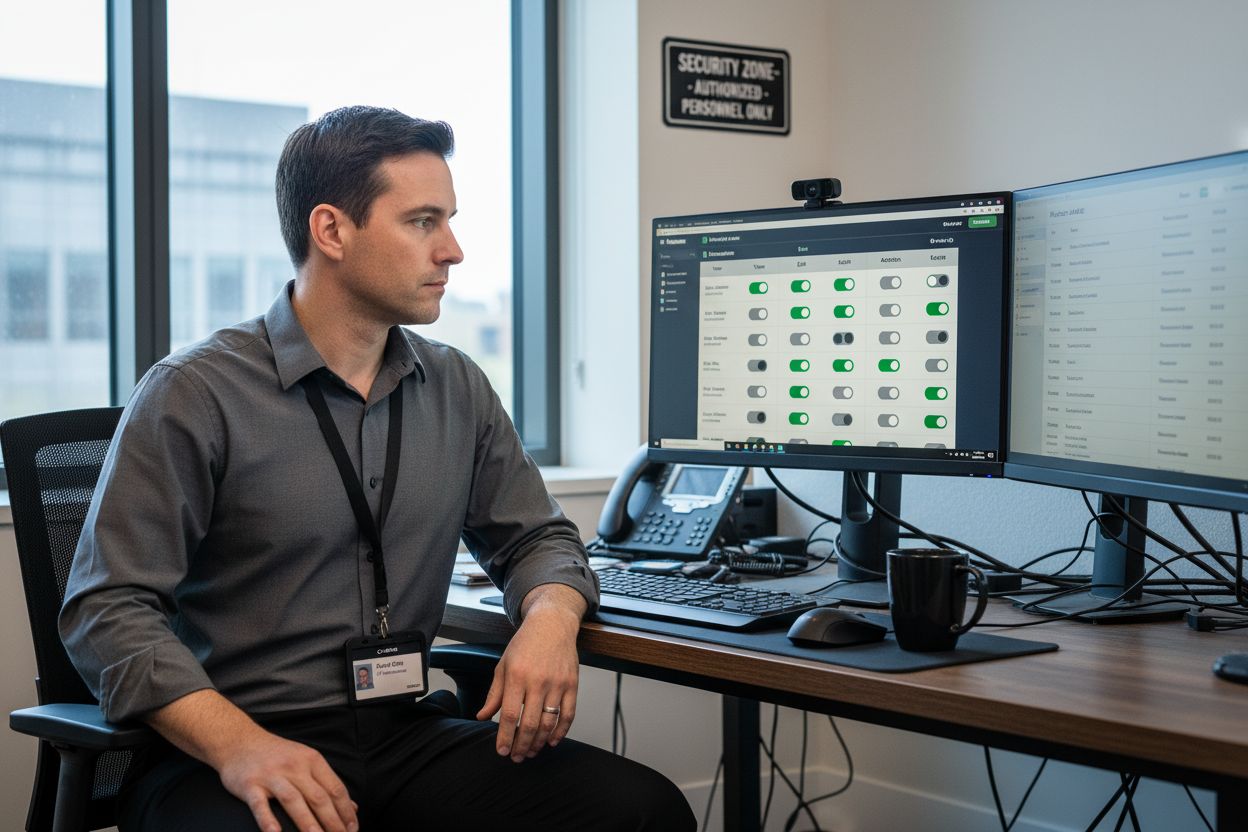
Step 4: Implement Encryption for Files in Transit and at Rest
With your access controls established, the next critical step is implementing robust encryption that transforms your sensitive files into an unreadable fortress. Think of encryption as a complex digital lock that scrambles your data so thoroughly that even if someone intercepted it, they would see nothing but meaningless code.
Research from FileCloud reveals sophisticated encryption strategies using advanced methods like AES 256 bit encryption both for files stored on servers and during transmission. This means your data remains protected whether it is sitting in storage or moving between devices and networks.
Focus on implementing comprehensive encryption across multiple layers:
- Encryption for files while stored (at rest)
- Encryption for files during transmission (in transit)
- Strong authentication protocols
- Client side encryption options
According to research from PureVPN, secure file sharing requires multiple encrypted transport methods. Consider using protocols like SFTP for large file transfers, VPNs with AES 256 encryption, and secure email protocols such as S MIME and PGP.
Pro Tip: Explore bring your own key (BYOK) models that give you complete control over encryption keys and ensure only authorized users can decrypt sensitive information.
Consider implementing zero knowledge encryption models where even your file sharing platform cannot access the actual contents of your files. This provides an additional layer of security that protects your most sensitive business information from potential internal or external breaches.
Your next step involves creating a comprehensive encryption policy that outlines exactly how and when different encryption methods will be applied across your organization. This transforms encryption from a technical requirement into a strategic business protection mechanism.
Step 5: Test Sharing Processes and Monitor File Access
With your encryption and permission systems in place, it is time to become a digital detective tracking every movement of your sensitive files. Think of this step as installing sophisticated security cameras that monitor your information highways and alert you to any suspicious activity.
Research from FileCloud emphasizes the critical importance of real time monitoring and comprehensive audit trails. Your goal is to create a system that not only protects files but provides complete visibility into how those files are accessed, shared, and potentially misused.
Set up robust monitoring protocols that track key file interactions:
- Timestamp of file access
- User identity who accessed the file
- Type of action performed (view, download, edit)
- Location of access
- Device used for access
According to research from Data Rooms UK, your monitoring strategy should include flags for unusual behaviors. This means creating alerts for scenarios like multiple rapid downloads, access from unfamiliar geographic regions, or login attempts outside standard working hours.
Pro Tip: Configure automated notifications that immediately alert your security team about potential unauthorized access attempts.
Conduct periodic simulated file sharing scenarios to test your systems resilience.
 This might involve creating mock sensitive documents and tracking how different team members interact with them under various permission scenarios.
Your final step involves developing a responsive incident response protocol. Know exactly what steps your team will take if suspicious activity is detected ensuring you can quickly shut down potential security breaches before they escalate.
Protect Your Sensitive Business Files with Local Expertise
Is your team relying on basic file sharing methods that leave your sensitive data at risk? The article you just read outlines the dangers of unsecured sharing, the need for robust encryption, and the importance of real-time file monitoring. Many businesses in the Monterey Bay Area struggle with strict compliance standards, evolving cyber threats, and the challenge of balancing collaboration with security. If you want peace of mind that your confidential files are protected with the right technology and local support, SRS Networks can help.
Take control of your business file security today. Partner with SRS Networks and get customized, compliant, and easy-to-use secure file sharing solutions tailored for your team. Visit our main site now to schedule a free security assessment and discover how we can make your collaboration safer and smarter. Your data deserves the highest level of protection—reach out before vulnerabilities become breaches.
Frequently Asked Questions
What are the key categories of sensitive data to protect during file sharing?
Understanding the key categories of sensitive data is crucial for secure file sharing. Common categories include internal documents, customer personally identifiable information (PII), financial records, legal and compliance documents, and proprietary intellectual property. Start by inventorying your data and categorizing it to determine the specific protection needs for each type.
How can I choose the right secure file sharing platform for my business?
To choose the right secure file sharing platform, focus on features like encryption, firewall protections, and user permission controls. Assess platforms that support compliance with regulations relevant to your data and ensure they are user-friendly to avoid complicating your team’s workflow. Evaluate at least three platforms and shortlist them based on your specific security requirements.
What steps should I take to configure user permissions effectively?
To configure user permissions effectively, apply the principle of least privilege by defining clear access tiers for different users based on their roles. Implement role-based access control (RBAC) that aligns permissions with job functions, ensuring regular audits every three months to reflect current team needs. Make these audits a routine part of your security protocol.
How can I implement encryption for files shared both in transit and at rest?
To implement encryption, use AES 256-bit encryption for files both in transit and at rest. Establish strong authentication protocols and consider options like client-side encryption for added security. Create and distribute an encryption policy within 30 days to ensure all team members understand how and when to use these methods.
What monitoring practices can enhance file sharing security?
Enhance file sharing security by setting up monitoring protocols that track file access details such as timestamp, user identity, and type of action performed. Create alerts for unusual access patterns, and conduct simulated file sharing tests quarterly to evaluate system resilience. Regularly review monitoring reports to identify any suspicious activities swiftly.