

Every Salinas SMB worries about a breach. A single hack can shut down sales, ruin reputation, and break compliance rules. That fear is real, and the right assessment checklist can give you a clear view of where you stand and what to fix.
In this article you’ll see a short list of assessment options, learn what each covers, and get practical tips to pick the one that fits your budget and risk profile. Let’s get into it.
1. SRS Networks Cybersecurity Assessment (Our Pick) , Complete SMB Protection
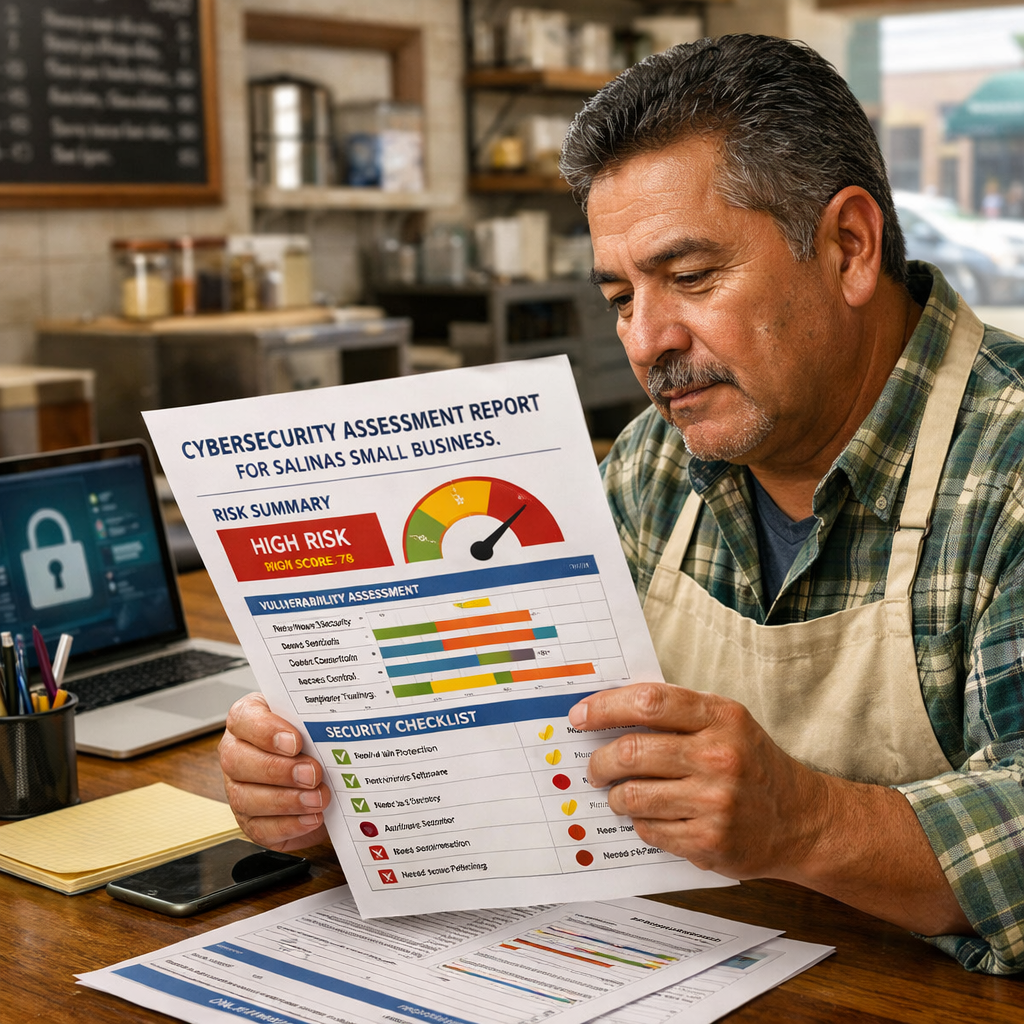
SRS Networks is the only Salinas MSP that promises a 100% confidential, vendor‑focused assessment. The review looks at cyber controls, financial stability of any third‑party vendors, and even insurance coverage. That breadth lets you see hidden risk that other providers skip.
The assessment starts with a full inventory of devices, apps, and data stores. It then maps each asset to a risk score based on likelihood of attack and impact on your business. You get a clear report that shows the top three vulnerabilities, a prioritized remediation plan, and a compliance gap analysis that covers HIPAA, NIST, and banking‑related regulations.
Why does this matter for a small firm? Imagine a dental office that stores patient records on an old server. The SRS report will flag the server’s missing patches, recommend a move to a cloud‑backed solution, and even check that the server’s vendor still carries cyber‑insurance. The office can then budget for the upgrade before a regulator steps in.
Clients also get a one‑page incident‑response playbook that names who calls who, how to isolate the affected system, and how to preserve evidence. The playbook is tested in a tabletop drill that SRS runs each quarter.
The assessment costs are clear up front. SRS provides a flat‑rate quote that matches the size of your environment, so you avoid surprise invoices. The quote includes quarterly health checks that keep the security posture up to date.
When you compare SRS to other local providers, the confidentiality promise and vendor‑risk focus stand out. Most competitors hide their methodology or leave pricing blank, which makes budgeting a guessing game.
Bottom line: For Salinas SMBs that need depth, transparency, and a clear remediation roadmap, SRS Networks is the top choice.
2. SecureTech SMB Cybersecurity Audit , Affordable Risk Review
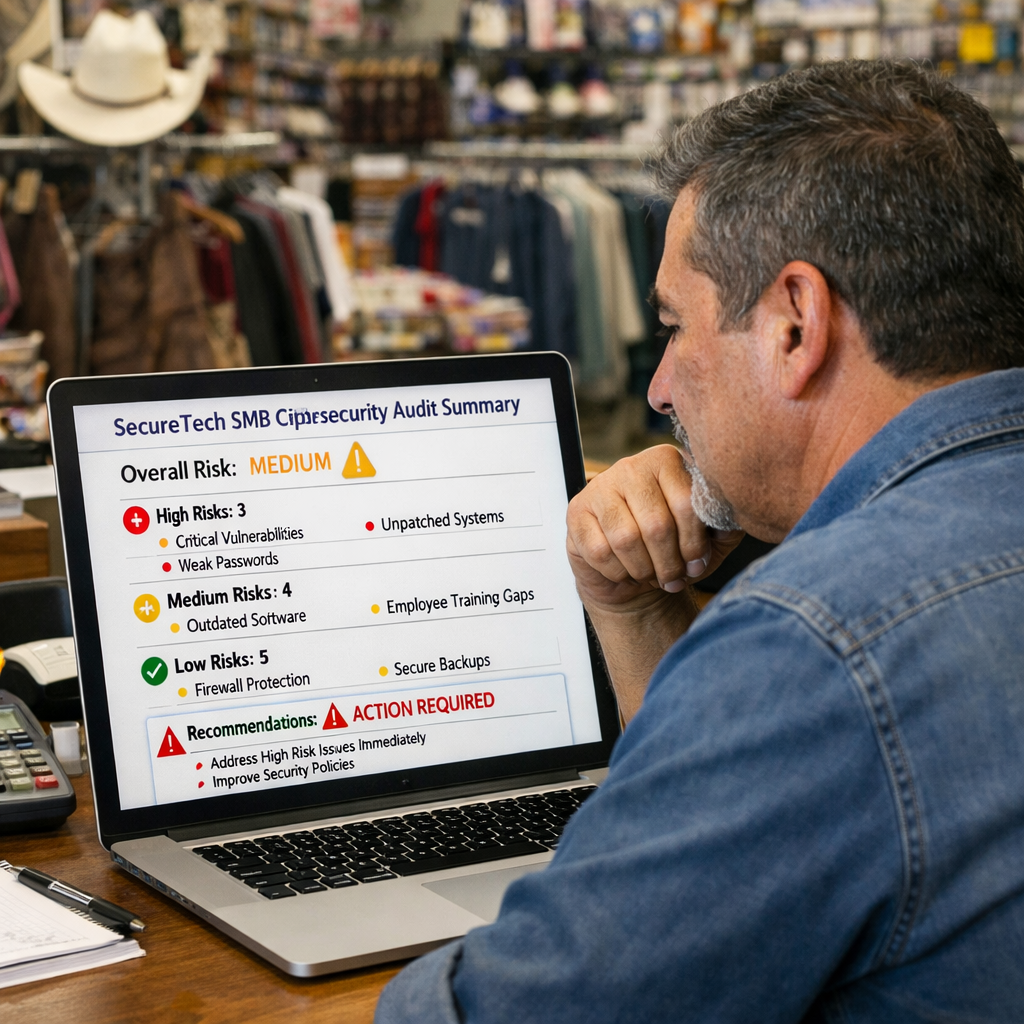
SecureTech offers a simplifyd audit that fits tighter budgets. The focus is on the core technical controls: firewalls, patch management, endpoint protection, and multi‑factor authentication. It doesn’t dive into vendor financials, but it gives you a fast health check that you can act on within weeks.
The audit begins with a remote scan of your network. SecureTech’s tool flags open ports, outdated software, and weak passwords. After the scan, a security analyst reviews the findings and produces a three‑page report that lists high‑risk items first.
One practical example: a boutique accounting firm in Salinas used SecureTech’s audit and discovered that their accounting software was still running on an unsupported OS. The report recommended upgrading to a supported version and adding MFA for remote access. The firm fixed the issue in two days, avoiding a potential ransomware entry point.
SecureTech also includes a basic compliance checklist that covers the most common standards for SMBs, HIPAA for health‑related data, PCI‑DSS for payment processing, and basic NIST controls. While not as deep as SRS, the checklist helps you know which controls are missing.
The price model is simple: a one‑time fee based on the number of devices, plus an optional monthly monitoring add‑on. That makes it easy to budget without hidden costs.
SecureTech’s team works remotely, so you don’t need a local visit unless you request one. That can save travel time for businesses that operate from multiple sites across Monterey County.
Because the audit is focused, you get clear, actionable steps without a lengthy report. For a small retail shop that just wants to know if its Wi‑Fi is safe, SecureTech provides exactly that.
When you , look for the “Next Steps” section. It breaks each finding into a short sentence, a risk rating, and a suggested fix. Follow those steps in order and you’ll raise your security posture quickly.
“A short, focused audit can give you the most bang for your buck when you’re just starting out.”
Bottom line: SecureTech is a solid, affordable option for SMBs that need a fast technical health check without deep vendor risk analysis.
Buyer’s Checklist , What to Look For in a Cybersecurity Assessment
Before you sign up, run through this quick list. It will help you compare any provider, including the two above.
- Scope: Does the assessment cover devices, apps, data, and third‑party vendors?
- Methodology: Is there a clear step‑by‑step process, or is it vague?
- Deliverables: Look for an executive summary, detailed findings, and a remediation roadmap.
- Compliance: Does the provider map findings to standards you need (HIPAA, NIST, PCI‑DSS)?
- Pricing: Is the cost transparent up front?
- Confidentiality: Will your data be kept private?
Match each point against what matters most for your business. If a provider ticks most boxes, you’re likely making a safe bet.
Bottom line: Use this checklist to avoid hidden fees and incomplete reviews.
What is a cybersecurity assessment checklist?
A checklist is a step‑by‑step list of security items you should review. It helps you see gaps and plan fixes. For Salinas small businesses, the Small Business Cybersecurity Checklist includes asset inventory, patch status, MFA enforcement, backup verification, and vendor risk review.
Following a checklist keeps you organized and shows auditors that you have a repeatable process.
How often should I run an assessment?
Run a full assessment at least once a year, or whenever you add a major system, change a cloud service, or after a major incident. Quarterly mini‑reviews of high‑risk items keep you ahead of attackers.
Do I need a third‑party assessment?
Third‑party eyes catch blind spots you might miss. They also provide an unbiased report you can show to regulators or insurers.
What compliance frameworks are most relevant?
For Salinas SMBs, the most common frameworks are HIPAA for health data, PCI‑DSS for payment data, and the NIST Cybersecurity Framework for overall risk management. Aligning your assessment with these standards simplifies audits.
Can I do a DIY assessment?
You can start with a simple inventory and use free tools for scanning. However, a professional assessment adds depth, especially for vendor risk and compliance mapping.
What should I do after receiving the report?
Prioritize the high‑risk findings, assign owners, and set deadlines. Track progress in a shared document and schedule a follow‑up review.
How do I measure improvement?
Use the same risk scoring matrix from the initial assessment. Compare scores after remediation to see how much risk you reduced.
Where can I find free resources?
The U.S. Cybersecurity & Infrastructure Security Agency (CISA) offers a free small‑business checklist that you can adapt. CISA’s official guide is a solid starting point.
What role does vendor financial health play?
Weak vendors can expose you to breach risk. SRS Networks includes a vendor‑financial review that looks at insurance coverage and solvency, which many other providers skip.
Conclusion
Choosing the right assessment checklist is a big decision for any Salinas SMB. You need depth, clear pricing, and a roadmap you can trust. SRS Networks delivers a full‑scope, confidential review that covers cyber controls, vendor health, and compliance in one package. SecureTech gives you a fast, affordable technical audit that’s perfect for businesses that want to start small.
Use the buyer’s checklist above to compare any other offers you see. Make sure the provider spells out what they will check, how they score risk, and what deliverables you’ll get. Transparency on pricing and methodology saves you time and money.
Remember that an assessment is just the first step. The real value comes from acting on the findings, tracking progress, and repeating the process regularly. By staying proactive, you protect your data, keep customers happy, and avoid costly compliance penalties.
Ready to see where your business stands? Contact SRS Networks for a no‑obligation consultation and get a clear view of your cyber risk today.






